Alcatel 1b 2022
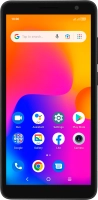
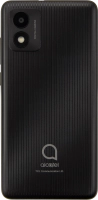




Selecting ring tone
You can select the ring tone you want to hear when you get a call.
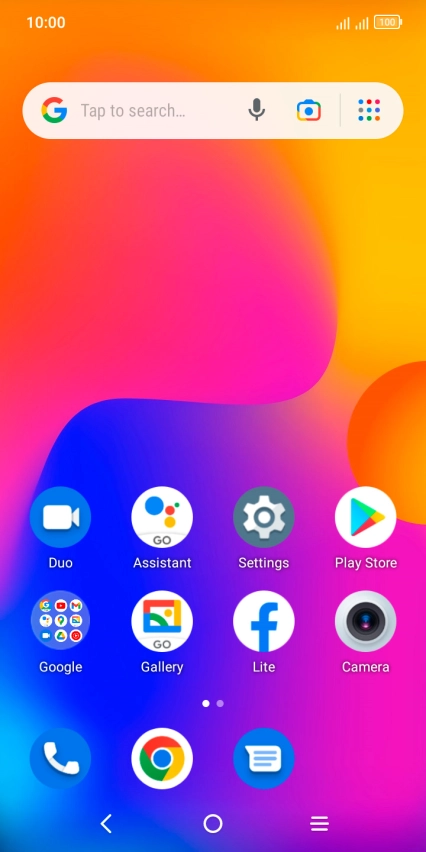
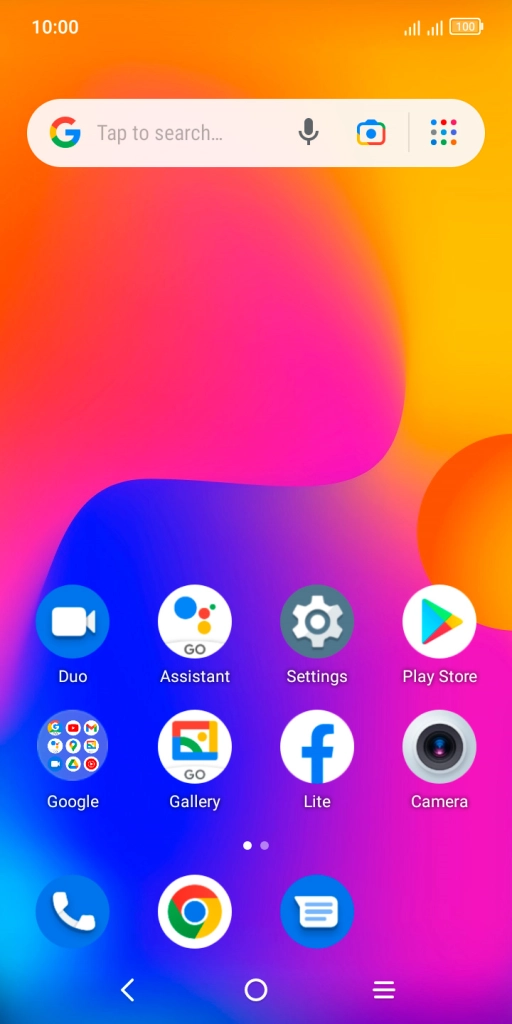
Slide two fingers downwards starting from the top of the screen.
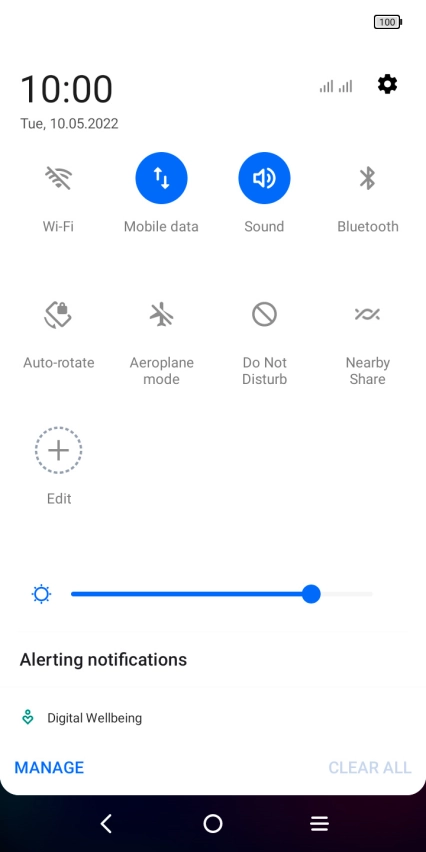
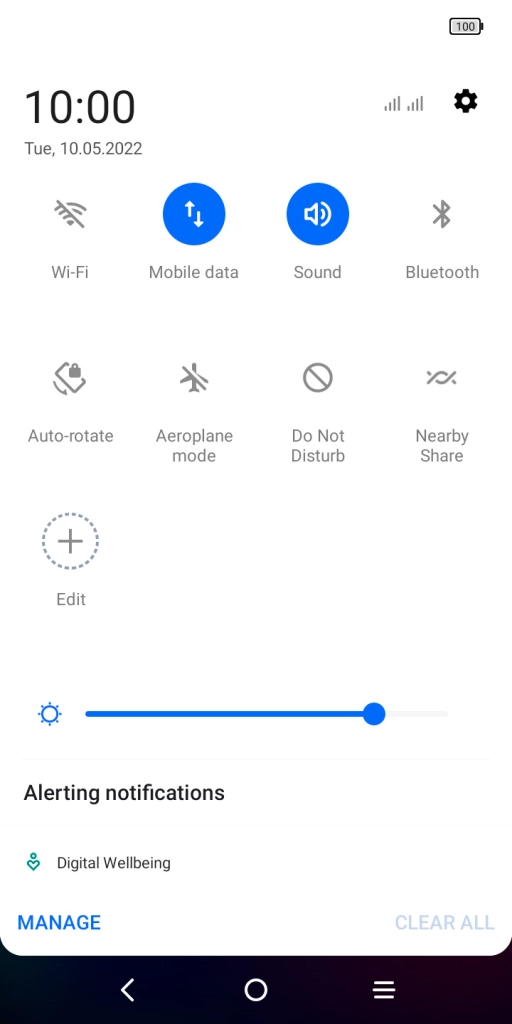
Press the settings icon.


Press Sound & vibration.


Press Phone ringtone & vibrate.


Press the required SIM.
Press Custom ringtone.


Press the required ring tones to hear them.


Once you've found a ring tone you like, press DONE.


Press the Home key to return to the home screen.