Help
Device guides
EE
Smart Hub Pro

EE Smart Hub Pro

Mac OS Sonoma
Windows 11
f-47e554b3-75c1-4487-b308-fc1cedee894a
f-76018886-9f8e-4db5-a990-aa003e19bfcc
f-52b50695-b922-4bf8-9b01-e372ed226696
f-fd8bd09b-dd62-4229-a858-eed4e940b9c9
f-f92d5337-512b-4fa9-bd04-3a9cbafc70de
  • Device home
  • Getting started
  • Basic functions
  • Connectivity
  • Device home
  • Getting started
  • Basic functions
  • Connectivity

Restarting your router

If your internet connection is slow or doesn't work as it usually does, it may help restarting your router.
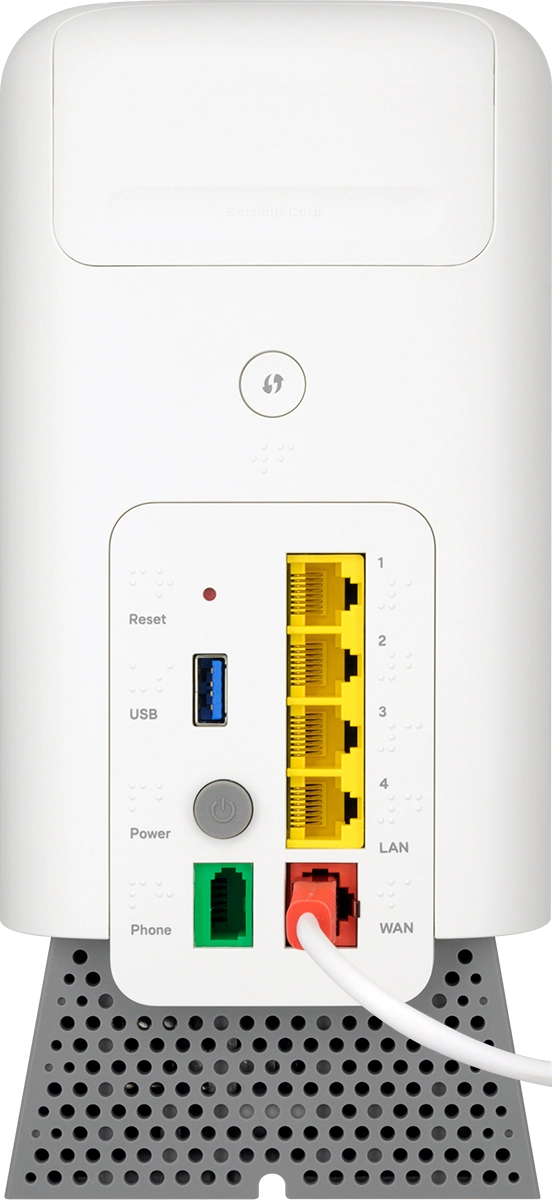
Press On/Off to turn off your router.
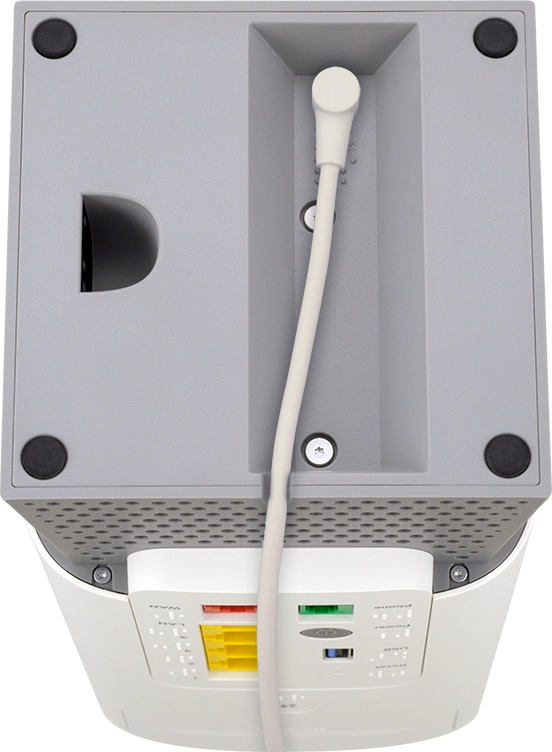
Step 1 of 4

Press On/Off to turn off your router.

Disconnect the power supply from the power plug. Wait for 30 seconds.
Step 2 of 4

Disconnect the power supply from the power plug. Wait for 30 seconds.

Connect the power supply to the power plug.
Step 3 of 4

Connect the power supply to the power plug.

Press On/Off to turn on your router. It may take several minutes for your router to re-establish the internet connection.
Step 4 of 4

Press On/Off to turn on your router. It may take several minutes for your router to re-establish the internet connection.

Get information on...

Or choose...

Show more