Help
Device guides
EE
Smart Hub Pro

EE Smart Hub Pro

Windows 11
Mac OS Sonoma
f-47e554b3-75c1-4487-b308-fc1cedee894a
f-76018886-9f8e-4db5-a990-aa003e19bfcc
f-52b50695-b922-4bf8-9b01-e372ed226696
f-fd8bd09b-dd62-4229-a858-eed4e940b9c9
f-f92d5337-512b-4fa9-bd04-3a9cbafc70de
  • Device home
  • Getting started
  • Basic functions
  • Connectivity
  • Device home
  • Getting started
  • Basic functions
  • Connectivity

It's not possible to use my router as a Wi-Fi hotspot

Solution 4 of 5: Your router has been set up incorrectly

If your internet connection is slow or doesn't work as it usually does, it may help to restore the factory default settings. Please note that all settings in your router are deleted during this process. Remember, you need to establish a connection to the router web interface.
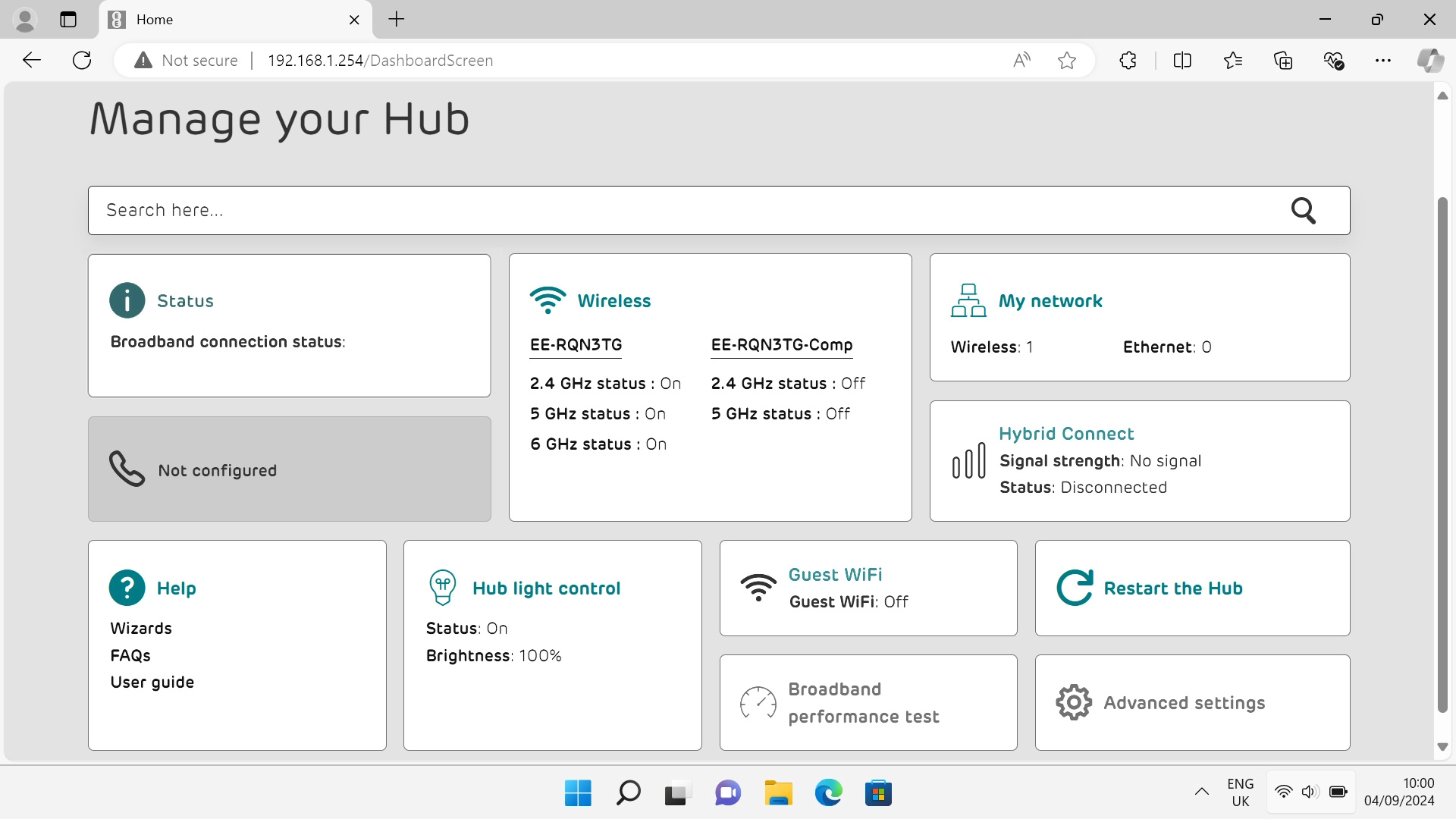
Click Advanced settings.
Step 1 of 5

Click Advanced settings.

Click System and, if required, follow the instructions on the screen to key in the administrator password.
Step 2 of 5

Click System and, if required, follow the instructions on the screen to key in the administrator password.

Click Reset.
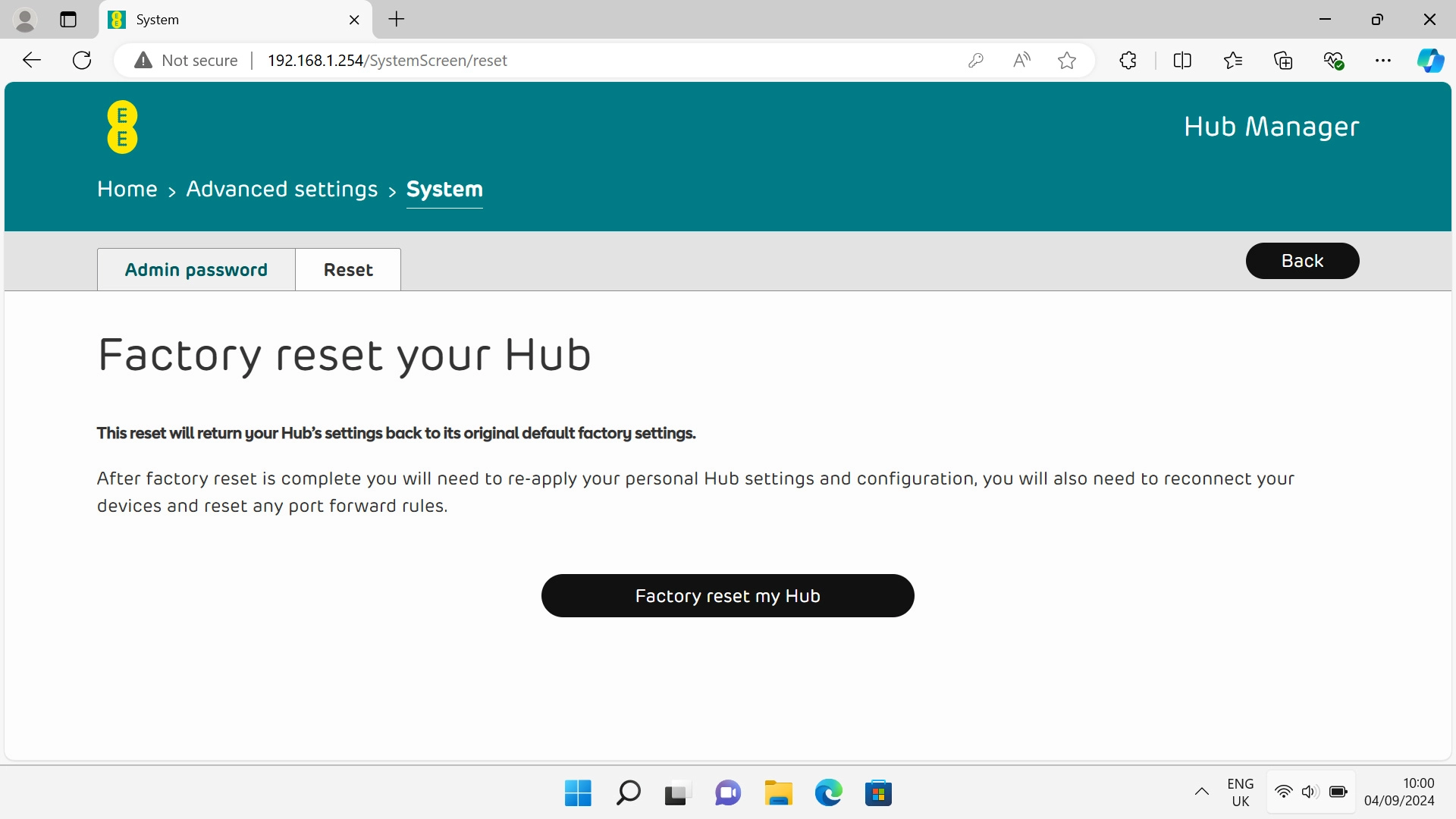
Click Reset.
Step 3 of 5

Click Reset.

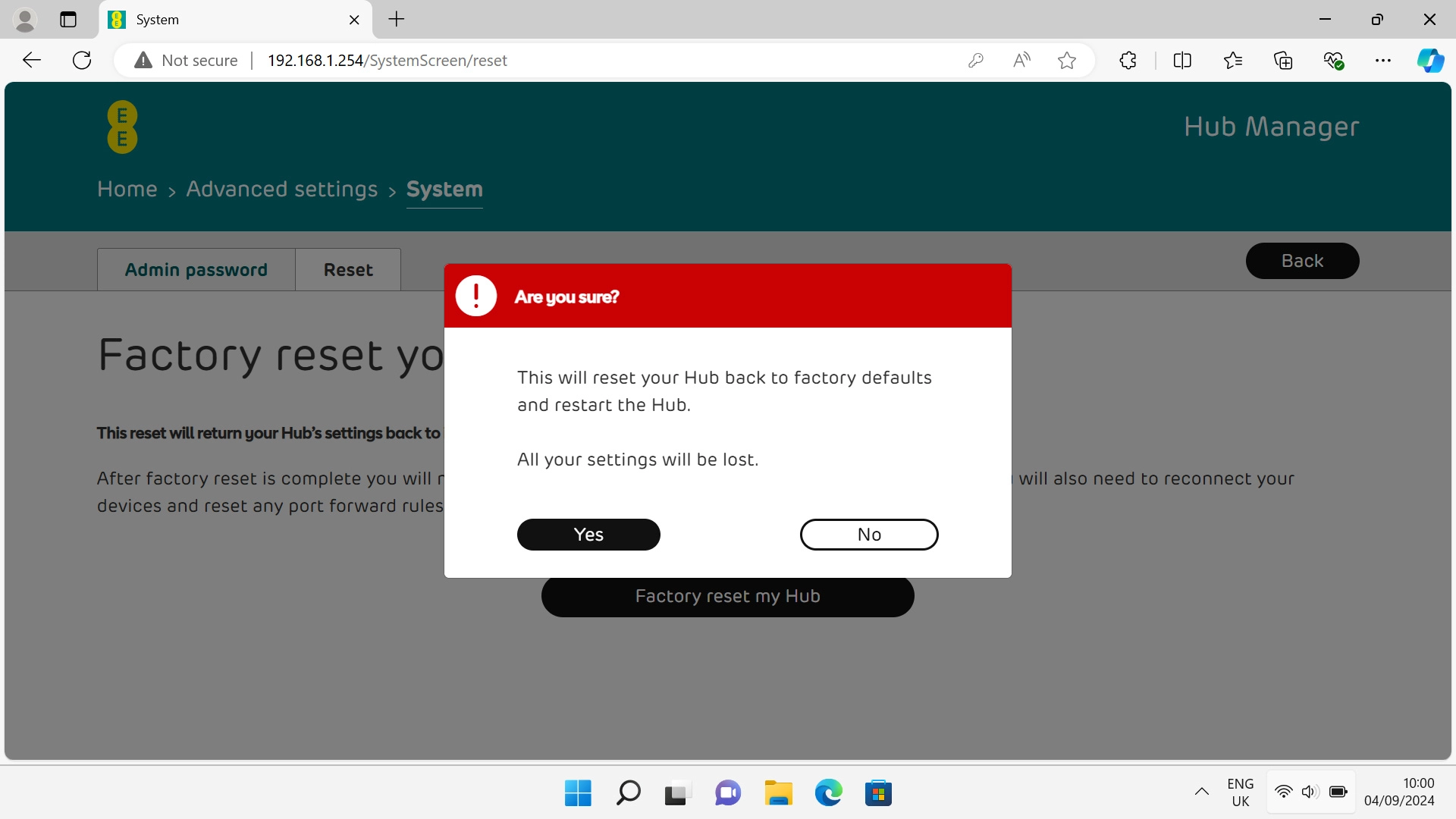
Click Factory reset my Hub.
Step 4 of 5

Click Factory reset my Hub.

Click Yes and wait while your router restores the factory default settings.
Step 5 of 5

Click Yes and wait while your router restores the factory default settings.


Did this solve your problem?

Yes No

Get information on...

Or choose...

Show more