Help
Device guides
EE
TV Box Mini

EE TV Box Mini

f-2ec65afa-7bf3-4726-915b-400dc37fa6c4
f-6456bcbf-c372-4e98-a1cd-969f0af566aa
  • Device home
  • Getting started
  • Functions
  • Settings
  • Device home
  • Getting started
  • Functions
  • Settings

Buying or renting movies

You can buy and rent movies using VOD (Video on Demand). Once you've bought a movie, you can watch it whenever you like and as many times as you like. Once you've rented a movie, you can watch it as many times as you like within a limited time period.
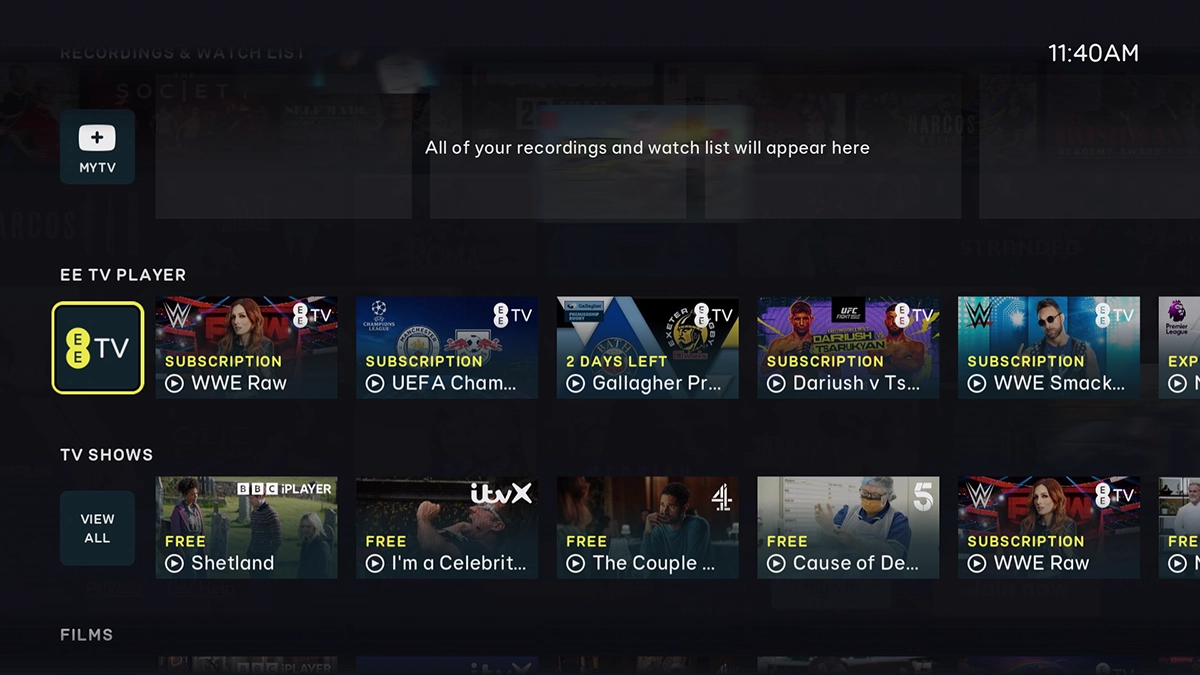
Highlight EE TV.
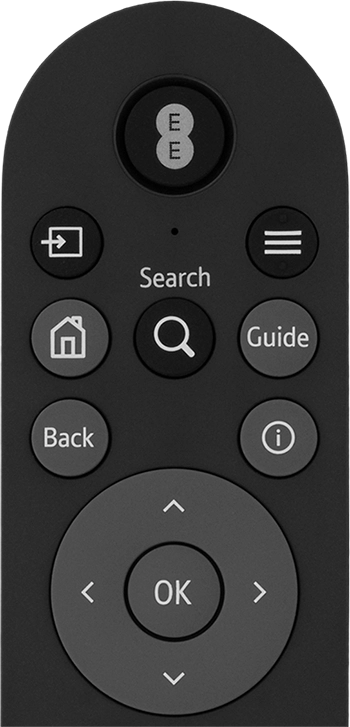
Highlight EE TV.
Step 1 of 15

Highlight EE TV.

Press OK.
Press OK.
Step 2 of 15

Press OK.

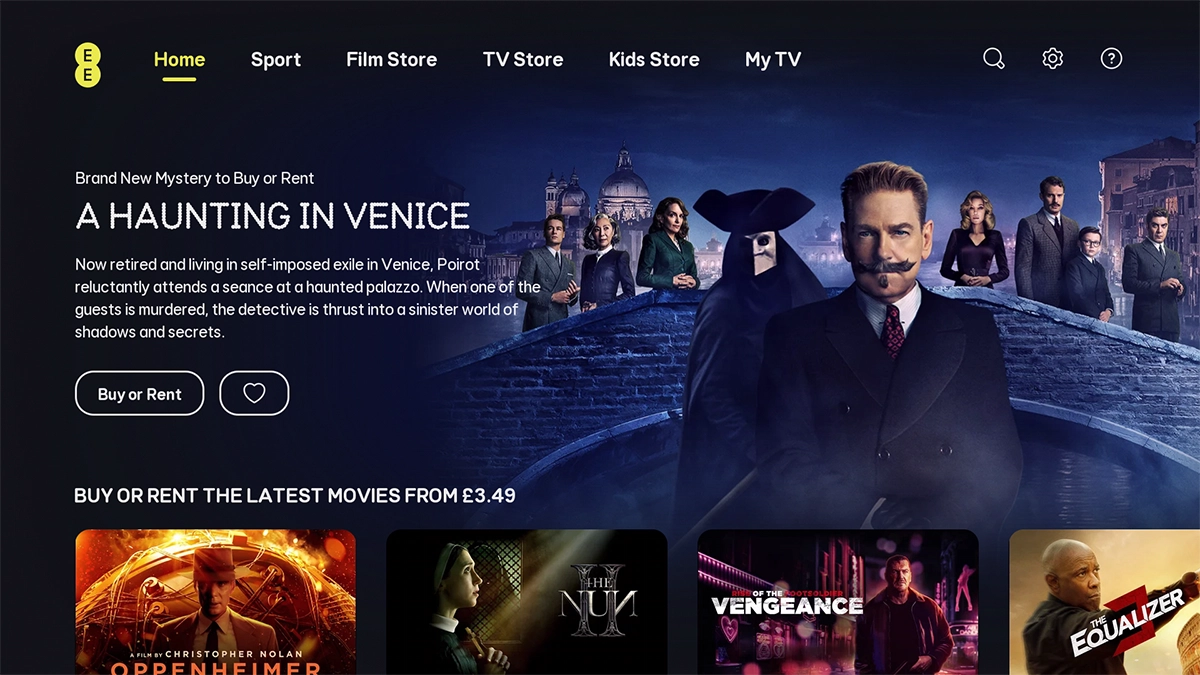
Highlight Film Store.
Step 3 of 15

Highlight Film Store.

Press OK.
Press OK.
Step 4 of 15

Press OK.

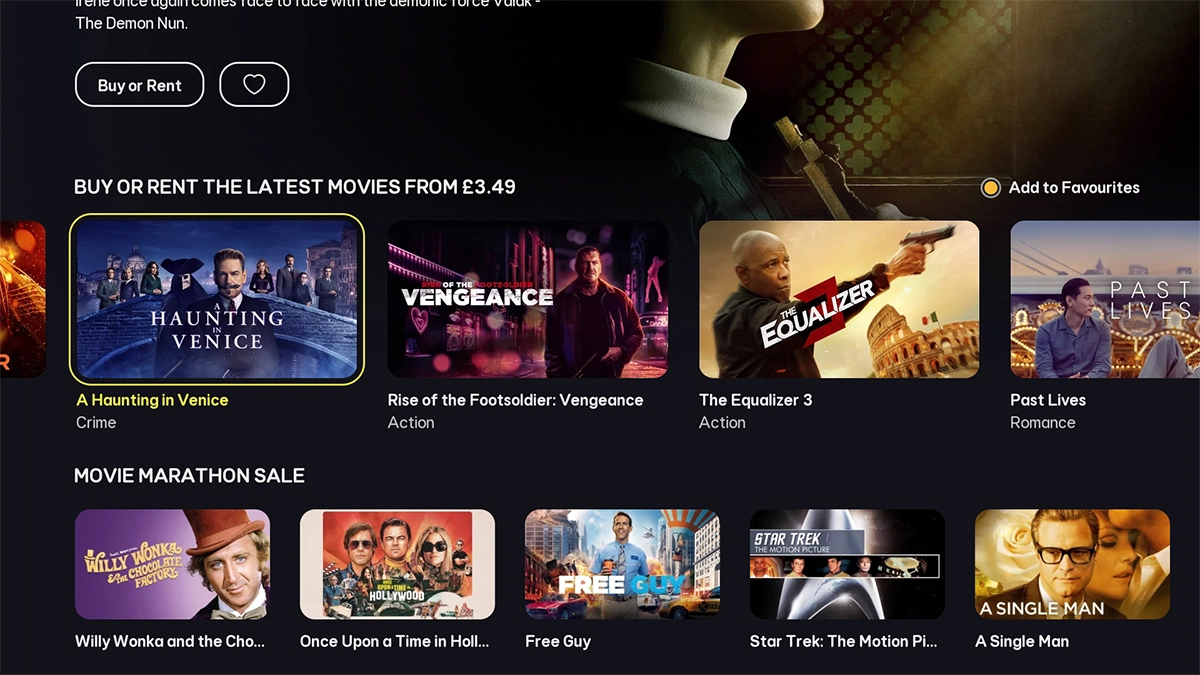
Go to the required category and highlight the required movie.
Step 5 of 15

Go to the required category and highlight the required movie.

Press OK.
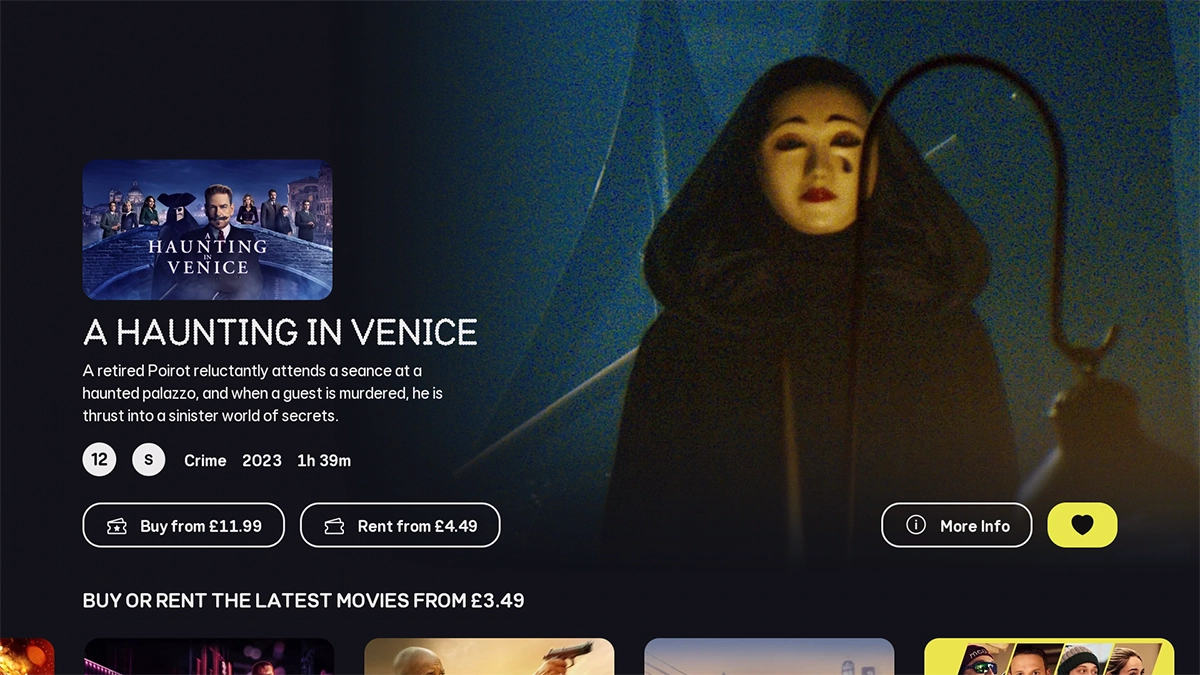
Press OK.
Step 6 of 15

Press OK.

Highlight the heart icon.
Step 7 of 15

Highlight the heart icon.

Press OK to add the movie to your personal list.
Step 8 of 15

Press OK to add the movie to your personal list.

Highlight the heart icon.
Step 9 of 15

Highlight the heart icon.

Press OK to remove the movie from your personal list.
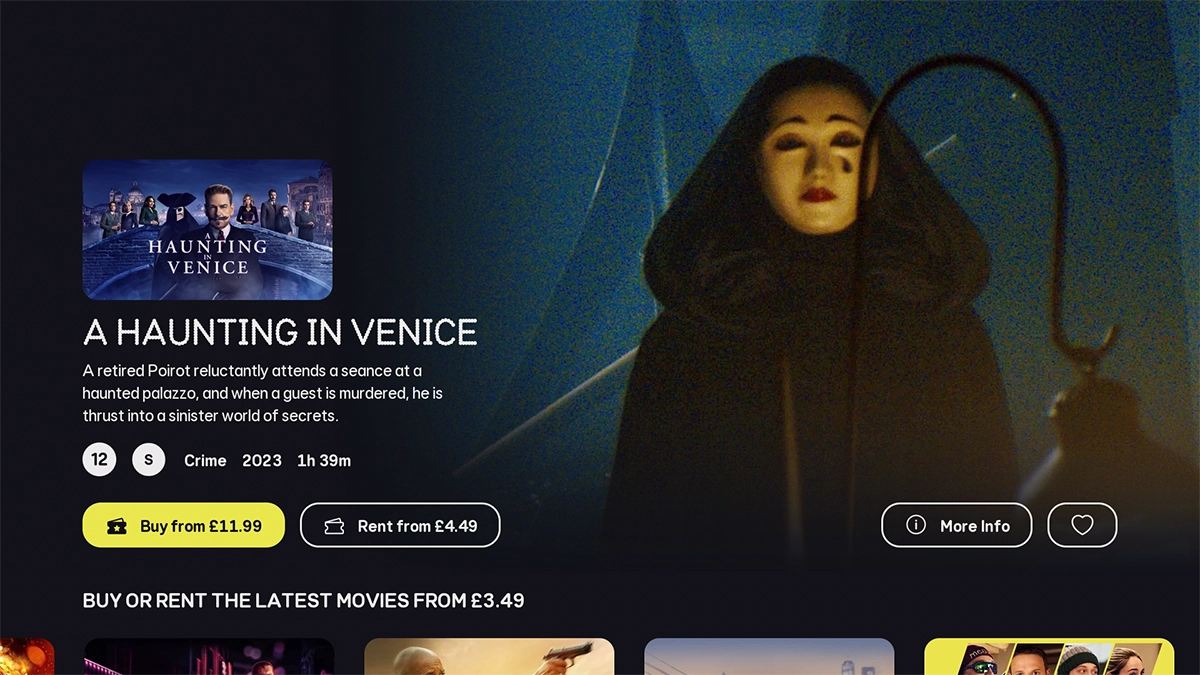
Step 10 of 15

Press OK to remove the movie from your personal list.

Highlight the required setting.
Step 11 of 15

Highlight the required setting.

Press OK.
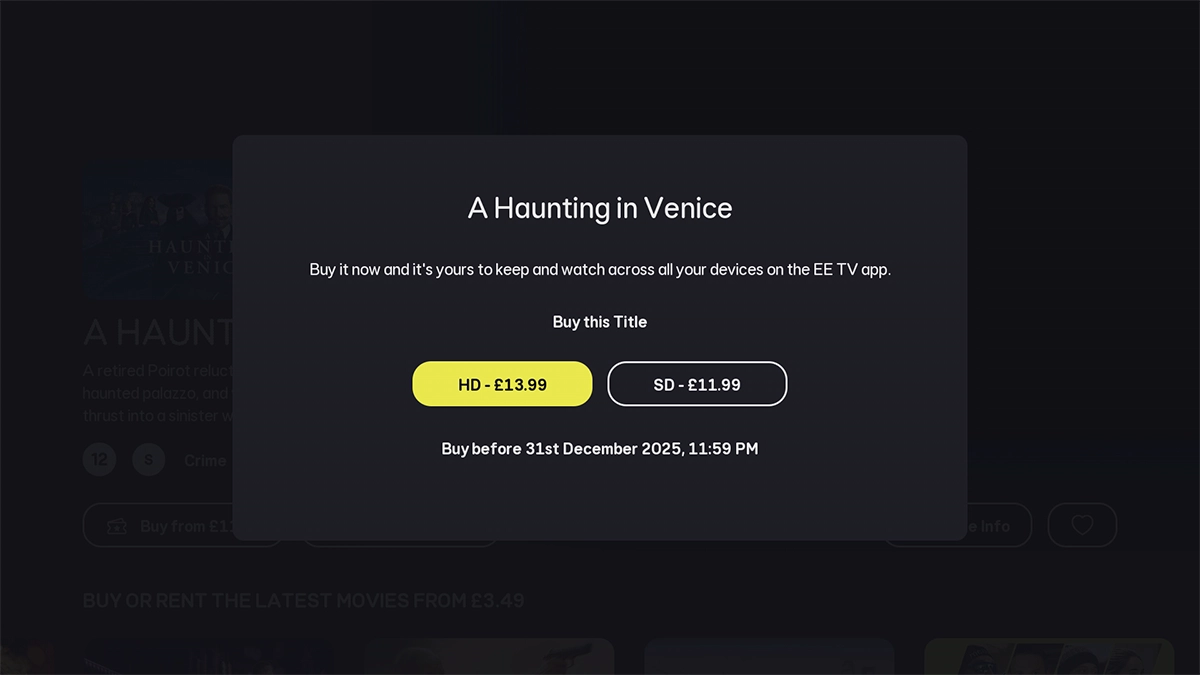
Press OK.
Step 12 of 15

Press OK.

Highlight the required setting.
Step 13 of 15

Highlight the required setting.

Press OK.
Press OK.
Step 14 of 15

Press OK.

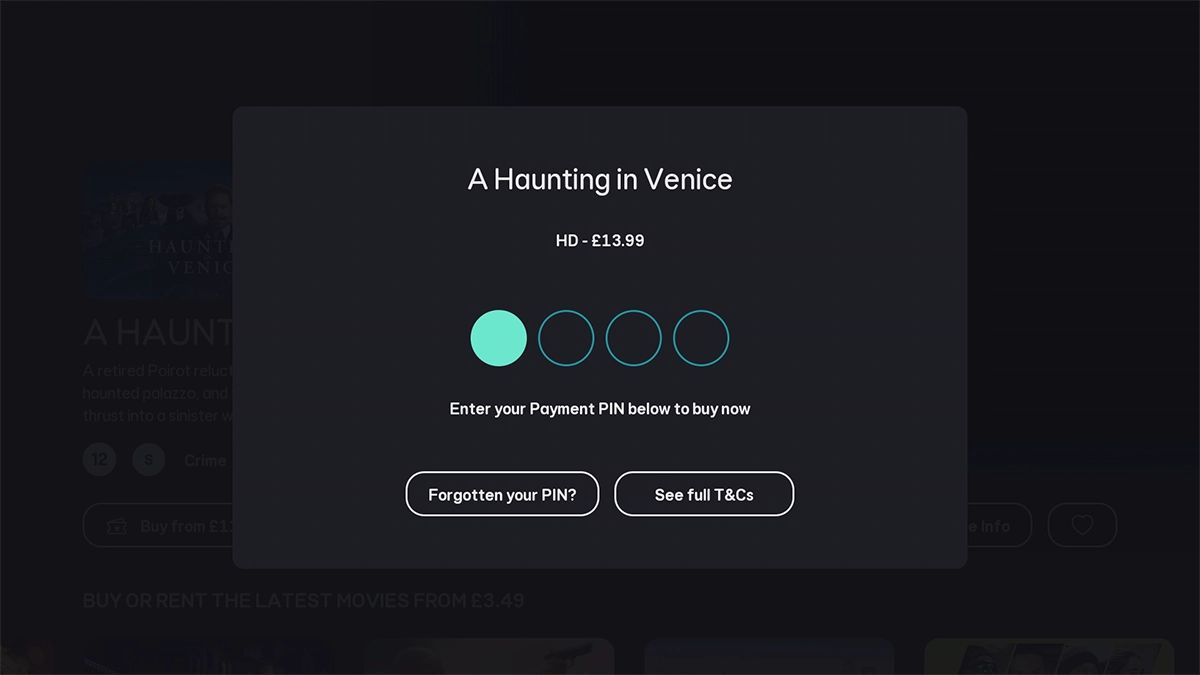
Key in your PIN and follow the instructions on the screen to finish the transaction.
Step 15 of 15

Key in your PIN and follow the instructions on the screen to finish the transaction.

Get information on...

Or choose...

Show more