Help
Device guides
EE
TV Box Pro

EE TV Box Pro

f-e9a2d970-a375-458d-810e-f3023942b61f
f-295800d2-c4af-4de7-8b66-01f4208bebcd
f-b866e9da-4b3e-4796-ae41-fa4098247be9
  • Device home
  • Getting started
  • Functions
  • Settings
  • Device home
  • Getting started
  • Functions
  • Settings

Turning automatic deletion of TV programmes on or off

Your set-top box automatically deletes your recorded TV programmes when it's running out of space. You can turn the function on or off and choose to be informed before an automatic deletion is made.

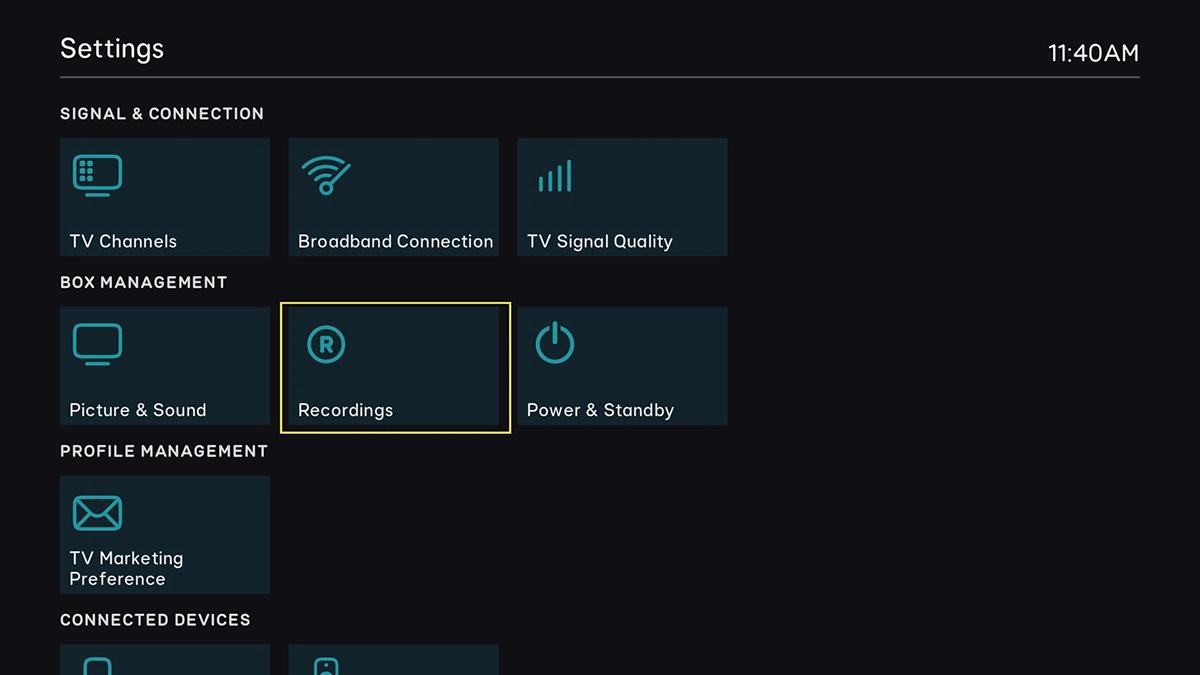
Highlight SETTINGS.
Highlight SETTINGS.
Step 1 of 11

Highlight SETTINGS.

Press OK.
Press OK.
Step 2 of 11

Press OK.

Highlight Recordings.
Step 3 of 11

Highlight Recordings.

Press OK.
Press OK.
Step 4 of 11

Press OK.

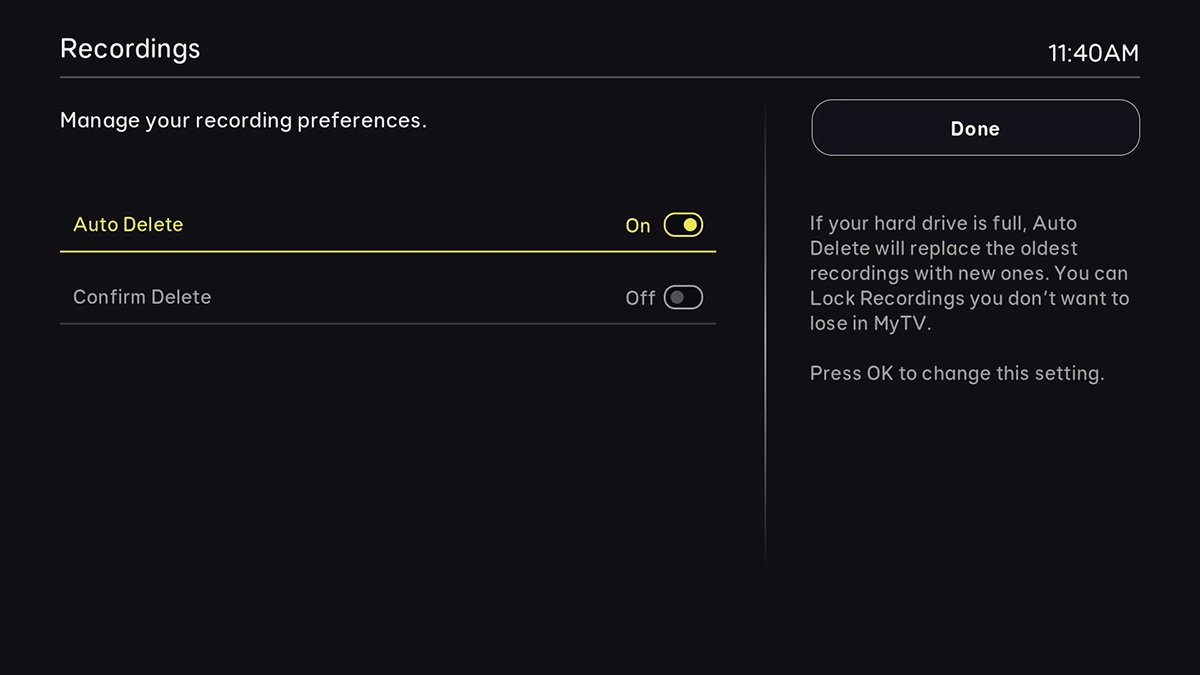
Highlight Auto Delete.
Step 5 of 11

Highlight Auto Delete.

Press OK to turn the function on or off.
Step 6 of 11

Press OK to turn the function on or off.

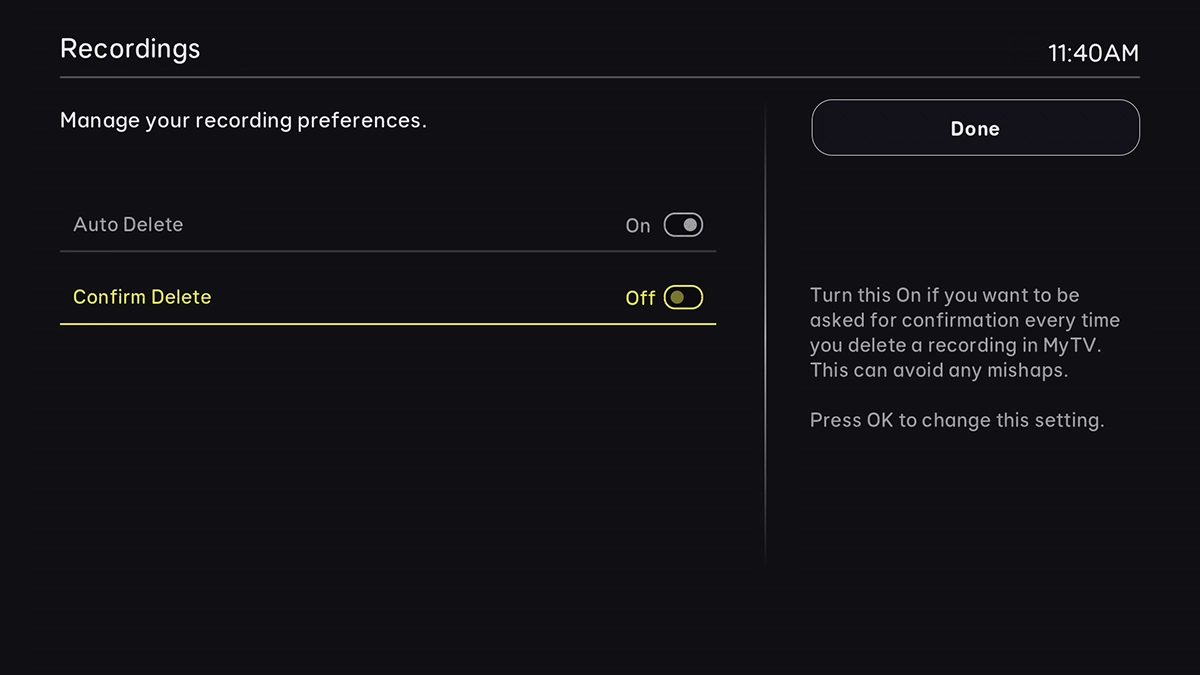
If you would like to be asked every time a programme is about to be automatically deleted, highlight Confirm Delete.
Step 7 of 11

If you would like to be asked every time a programme is about to be automatically deleted, highlight Confirm Delete.

Press OK to turn the function on or off.
Step 8 of 11

Press OK to turn the function on or off.

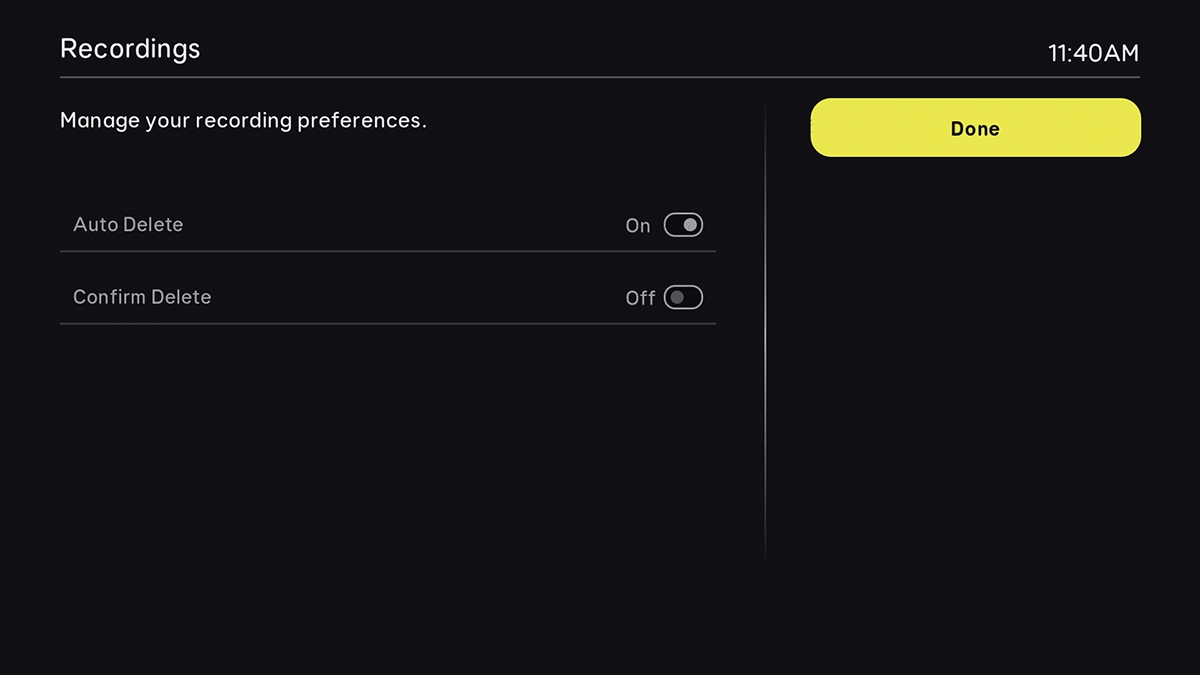
Highlight Done.
Highlight Done.
Step 9 of 11

Highlight Done.

Press OK.
Press OK.
Step 10 of 11

Press OK.

Press the Home key to return to the home menu.
Step 11 of 11

Press the Home key to return to the home menu.

Get information on...

Or choose...

Show more