Help
Device guides
EE
TV Box Pro

EE TV Box Pro

f-e9a2d970-a375-458d-810e-f3023942b61f
f-295800d2-c4af-4de7-8b66-01f4208bebcd
f-b866e9da-4b3e-4796-ae41-fa4098247be9
  • Device home
  • Getting started
  • Functions
  • Settings
  • Device home
  • Getting started
  • Functions
  • Settings

Turning low power mode on or off

You can reduce the power consumption by turning on low power mode. With low power mode turned off, your set-top box will boot up faster.
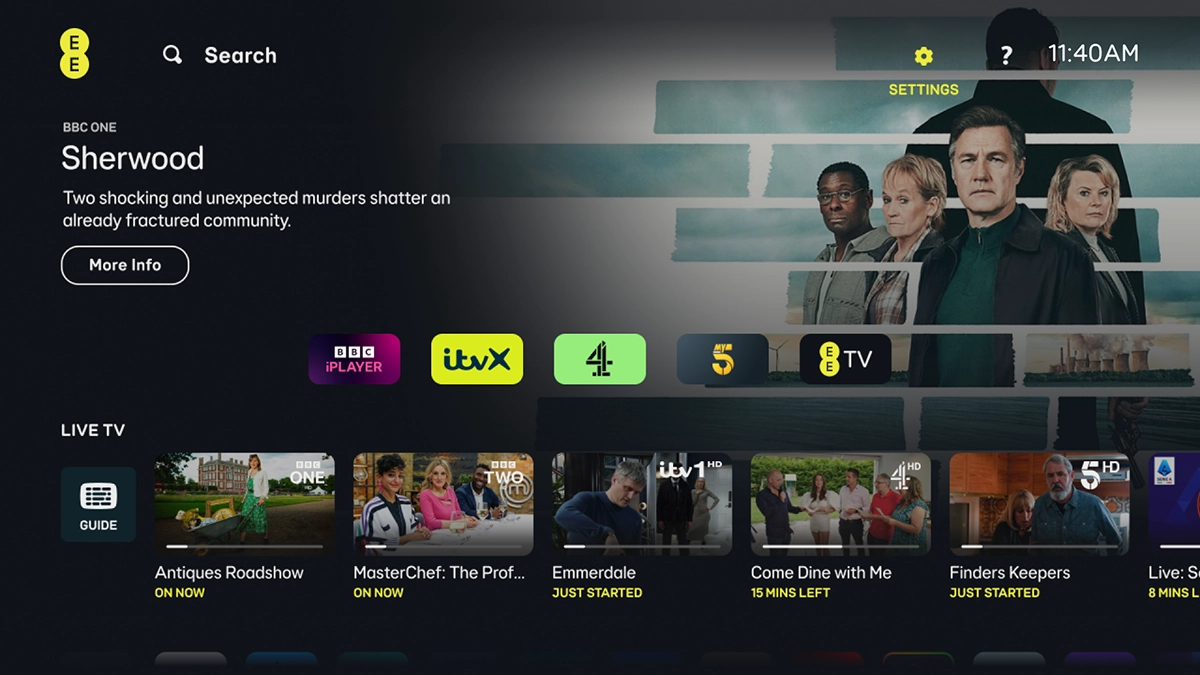
Highlight SETTINGS.
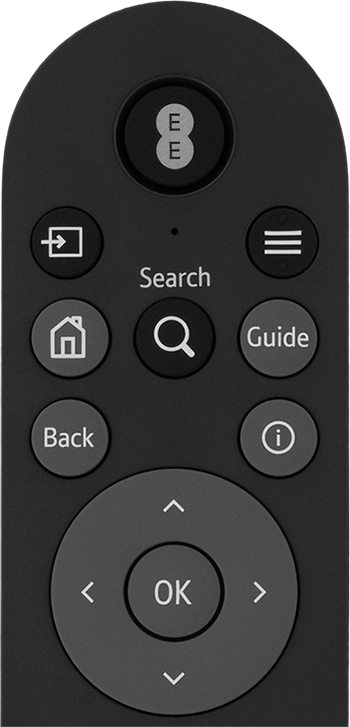
Highlight SETTINGS.
Step 1 of 9

Highlight SETTINGS.

Press OK.
Press OK.
Step 2 of 9

Press OK.

Highlight Power & Standby.
Step 3 of 9

Highlight Power & Standby.

Press OK.
Press OK.
Step 4 of 9

Press OK.

Highlight Standby Mode.
Step 5 of 9

Highlight Standby Mode.

Press OK.
Press OK.
Step 6 of 9

Press OK.

Highlight the required setting.
Step 7 of 9

Highlight the required setting.

Press OK.
Press OK.
Step 8 of 9

Press OK.

Press the Home key to return to the home menu.
Step 9 of 9

Press the Home key to return to the home menu.

Get information on...

Or choose...

Show more