



Help
Device guides
Google
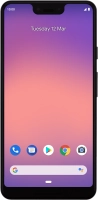
Pixel 3 XL

Google Pixel 3 XL

f-a322a754-aa6c-40af-a5ee-797084180c81
f-9c6f48bb-1c8d-410f-87e0-d15ce8324fee
f-83c53a41-2e4e-4218-b475-b148de2540b0
f-dbe884ad-0a62-486a-9d05-32285f643074
f-46159091-b4c5-41c7-84b4-5fc6afbe96db
f-1dc17aec-c493-4e6e-bcf0-5473502a101a
  • Device home
  • Getting started
  • Basic functions
  • Calls, contacts, messaging
  • Connectivity
  • Specifications
  • Device home
  • Getting started
  • Basic functions
  • Calls, contacts, messaging
  • Connectivity
  • Specifications

Saving voicemail number

You can save your voicemail number making it easy to call and listen to your voice messages.

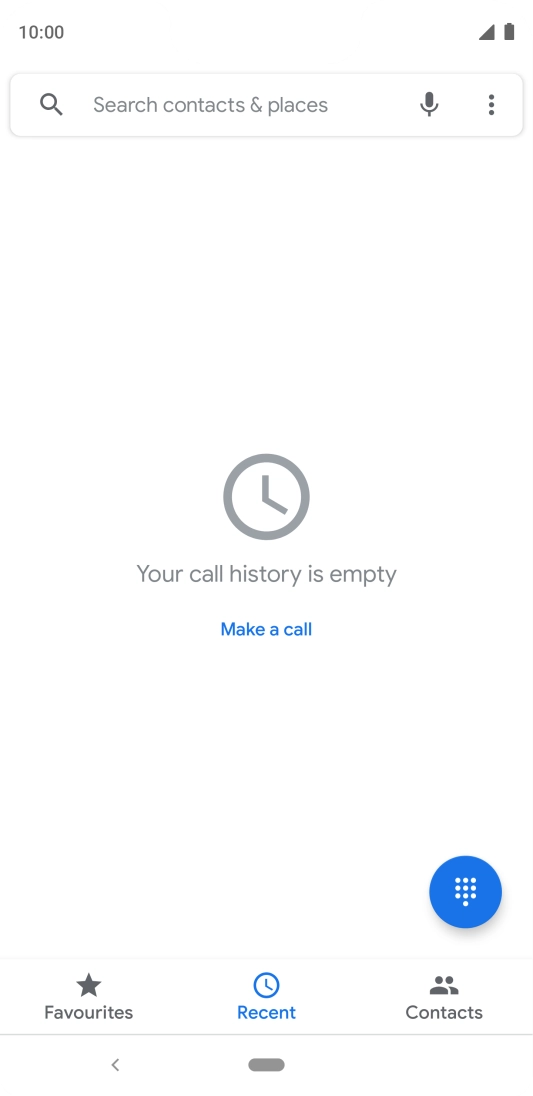
Press the phone icon.
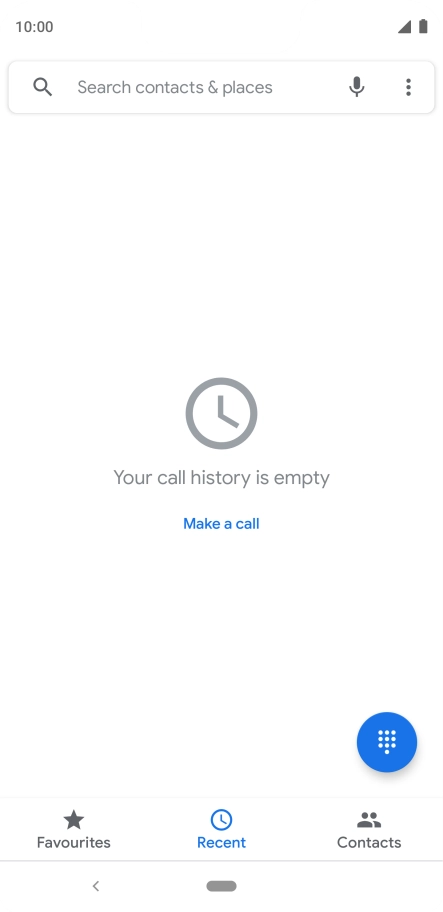
Step 1 of 9

Press the phone icon.

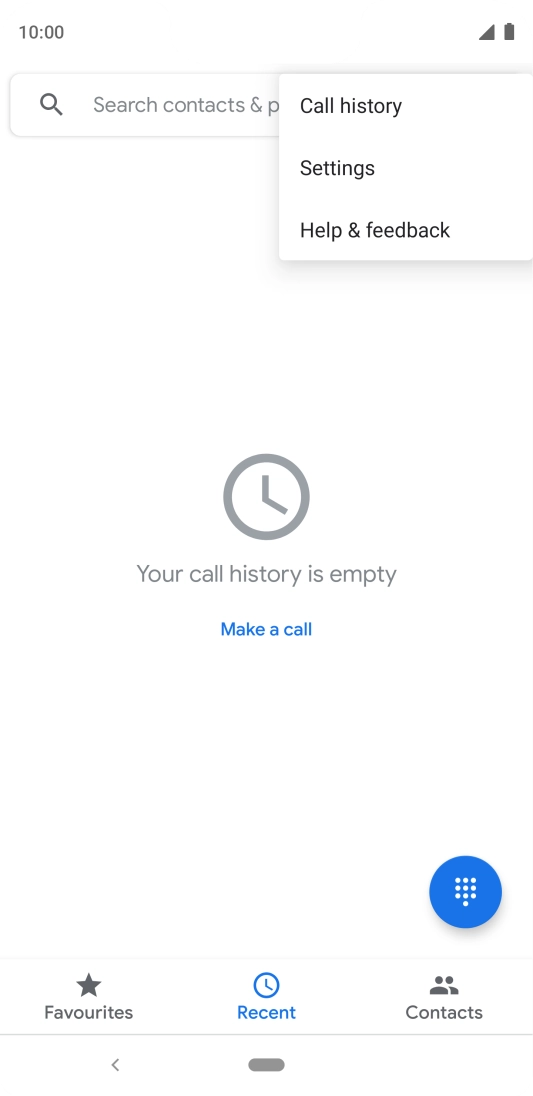
Press the menu icon.
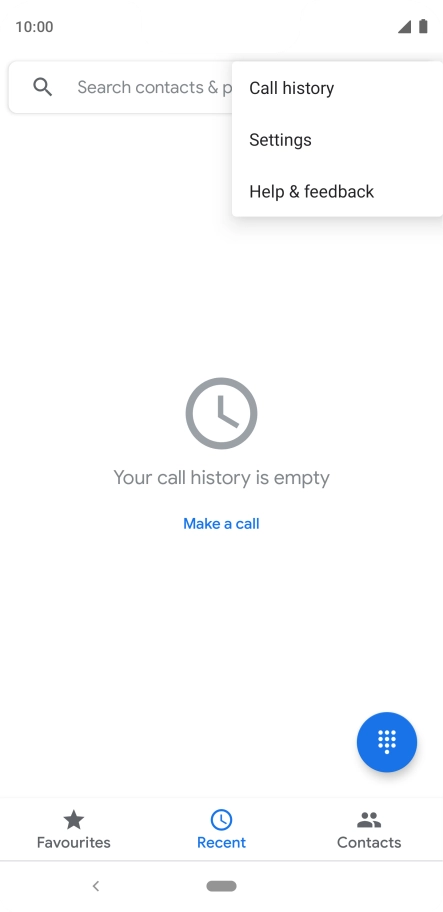
Step 2 of 9

Press the menu icon.

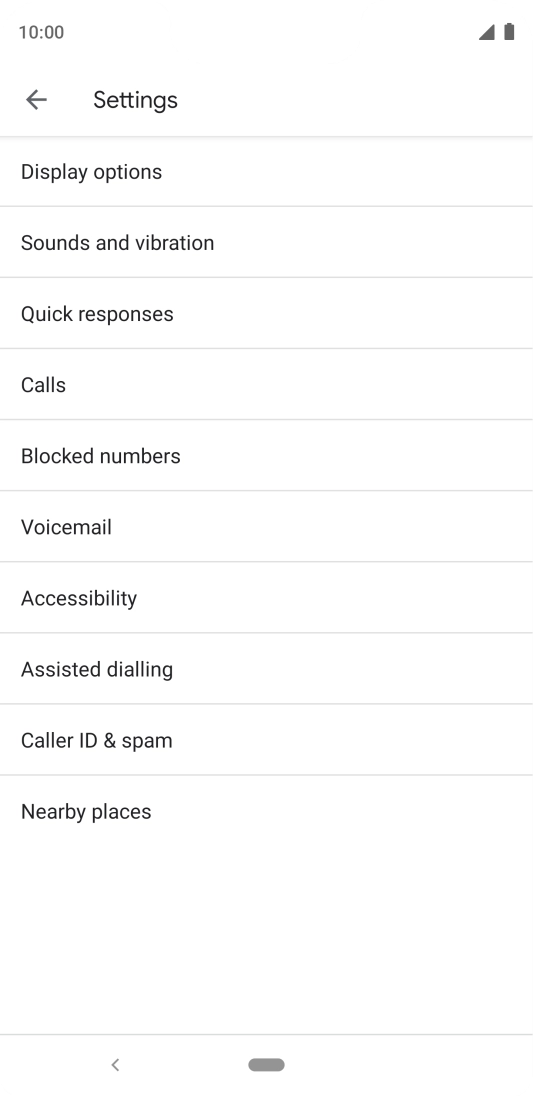
Press Settings.
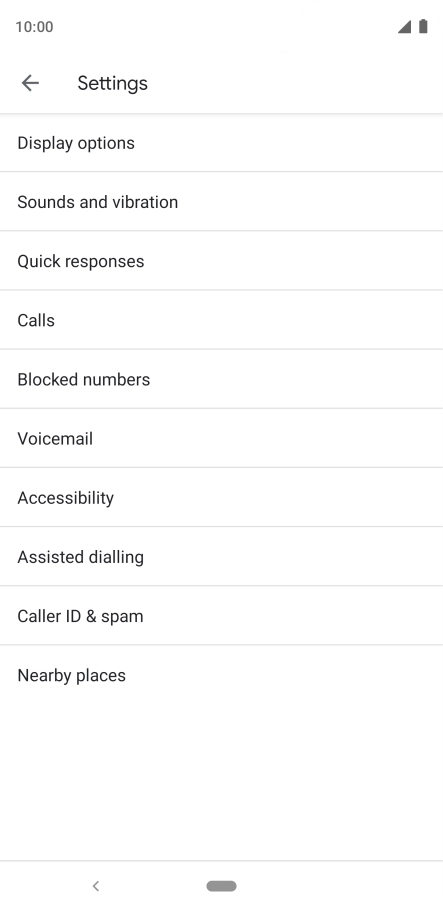
Press Settings.
Step 3 of 9

Press Settings.

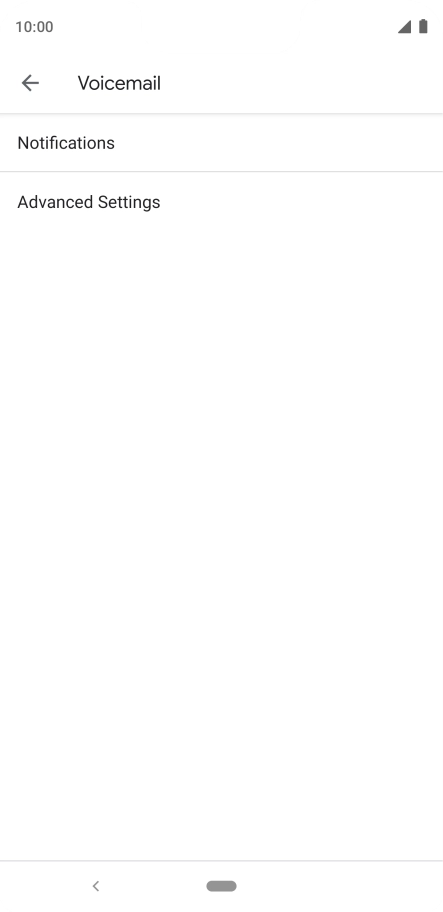
Press Voicemail.
Press Voicemail.
Step 4 of 9

Press Voicemail.

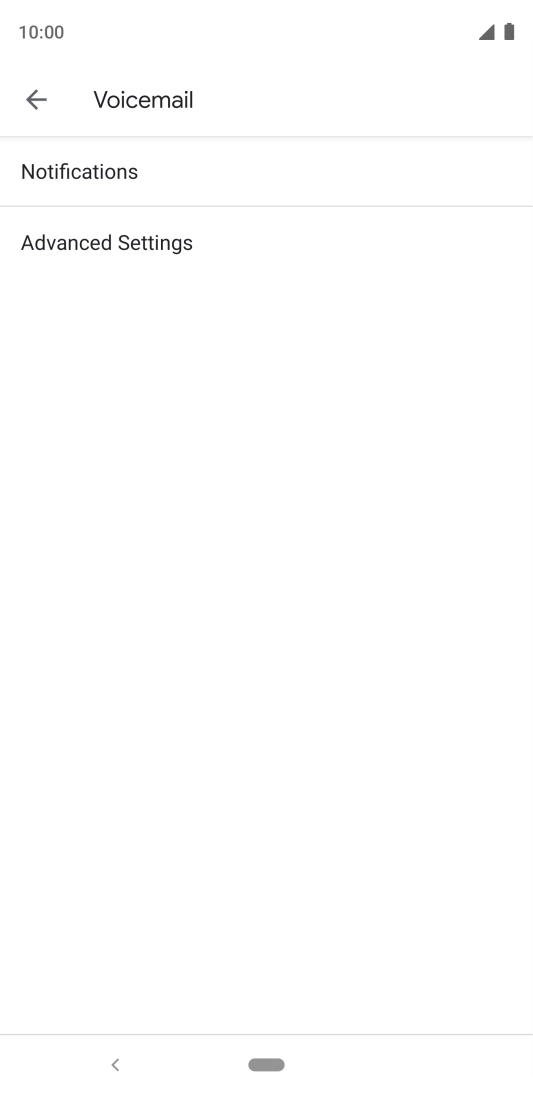
Press Advanced Settings.
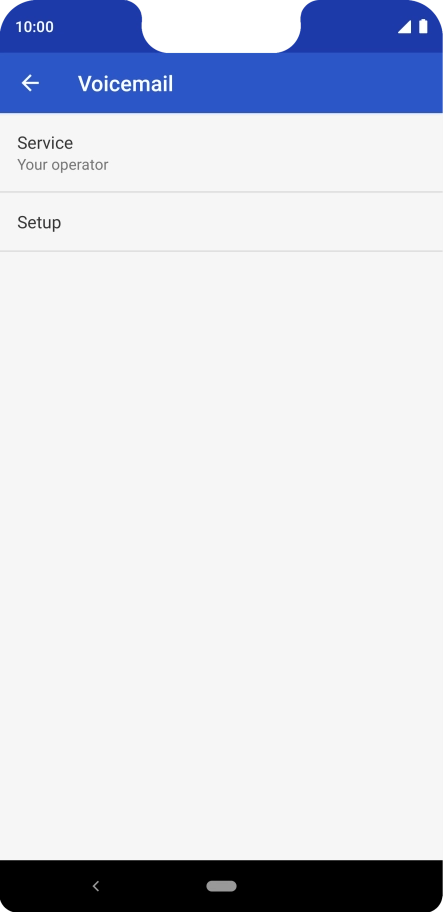
Step 5 of 9

Press Advanced Settings.

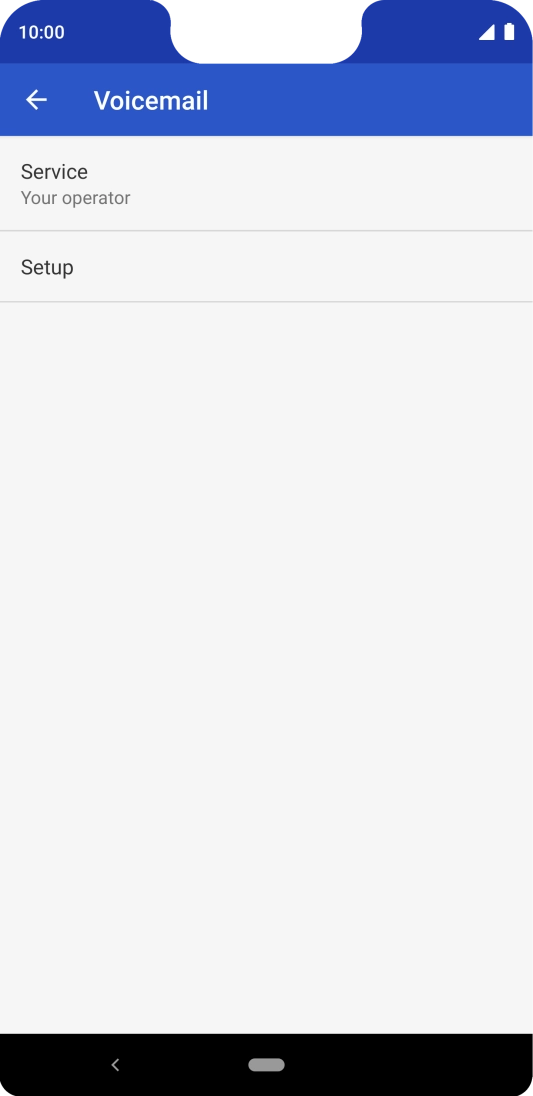
Press Setup.
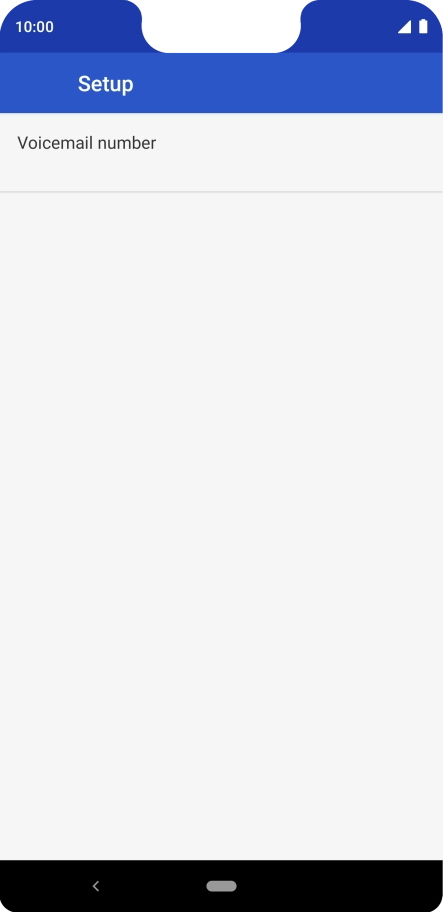
Press Setup.
Step 6 of 9

Press Setup.

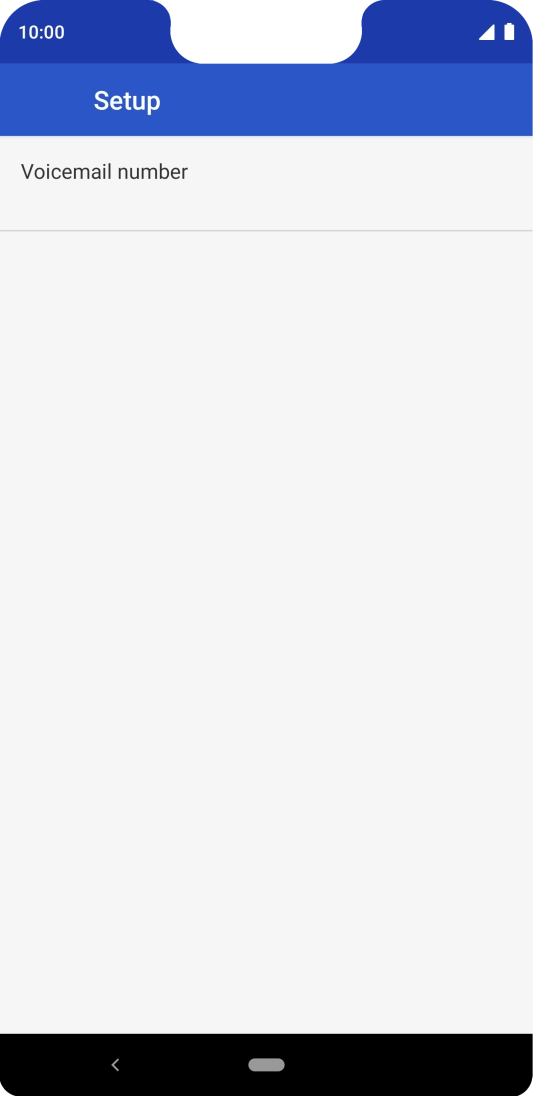
Press Voicemail number.
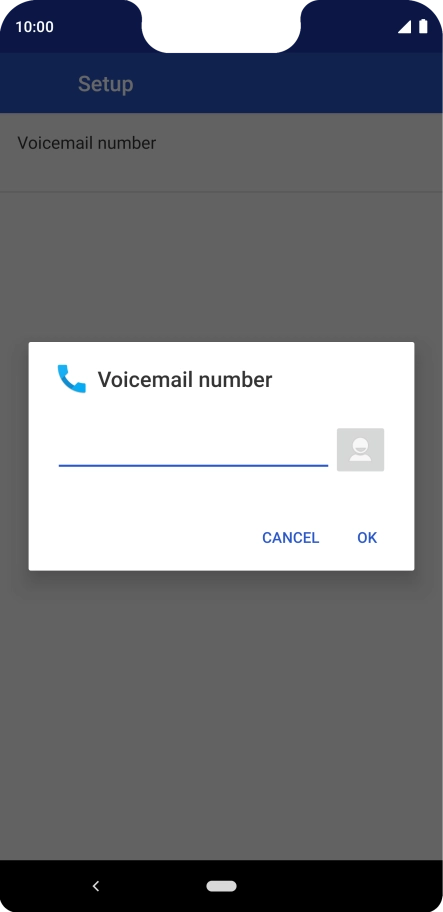
Step 7 of 9

Press Voicemail number.

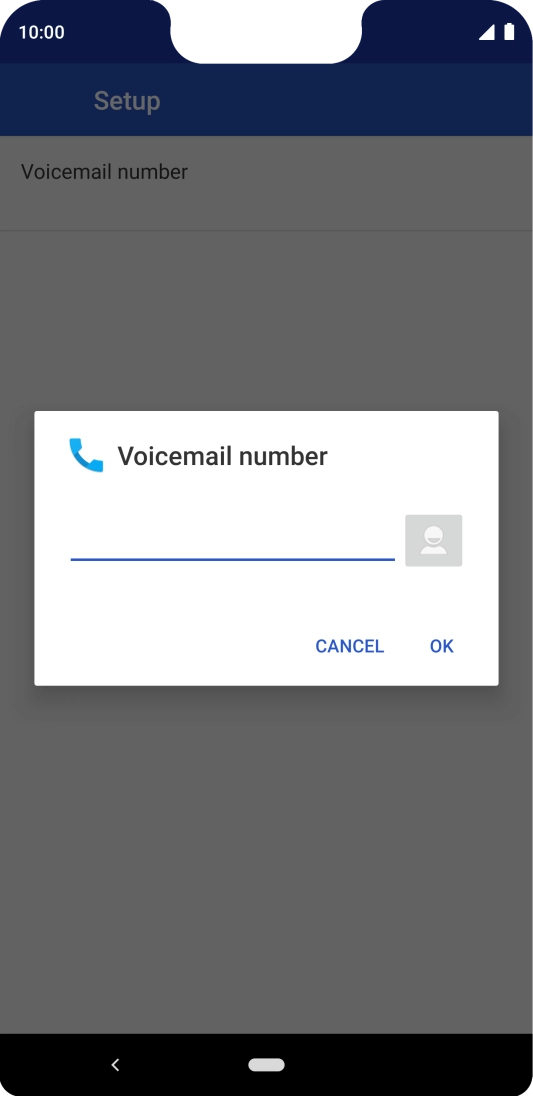
Key in +447953222222 and press OK.
+447953222222
Key in +447953222222 and press OK.
+447953222222
Step 8 of 9

Key in +447953222222 and press OK.

Press the Home key to return to the home screen.
Step 9 of 9

Press the Home key to return to the home screen.

Get information on...

Or choose...

Show more