Google Pixel 4
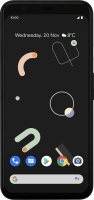

Uninstalling apps
You can uninstall apps to free up memory.


Press the Play Store icon.


Press the menu icon.


Press My apps & games.


Press Installed.


Press the required app.


Press Uninstall.


Press OK.


Slide your finger upwards starting from the bottom of the screen to return to the home screen.