Help
Device guides
Google
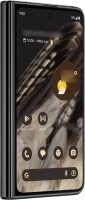
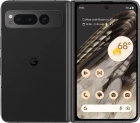
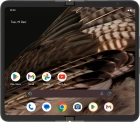
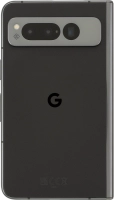
Pixel Fold 256 GB

Google Pixel Fold 256 GB
f-6b941741-ccbd-4ac7-ab64-8ee8abcae0a5
f-c2061e7d-e980-4995-885d-c9677dca796b
f-76d6ade1-2a1a-47dc-9ecd-49c620401467
f-06f08bfb-8011-4869-a860-d6f538b6331d
f-5c8bc40c-a03a-4515-89eb-d6f7920671ed
f-9ee8dc3b-b09c-4b0b-97f8-0af7468a6705
f-f677e601-ecbd-46d5-82d7-d1e53fa97b86
f-a6676696-6f02-4acc-a6a9-e86a1773f833
  • Device home
  • Getting started
  • Basic functions
  • Calls, contacts, messaging
  • Connectivity
  • Specifications
  • Device home
  • Getting started
  • Basic functions
  • Calls, contacts, messaging
  • Connectivity
  • Specifications

Troubleshooting

  • It's not possible to receive messages on my voicemail
  • It's not possible to check my voicemail
  • It's not possible to send and receive text messages
  • It's not possible to send and receive picture messages
  • It's not possible to send and receive email messages
  • It's not possible to use Wi-Fi calling
  • It's not possible to make voice calls
  • It's not possible to receive voice calls

Call settings

  • Turning call waiting on or off
  • Turning your own caller identification on or off
  • Turning Wi-Fi calling on or off

Contacts

  • Saving new contact to your Google account
  • Copying contacts between your SIM and your Google account

Voicemail

  • Saving voicemail number
  • Diverting calls to voicemail
  • Cancelling all diverts

Call restrictions

  • Turning fixed dialling on or off

Text messaging

  • Setting up your phone for text messaging

Picture messaging

  • Setting up your phone for picture messaging

Email messaging

  • Setting up your phone for IMAP email

Get information on...

Or choose...

Show more