Google Pixel Watch 3


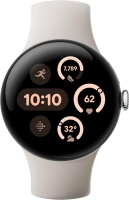
Turning Always On on or off
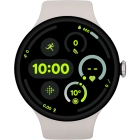
When Always On is turned on, the time is constantly displayed on the screen of your smartwatch. This function increases the power consumption.


Slide your finger downwards starting from the top of the screen.


Press the settings icon.


Press Display.
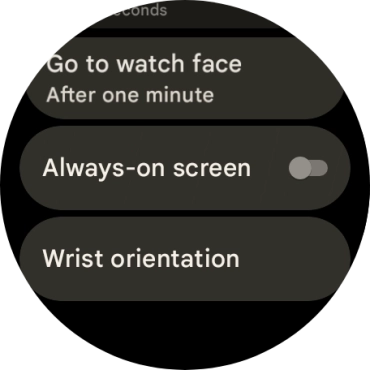
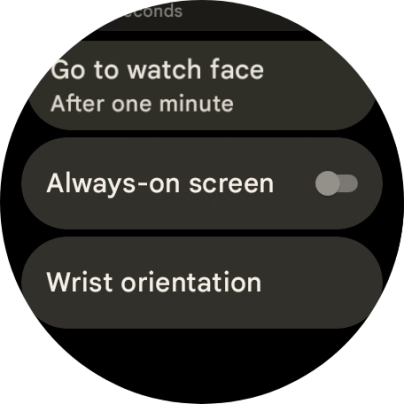
Press the indicator next to "Always-On screen" to turn the function on or off.
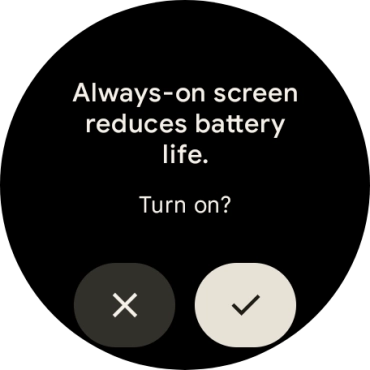
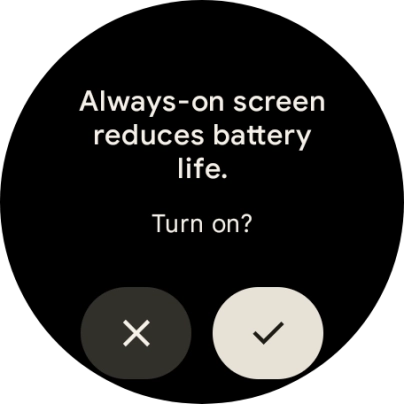
If you turn on the function, press the confirm icon..
Press the crown to return to the home screen.