Google Pixel Watch 3
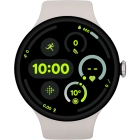
Reading picture message
See how to read a picture message on your smartwatch.


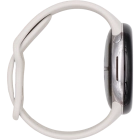
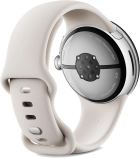
Press the crown.


Press the message icon.
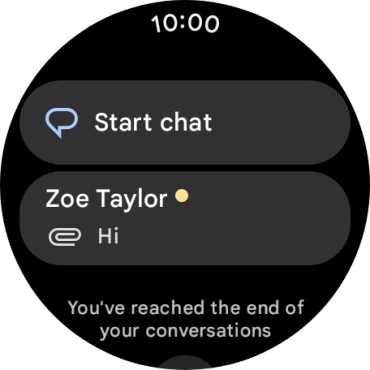
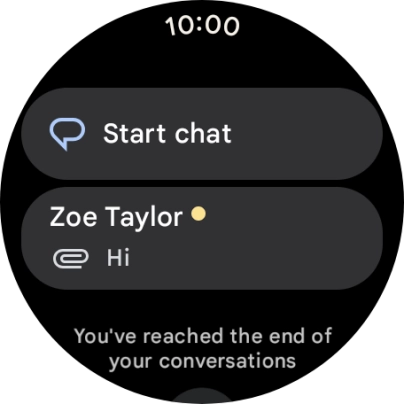
Press the required picture message.
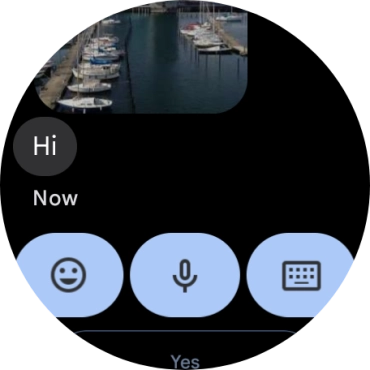
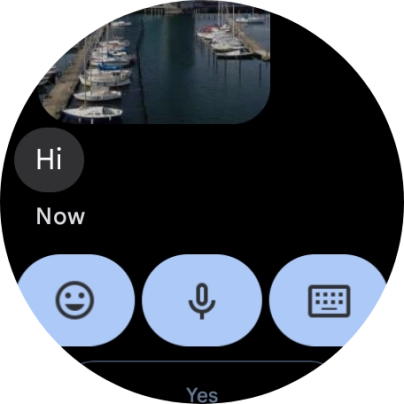
Press the microphone icon.
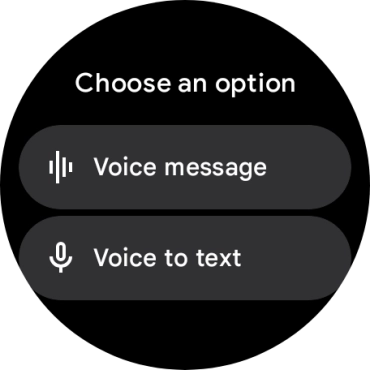
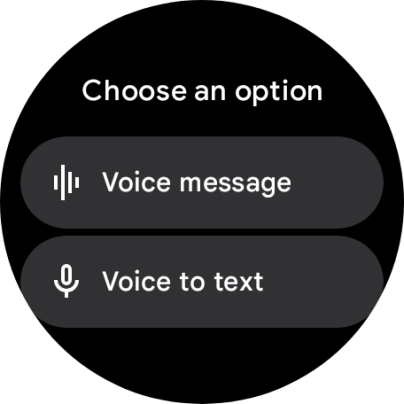
Press the required setting and follow the instructions on the screen to record and send the required reply.
Press the keypad icon and key in the required text.
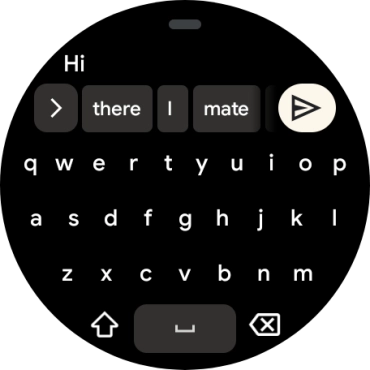
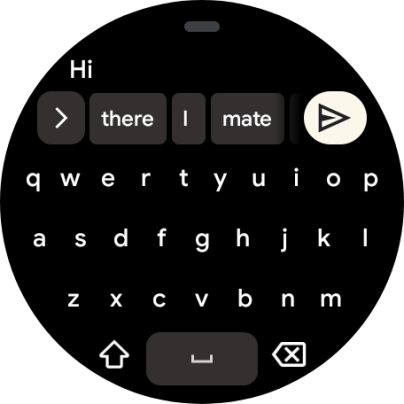
Press the send icon.
Slide your finger upwards on the screen.
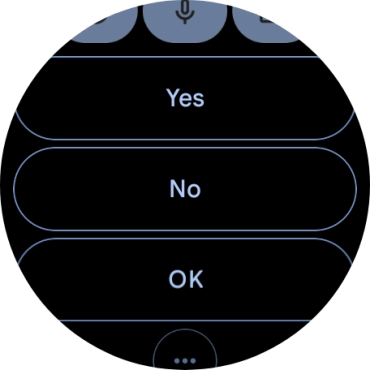
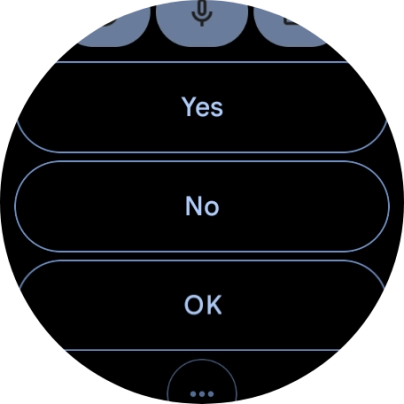
Press the required reply.
Slide your finger upwards on the screen.


Press Delete conversation.
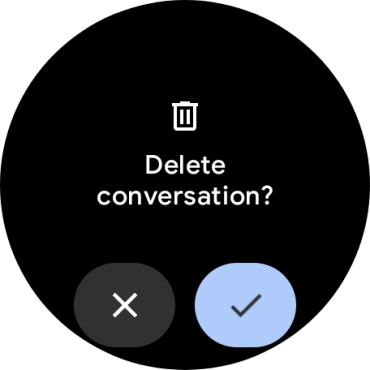
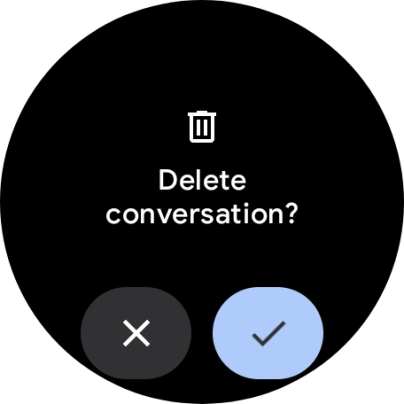
Press the confirm icon.
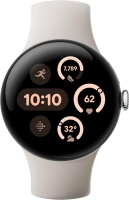
Press the crown to return to the home screen.