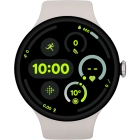
Google Pixel Watch 3
Viewing EID number
The EID number is your smartwatch's unique eSIM identification number which is used when contacting the operator, e.g. during eSIM activation.


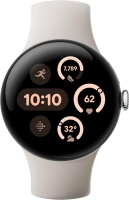
Slide your finger downwards starting from the top of the screen.


Press the settings icon.


Press Connectivity.


Press Mobile.


Press SIM status.


Your smartwatch's EID number is displayed below EID.
Press the crown to return to the home screen.