HONOR Magic V3 5G
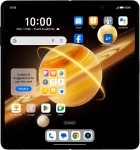
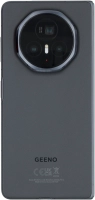




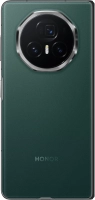

It's not possible to turn on my phone
Solution 2 of 3: Your phone doesn't turn on correctly
See how to turn your phone on and off. To use mobile network services on your phone, you need to insert your SIM into your phone.

Press and hold On/Off until your phone is turned on.


If you're asked to key in your PIN, do so and press OK. The default PIN is 1111.
Press and hold On/Off.


Press Power off.


Press Touch to power off.