Huawei Mate 20 Pro

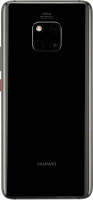




Selecting ring tone
You can select the ring tone you want to hear when you get a call.


Press Settings.
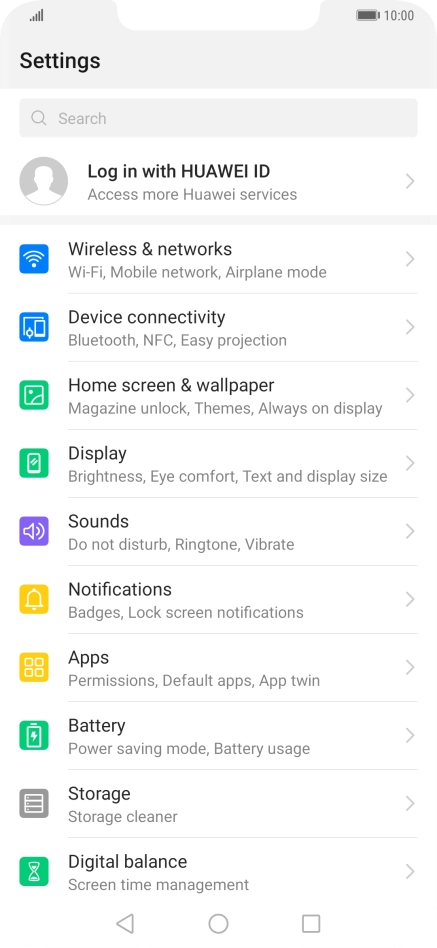
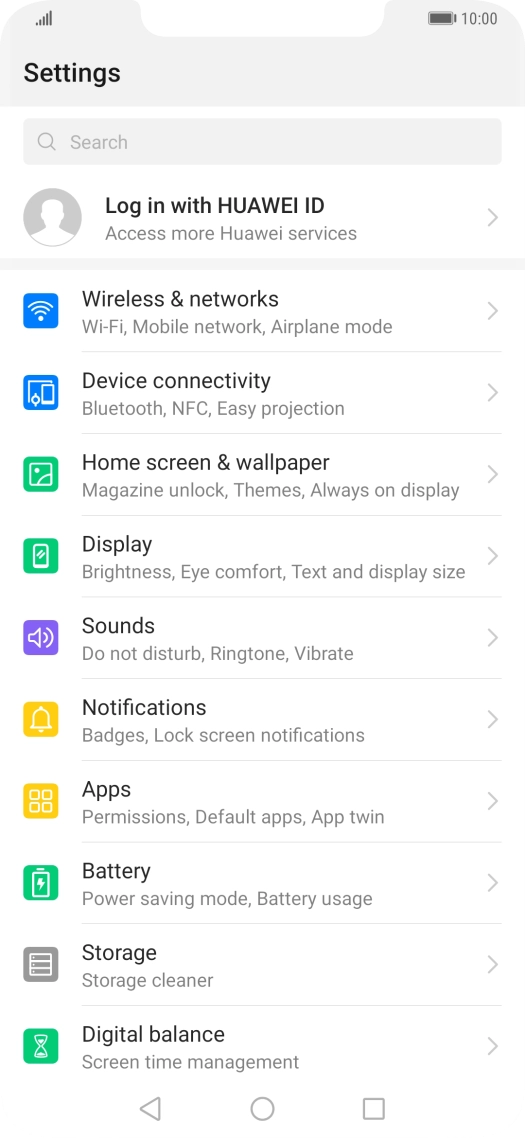
Press Sounds.


Press Phone ringtone.


Press Music (on storage).


Press the required ring tones to hear them.


Once you've found a ring tone you like, press the confirm icon.


Press the Home key to return to the home screen.