



Help
Device guides
Huawei
Mate 20 X 5G

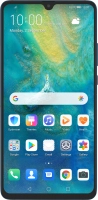
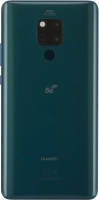
Huawei Mate 20 X 5G

f-47b9d78c-03c0-4230-bce5-bfe669971cab
f-aeb1f5b9-99d7-4f64-85e0-d31948fa551b
f-adc799d6-d29e-48c9-a4fa-9a17725a1b80
f-845bb7c9-ba8e-42d5-9135-51d41084a18b
f-bd7c1758-4255-4ee3-8b53-a87f6ba5ce5a
f-798a5d82-b2cc-4814-a964-1a9d1c62e23d
  • Device home
  • Getting started
  • Basic functions
  • Calls, contacts, messaging
  • Connectivity
  • Specifications
  • Device home
  • Getting started
  • Basic functions
  • Calls, contacts, messaging
  • Connectivity
  • Specifications

Turning automatic use of mobile data on or off

You can set your phone to use mobile data automatically when the connection to the Wi-Fi network is weak. To turn automatic use of mobile data on or off, you need to turn on mobile data.
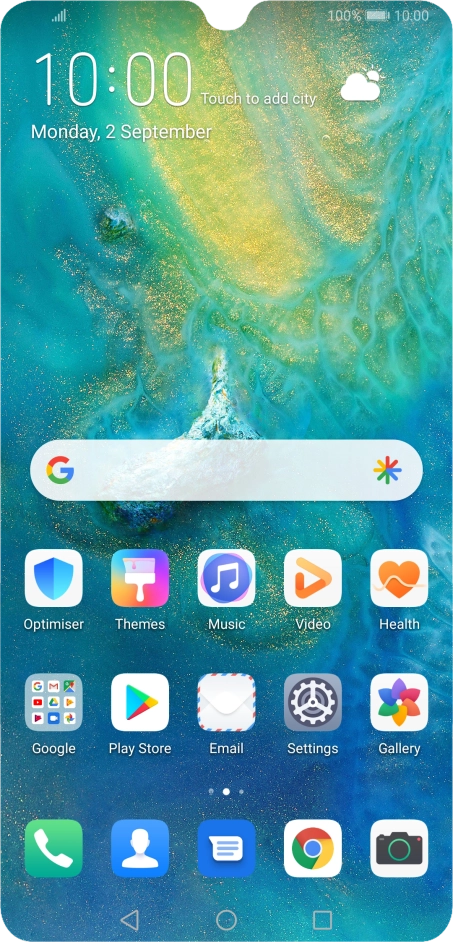
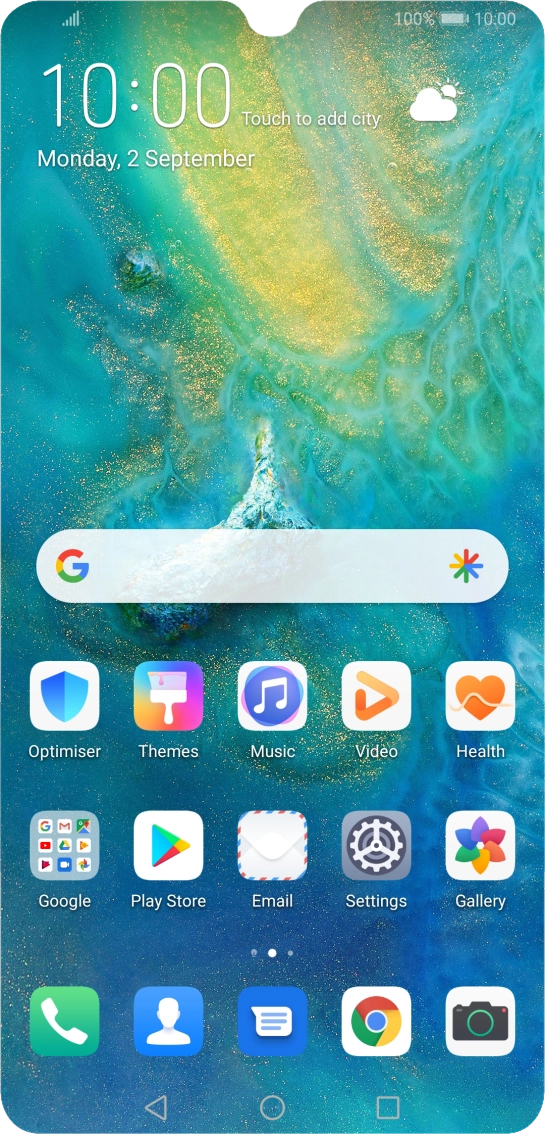
Press Settings.
Press Settings.
Step 1 of 8

Press Settings.

Press Wireless & networks.
Step 2 of 8

Press Wireless & networks.

Press Wi-Fi.
Press Wi-Fi.
Step 3 of 8

Press Wi-Fi.

Press the indicator next to
Step 4 of 8

Press the indicator next to "Wi-Fi" to turn on the function.

Press the menu icon.
Step 5 of 8

Press the menu icon.

Press Wi-Fi+.
Press Wi-Fi+.
Step 6 of 8

Press Wi-Fi+.

Press the indicator next to
Step 7 of 8

Press the indicator next to "Wi-Fi+" to turn the function on or off.

Press the Home key to return to the home screen.
Step 8 of 8

Press the Home key to return to the home screen.

Get information on...

Or choose...

Show more