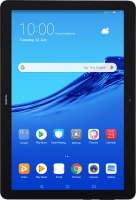
Huawei MediaPad T5

My tablet's battery life is short
Solution 6 of 9: Notifications are turned on
When you turn on notifications, you will be notified about various events such as new email, messages from social networks and calendar appointments.
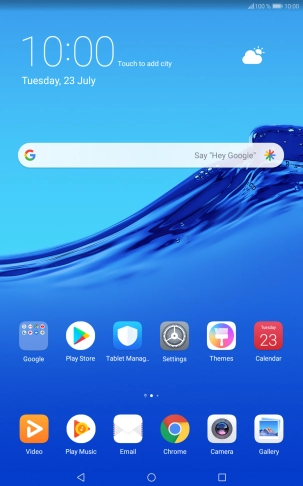

Press Settings.
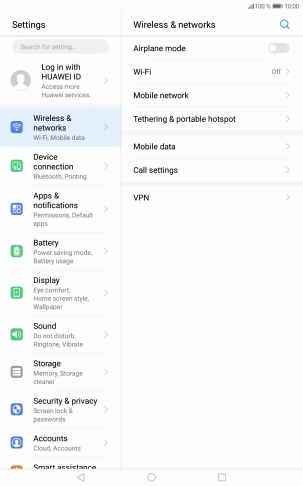

Press Apps & notifications.


Press Apps.


Press the required app.


Press Notifications.


Press the indicator next to "Allow notifications" to turn the function on or off.
Press the Home key to return to the home screen.