




Help
Device guides
Huawei
nova 5T

Huawei nova 5T

f-bc623a22-217b-4237-a785-f1d6e3f05e94
f-4178a1d9-107b-479b-bf25-432ecaed1dd5
f-ae939eee-c4b2-4120-b342-75ec9faf3e6b
f-5cf2818a-bd98-45d5-a13e-df362f7dafe8
f-acc38f37-943c-4480-9cba-5090dabc5435
f-961737bf-b2f0-4d00-8d30-6c7340b9dddd
  • Device home
  • Getting started
  • Basic functions
  • Calls, contacts, messaging
  • Connectivity
  • Specifications
  • Device home
  • Getting started
  • Basic functions
  • Calls, contacts, messaging
  • Connectivity
  • Specifications

Turning Wi-Fi calling on or off

When Wi-Fi calling is turned on, you can make and answer calls using a Wi-Fi network when you're in an area with little or no network coverage. To turn on Wi-Fi calling, you need to establish a connection to a Wi-Fi network, select 4G (LTE) as network mode and follow the steps below. You can also visit the EE web page for more information about Wi-Fi calling.
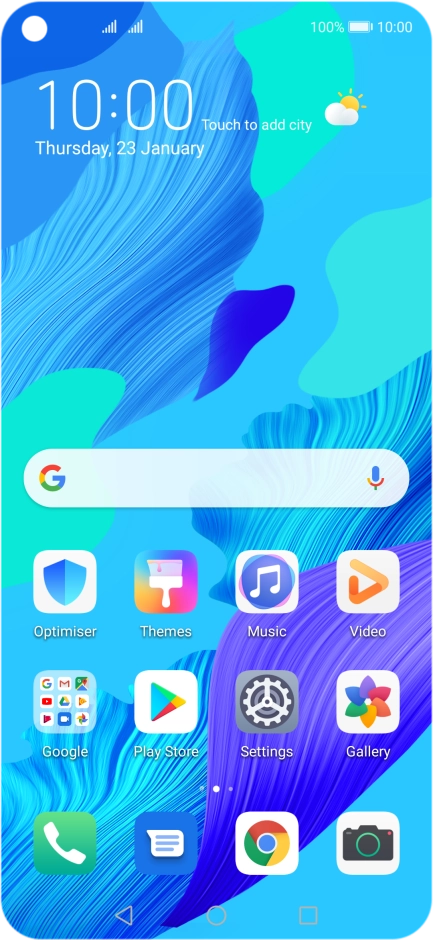
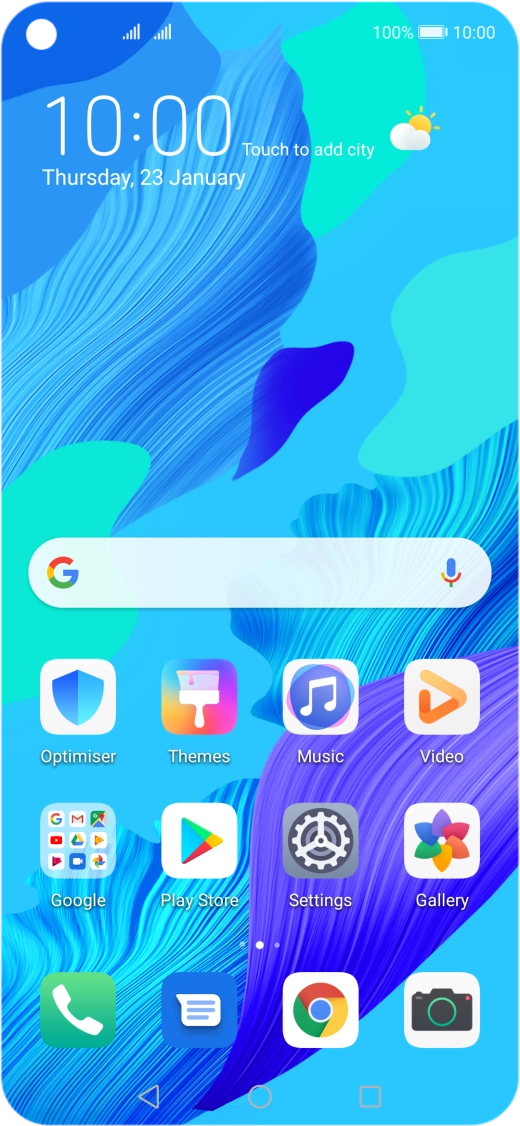
Press Settings.
Press Settings.
Step 1 of 6

Press Settings.

Press Mobile network.
Step 2 of 6

Press Mobile network.

Press Mobile data.
Press Mobile data.
Step 3 of 6

Press Mobile data.

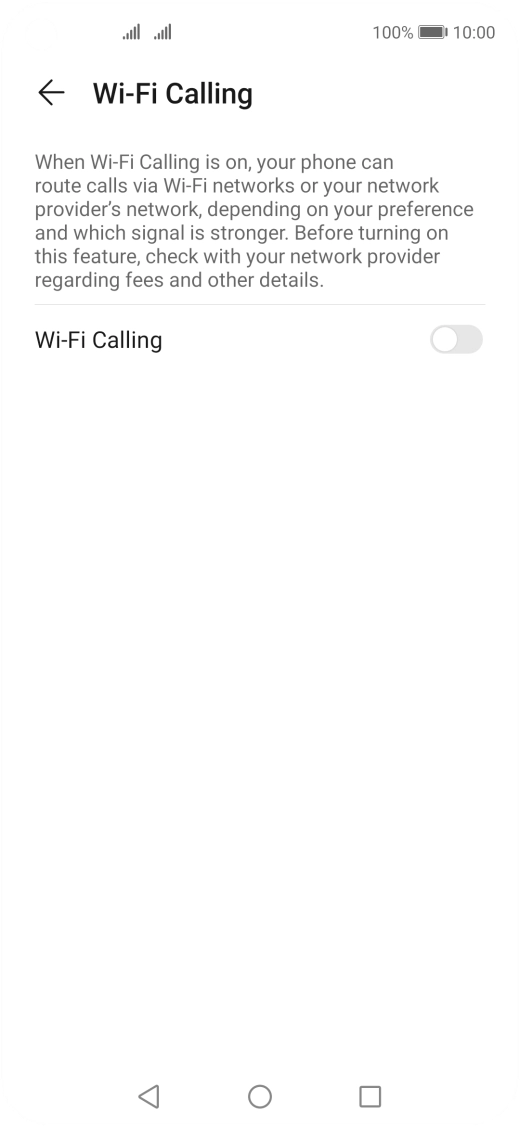
Press Wi-Fi Calling below the required SIM.
Step 4 of 6

Press Wi-Fi Calling below the required SIM.

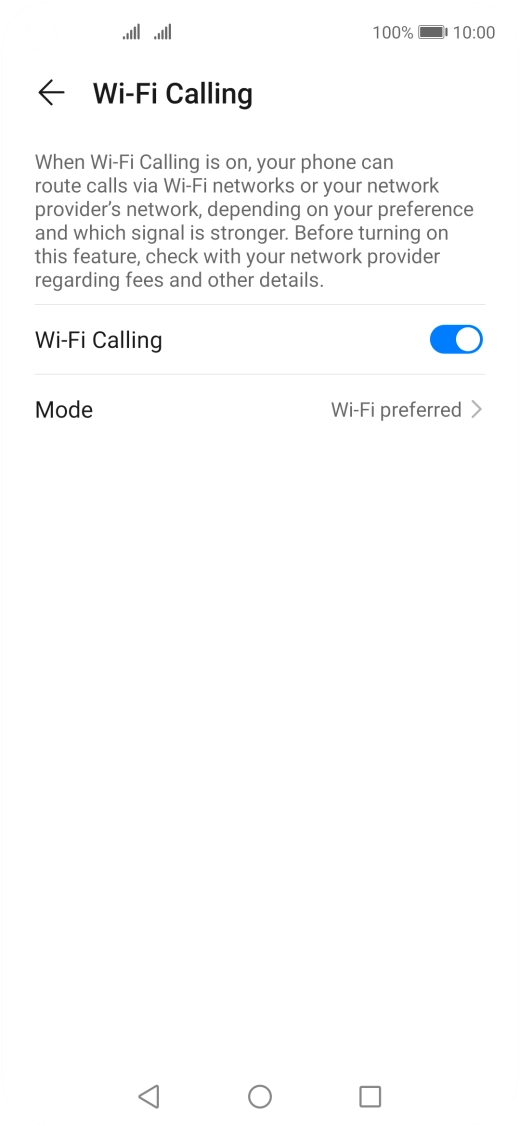
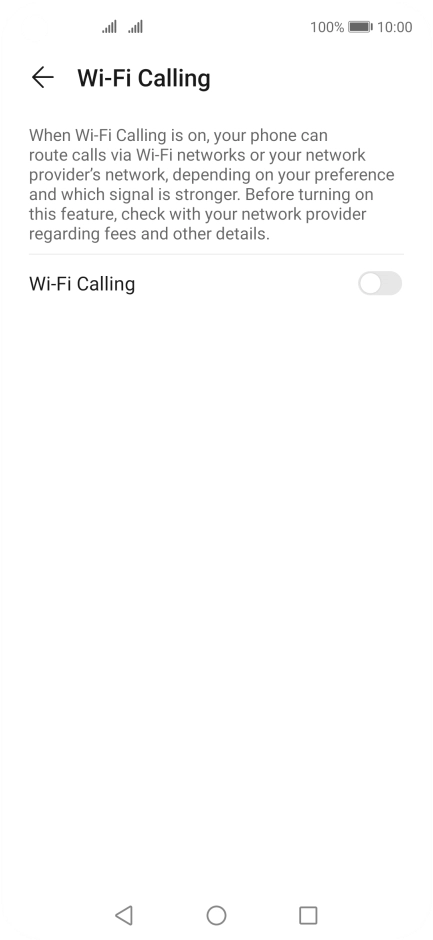
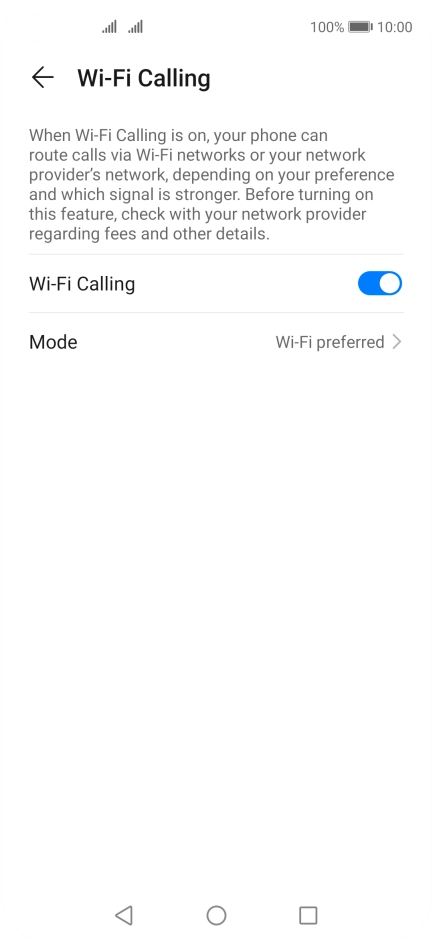
Press the indicator next to
Step 5 of 6

Press the indicator next to "Wi-Fi Calling" to turn the function on or off.
Press the Home key to return to the home screen.
Step 6 of 6

Press the Home key to return to the home screen.

Get information on...

Or choose...

Show more