



Help
Device guides
Huawei
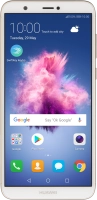
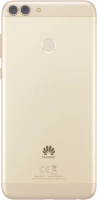
P smart

Huawei P smart

f-3409b79c-526b-48ac-bf7c-949cb0616fca
f-3252f76c-b4cd-450a-a13c-07772f2686e1
f-bb51db59-d25b-4676-a1a3-a259693cfb76
f-6602657a-53a7-4c27-9b99-f633b9280b55
f-d9e01cf5-79f2-4483-bd30-c994191e1244
f-d311467b-cd55-49b0-a9dc-7032d7d67e00
  • Device home
  • Getting started
  • Basic functions
  • Calls, contacts, messaging
  • Connectivity
  • Specifications
  • Device home
  • Getting started
  • Basic functions
  • Calls, contacts, messaging
  • Connectivity
  • Specifications

Extending the battery life

Some functions on your phone use a lot of power and therefore significantly reduce the battery life. You can reduce the power consumption by turning on low power mode.
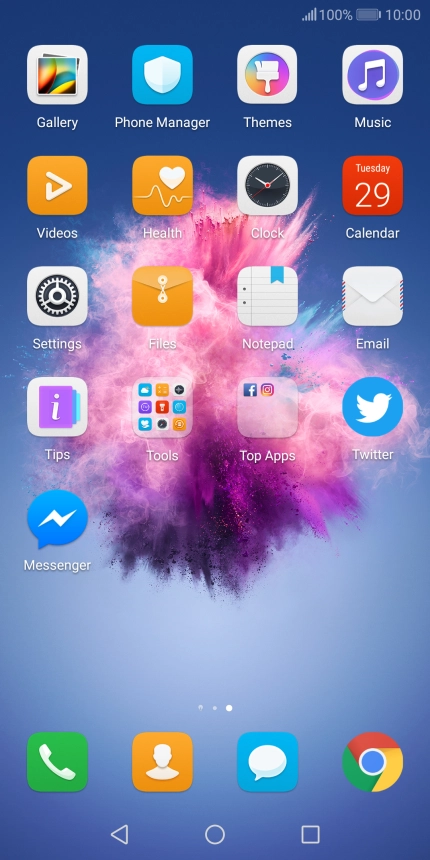
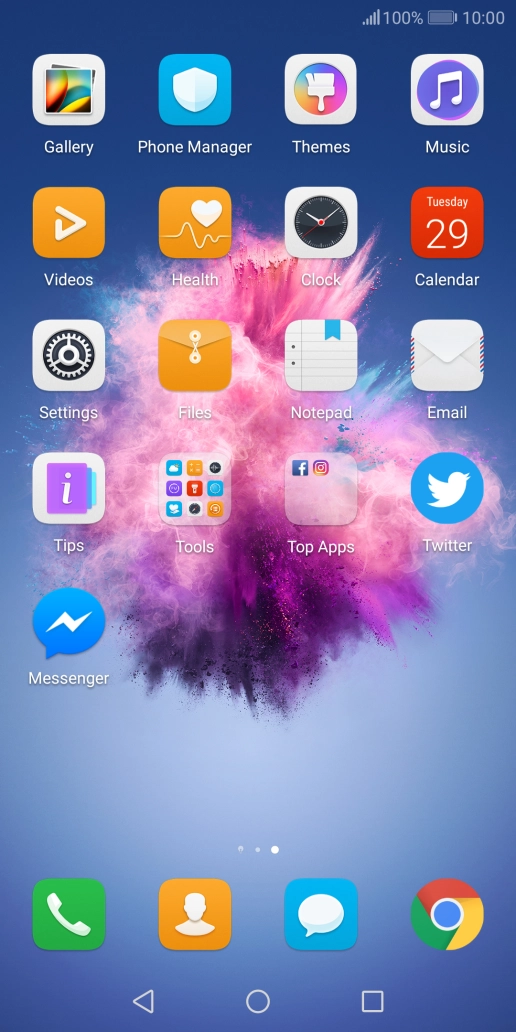
Press Settings.
Press Settings.
Step 1 of 4

Press Settings.

Press Battery.
Press Battery.
Step 2 of 4

Press Battery.

Press the indicator next to the required setting.
Step 3 of 4

Press the indicator next to the required setting.

Press the Home key to return to the home screen.
Step 4 of 4

Press the Home key to return to the home screen.

Get information on...

Or choose...

Show more