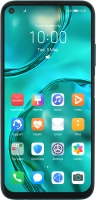
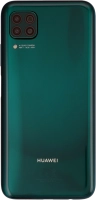
Huawei P40 Lite




Turning automatic use of mobile data on or off
You can set your phone to use mobile data automatically when the connection to the Wi-Fi network is weak. To turn automatic use of mobile data on or off, you need to turn on mobile data.
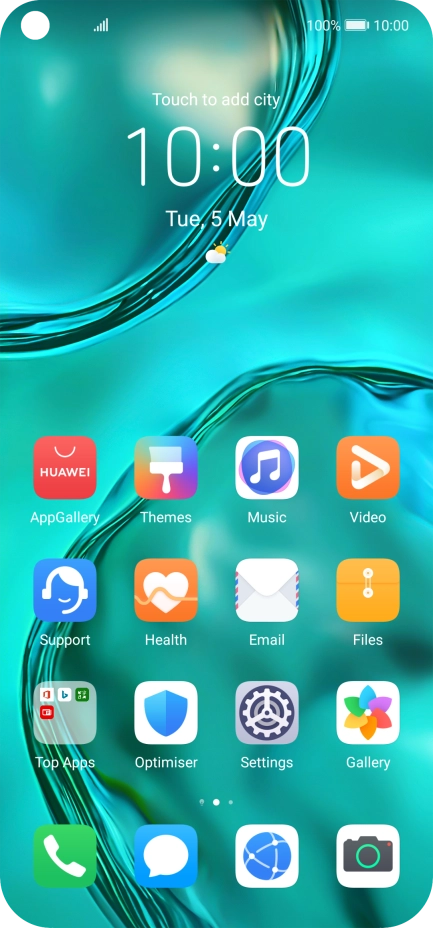
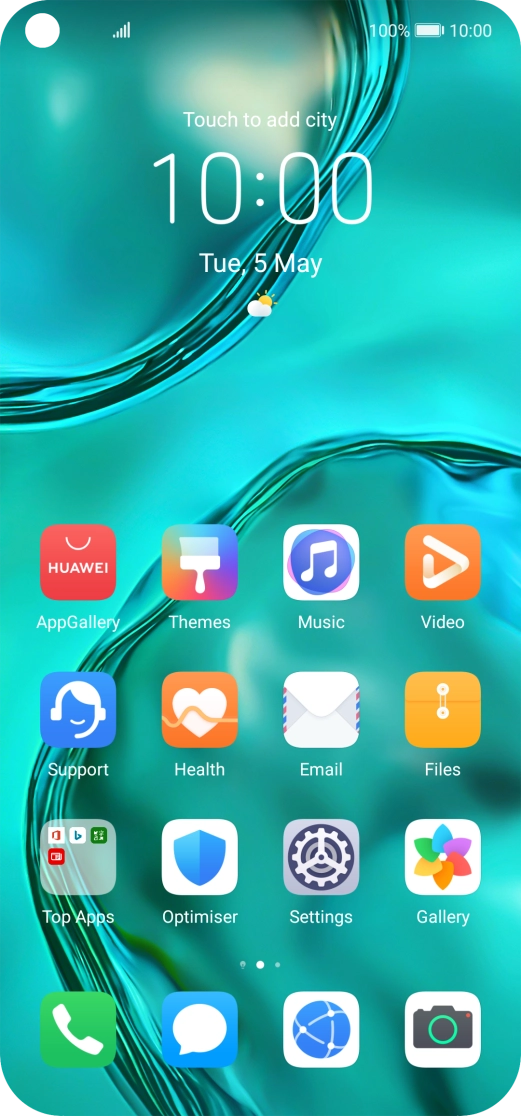
Press Settings.


Press Wi-Fi.


Press the indicator next to "Wi-Fi" to turn on the function.


Press More settings.


Press the indicator next to "Wi-Fi+" to turn the function on or off.
Slide your finger upwards starting from the bottom of the screen to return to the home screen.