Microsoft Surface Go 3


Inserting memory card
The memory card gives you additional space for saving documents, pictures, videos clips etc.

Step 1 of 4
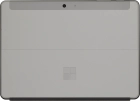
Turn the back of your laptop towards you.
Step 2 of 4
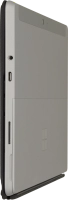
Take hold of the side of the kickstand and flip it upwards.

Step 3 of 4
Turn the memory card with the golden contacts facing downwards.
Step 4 of 4
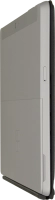
Slide the memory card into the memory card holder until it clicks into place.