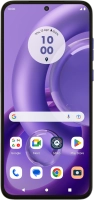
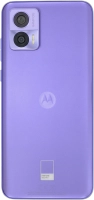
Motorola Edge 30 Neo



Resetting network settings
If you have problems using network configurations on your phone, such as mobile data, Wi-Fi or Bluetooth, resetting the network settings may help.


Slide two fingers downwards starting from the top of the screen.


Press the settings icon.
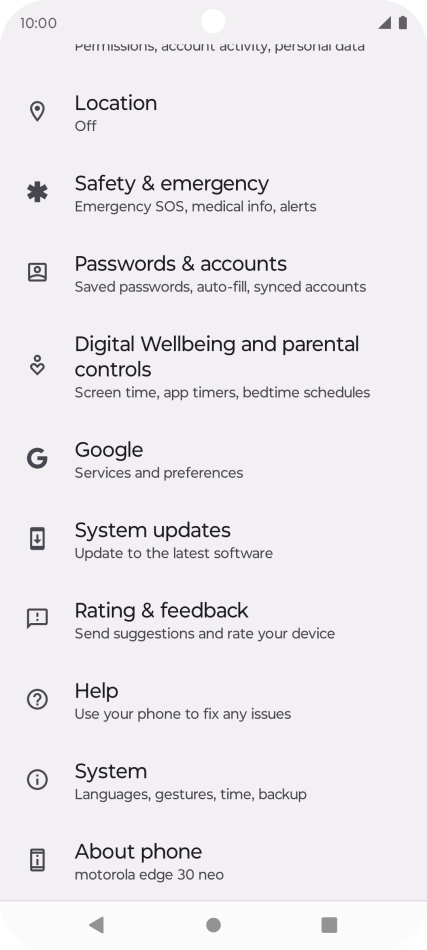
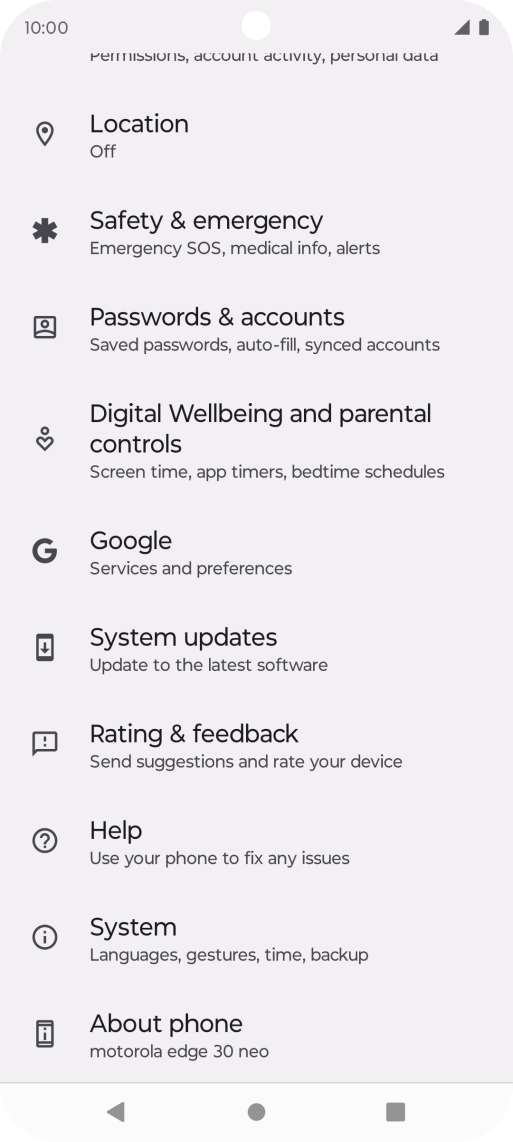
Press System.
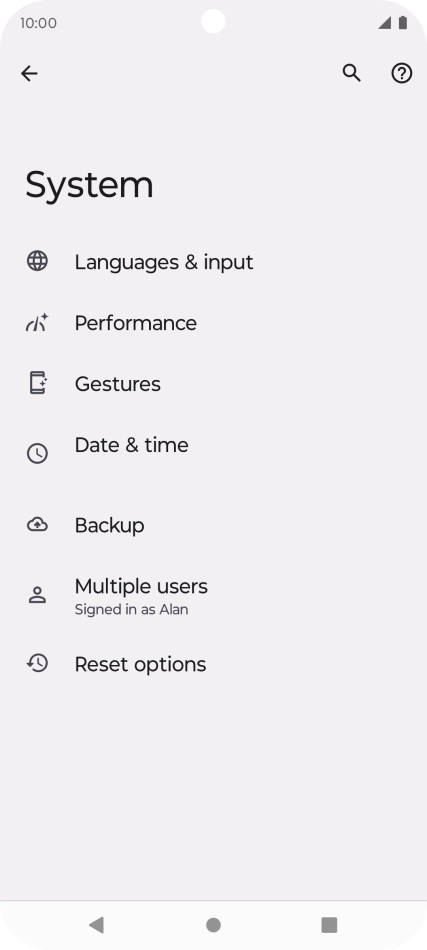
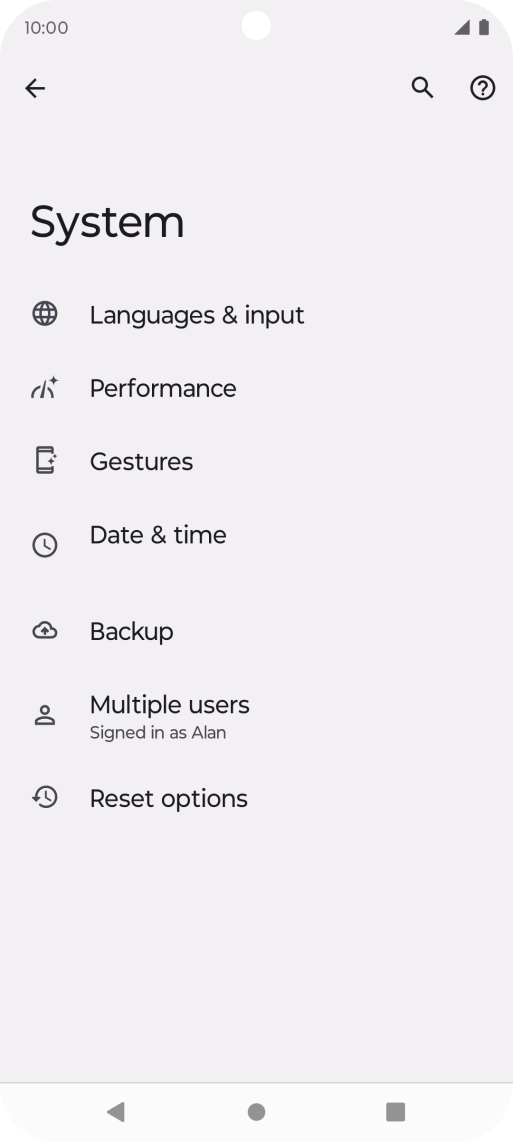
Press Reset options.
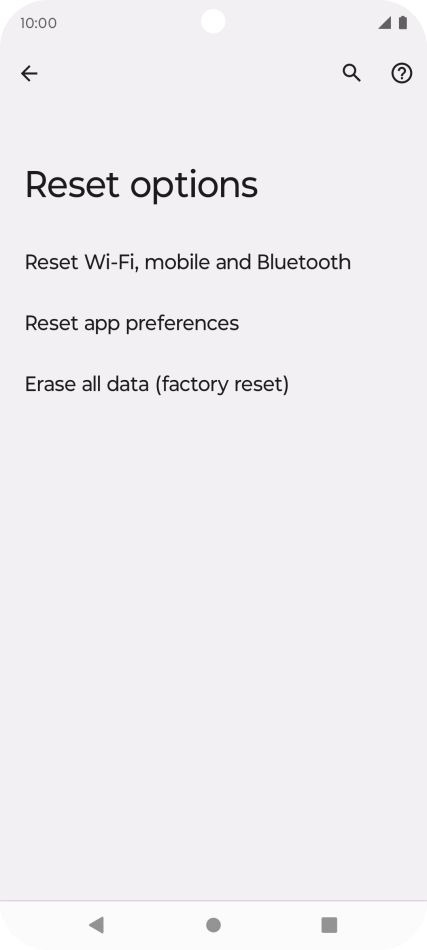
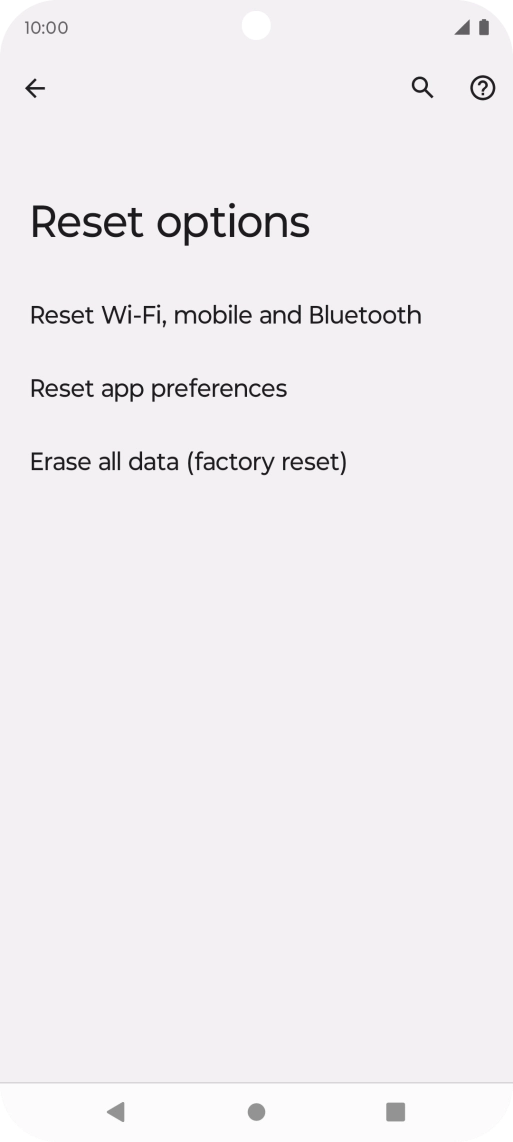
Press Reset Wi-Fi, mobile and Bluetooth.
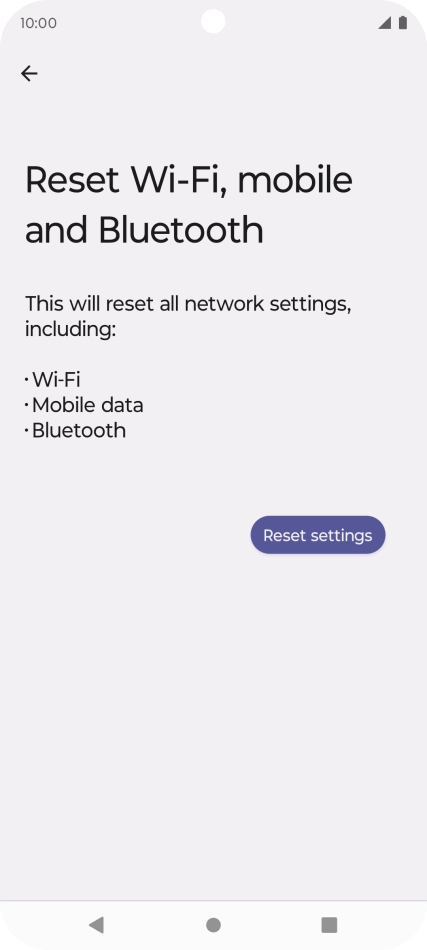
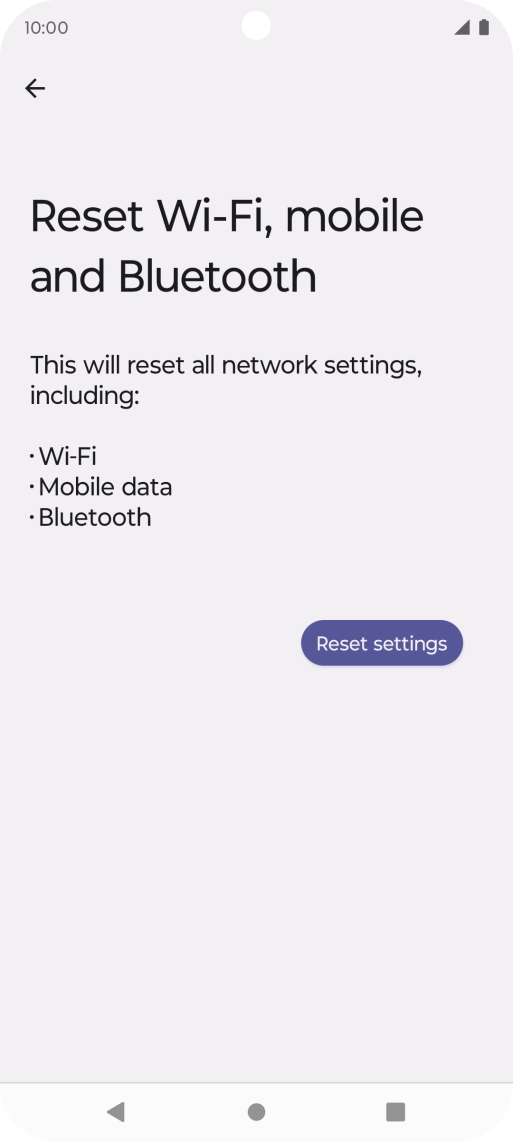
Please note that all saved APN, Wi-Fi and Bluetooth connections and passwords, you've created, are deleted.
Press Reset settings.
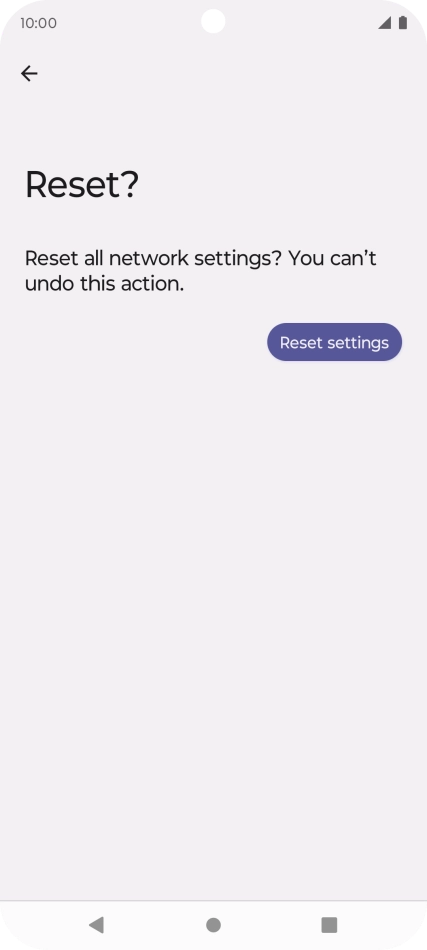
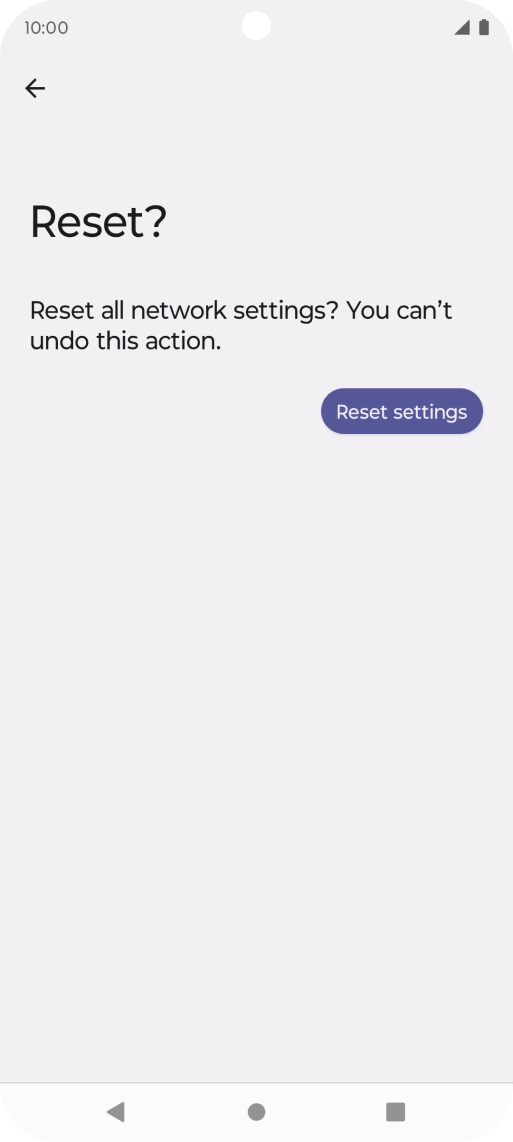
Please note that all saved APN, Wi-Fi and Bluetooth connections and passwords, you've created, are deleted.
Press Reset settings.
Press the Home key to return to the home screen.