Help
Device guides
Motorola
Edge 30 Neo

Motorola Edge 30 Neo

f-93e9a634-e984-49da-b3c0-4ecf46ea52a0
f-1d0a17fb-5c02-427f-a490-dc32516cbcbf
f-ea7de478-9867-4af5-ba1a-3cc132157dff
f-820c2a10-229b-4da3-9ce8-c76f97e4c992
f-76a750bd-fe54-4d4b-9975-c5269c46baf7
f-631bd3ce-6900-4cbd-9863-cad31b369587
  • Device home
  • Getting started
  • Basic functions
  • Calls, contacts, messaging
  • Connectivity
  • Specifications
  • Device home
  • Getting started
  • Basic functions
  • Calls, contacts, messaging
  • Connectivity
  • Specifications

My phone's battery life is short

Solution 13 of 15: There are too many running applications

Some applications aren't ended completely when you return to the home screen. If you don't end them from the list of running applications, they keep running in the background which may slow down your phone.
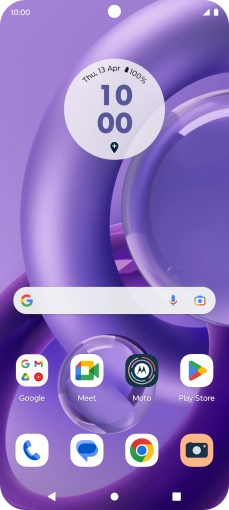
Press the Application key until the list of running applications is displayed.
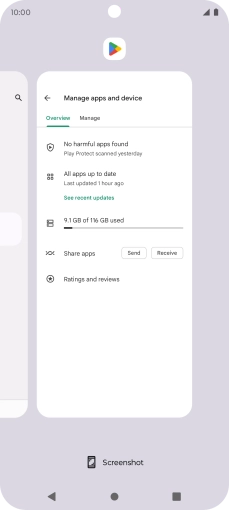
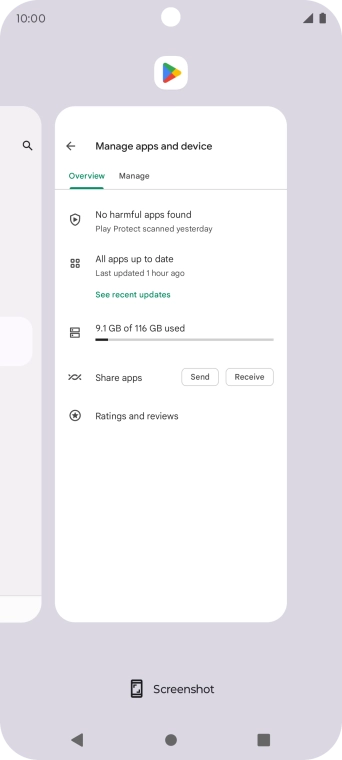
Step 1 of 4

Press the Application key until the list of running applications is displayed.

To end one running application, slide your finger upwards on the required application.
Step 2 of 4

To end one running application, slide your finger upwards on the required application.

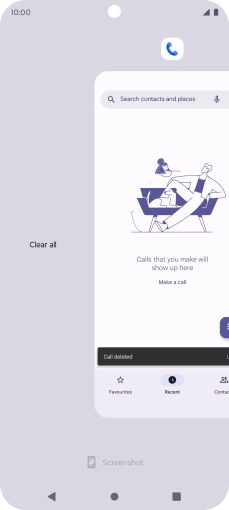
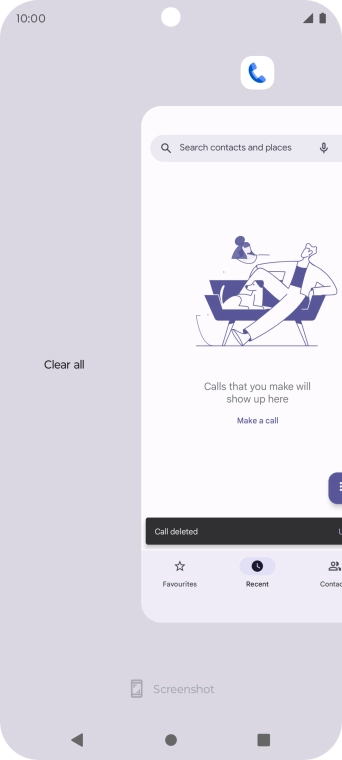
To end all running applications, slide you finger right on the screen.
Step 3 of 4

To end all running applications, slide you finger right on the screen.

Press Clear all.
Press Clear all.
Step 4 of 4

Press Clear all.


Did this solve your problem?

Yes No

Get information on...

Or choose...

Show more