Help
Device guides
Motorola
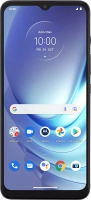
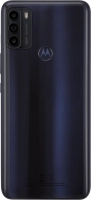
Moto G50 5G

Motorola Moto G50 5G
f-d6182f59-9cdd-4dd6-b3c6-646291f0e0ac
f-ef42908d-856c-40fd-9be5-ff53a0d6aae9
f-fbcd9c55-27a4-4f1f-86c9-7d83a992409f
f-2d4ed9ca-c5e5-4c17-8a77-0c47d154578d
f-60f82fbe-426f-4d7e-a7ba-5b305dc5ec97
f-cb6d2f1e-4aa0-4141-bbe4-641ce55a42fc
  • Device home
  • Getting started
  • Basic functions
  • Calls, contacts, messaging
  • Connectivity
  • Specifications
  • Device home
  • Getting started
  • Basic functions
  • Calls, contacts, messaging
  • Connectivity
  • Specifications

It's not possible to receive messages on my voicemail

Solution 1 of 3: Your voicemail hasn't been turned on


To receive voice messages, your voicemail needs to be activated.

Send a text message with the text VM ON to 150 to activate your voicemail.


Did this solve your problem?

Yes No

Get information on...

Or choose...

Show more