Help
Device guides
Motorola
Moto G8 PLUS

Motorola Moto G8 PLUS
f-0923f25c-f3af-4fa8-b10a-828fb6d87d81
f-5f581b3f-b036-4235-8bb3-eba8536c5018
f-648b557a-5b9e-4243-8acb-8adcff67581e
f-ab55df9f-4b82-45eb-ac04-eadc2e5dd8e1
f-de957b56-3180-4a55-9738-7b0c20a87ffa
f-8dd1a361-060c-4afe-a2ec-880cf15916bd
  • Device home
  • Getting started
  • Basic functions
  • Calls, contacts, messaging
  • Connectivity
  • Specifications
  • Device home
  • Getting started
  • Basic functions
  • Calls, contacts, messaging
  • Connectivity
  • Specifications

Diverting calls to voicemail

To receive voice messages, you need to divert your calls to your voicemail.
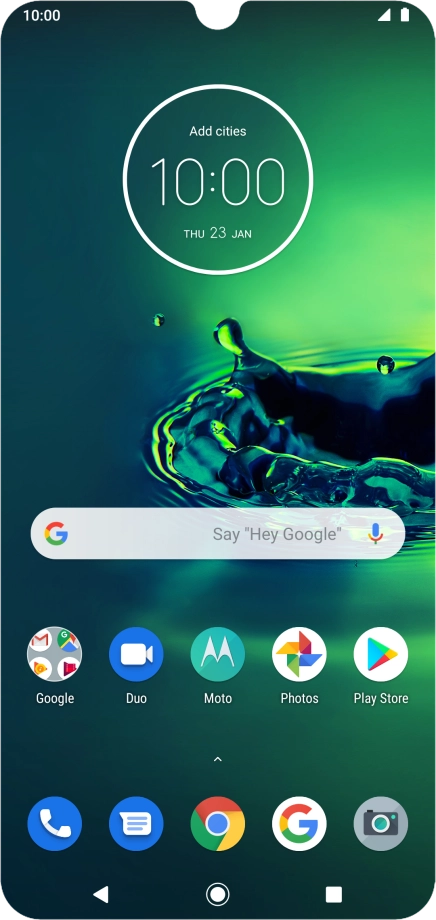
Press the phone icon.
Step 1 of 9

Press the phone icon.

Press the menu icon.
Step 2 of 9

Press the menu icon.

Press Settings.
Press Settings.
Step 3 of 9

Press Settings.

Press Calling accounts.
Step 4 of 9

Press Calling accounts.

Press the name of the SIM.
Step 5 of 9

Press the name of the SIM.

Press Call forwarding.
Step 6 of 9

Press Call forwarding.

Press the required divert type.
Step 7 of 9

Press the required divert type.

Key in +447953222222 and press TURN ON.
+447953222222
Key in +447953222222 and press TURN ON.
+447953222222
Step 8 of 9

Key in +447953222222 and press TURN ON.

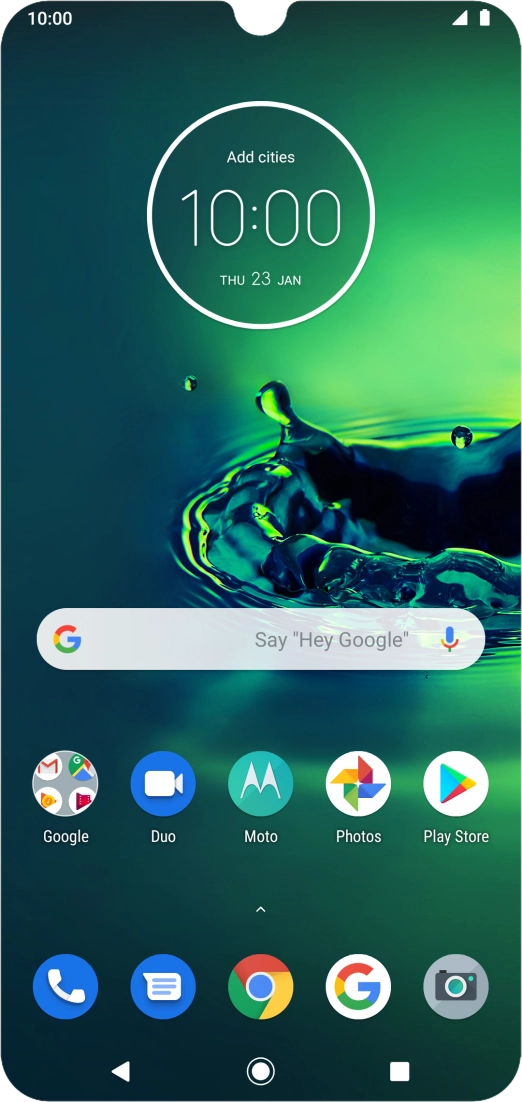
Press the Home key to return to the home screen.
Step 9 of 9

Press the Home key to return to the home screen.

Get information on...

Or choose...

Show more