Motorola Razr 60 Ultra
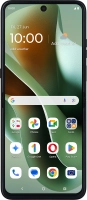



Selecting network mode
There may be different network modes available depending on where you are. The network mode influences the data speeds your phone can achieve.


Slide your finger downwards starting from the top right side of the screen.


Press the settings icon.


Press Network & Internet.


Press SIMs & mobile network.


Press the name of the SIM.
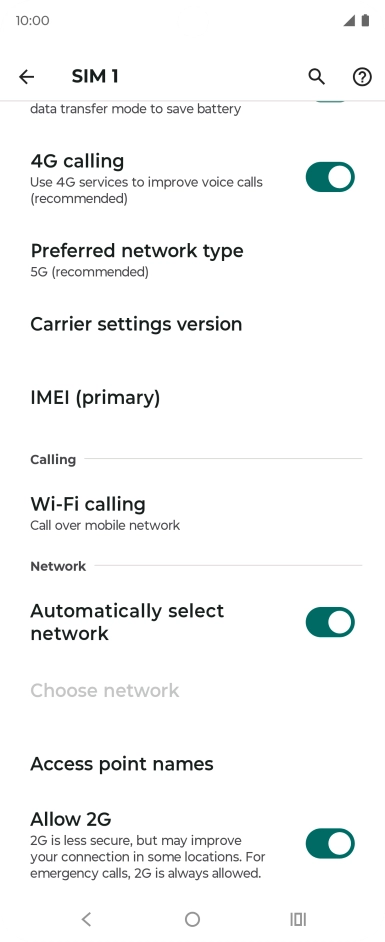
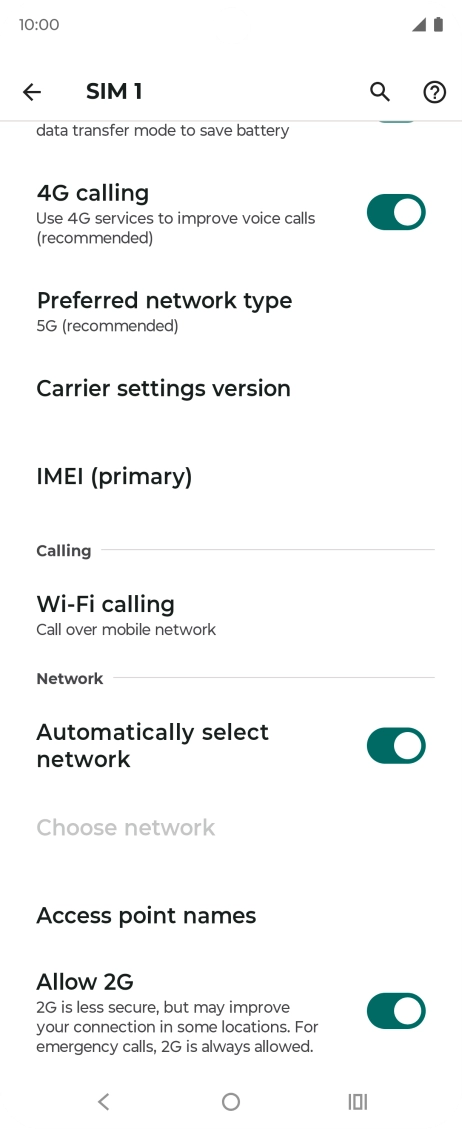
Press Preferred network type.


Press the required network mode.
Press the Home key to return to the home screen.