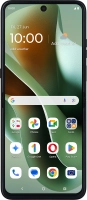
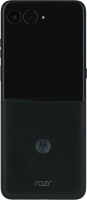
Motorola Razr 60 Ultra

Viewing data usage
You can see how much mobile data you've used when you've used the browser or sent and received email messages etc.


Slide your finger downwards starting from the top right side of the screen.


Press the settings icon.


Press Network & Internet.


Press SIMs & mobile network.


Press SIM for mobile data.


The total data usage is displayed.
Press the total data usage.


The data usage for each application is displayed below the name of the application.
Press the Home key to return to the home screen.