




Help
Device guides
OnePlus
7 Pro 5G

OnePlus 7 Pro 5G

f-14d789db-1d1b-4a29-b4d6-63f24e6ae290
f-50b8a90e-e293-408e-b97d-9c72460aca82
f-e35c9925-d6c4-453b-a7ff-67e071235f2f
f-28387184-cac7-42de-87d8-b8d102ebb6e8
f-98fdaffe-c3e3-4759-92ff-54434ceef355
f-393b7784-bd3c-4025-997b-9e1e561d8848
  • Device home
  • Getting started
  • Basic functions
  • Calls, contacts, messaging
  • Connectivity
  • Specifications
  • Device home
  • Getting started
  • Basic functions
  • Calls, contacts, messaging
  • Connectivity
  • Specifications

Calling a contact in your address book

You can make a voice call by finding the number in your phone's address book. To call a contact in your address book, you need to create a contact in the address book.
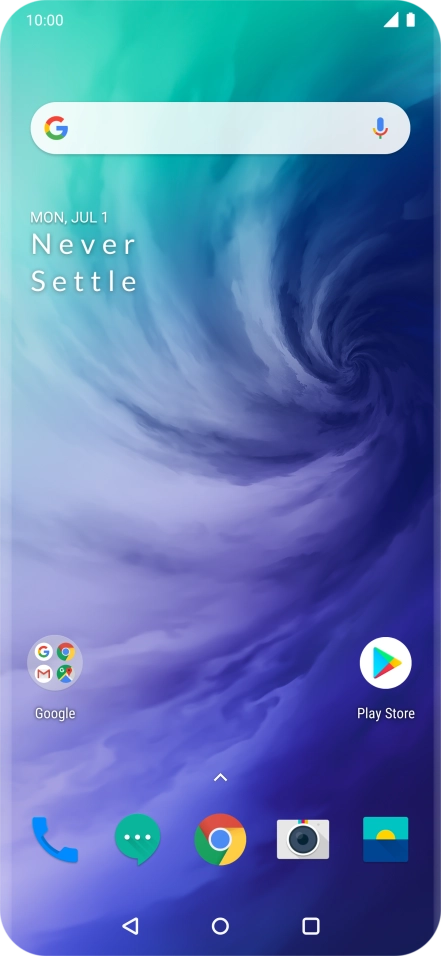
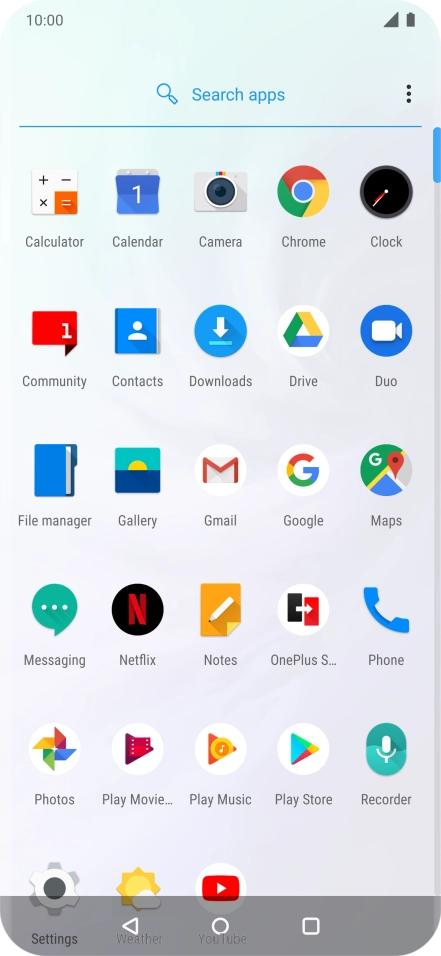
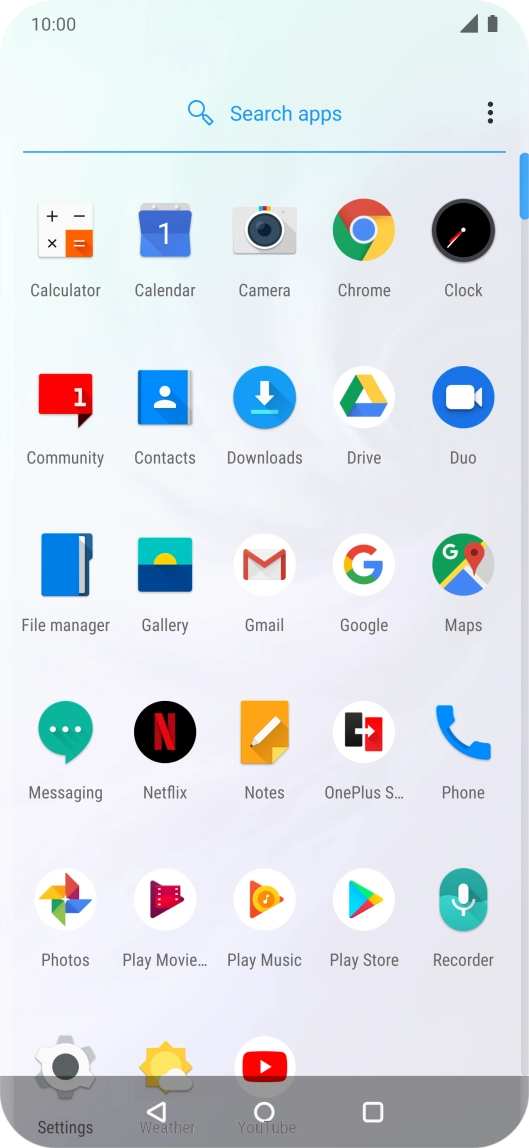
Slide your finger upwards on the screen.
Step 1 of 6

Slide your finger upwards on the screen.

Press Contacts.
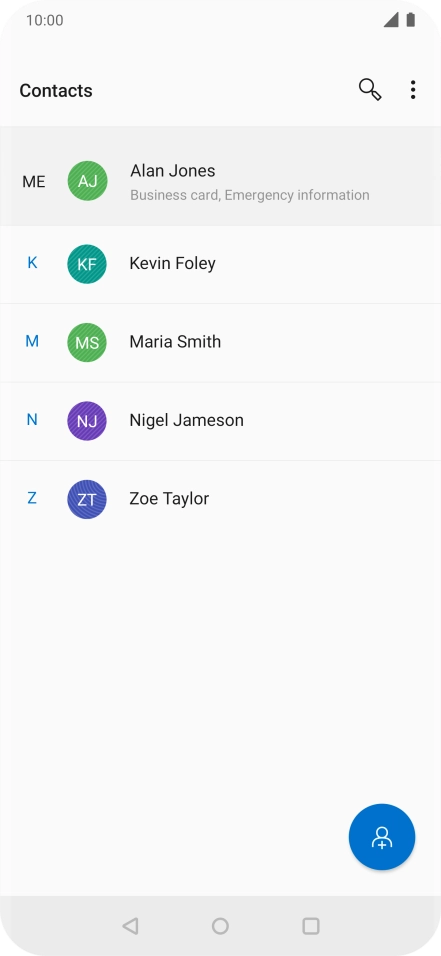
Press Contacts.
Step 2 of 6

Press Contacts.

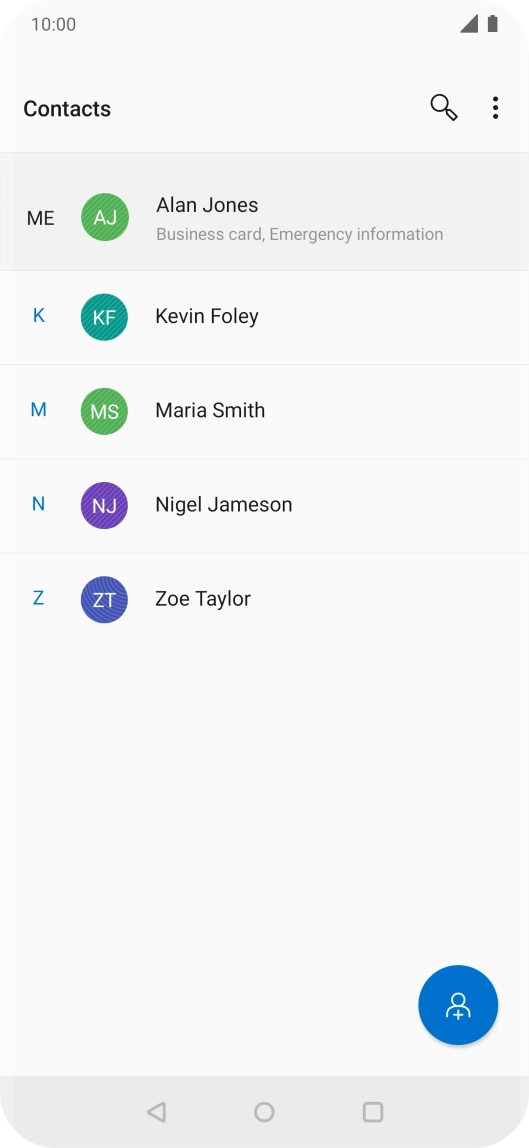
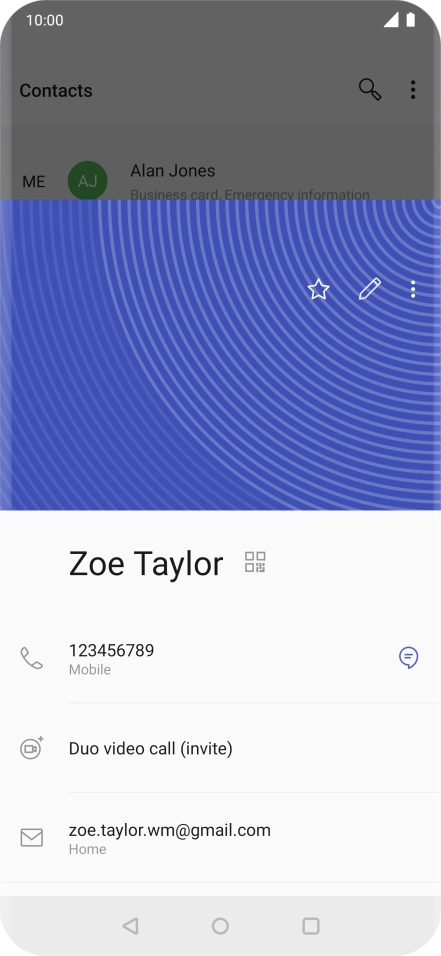
Press the required contact.
Step 3 of 6

Press the required contact.

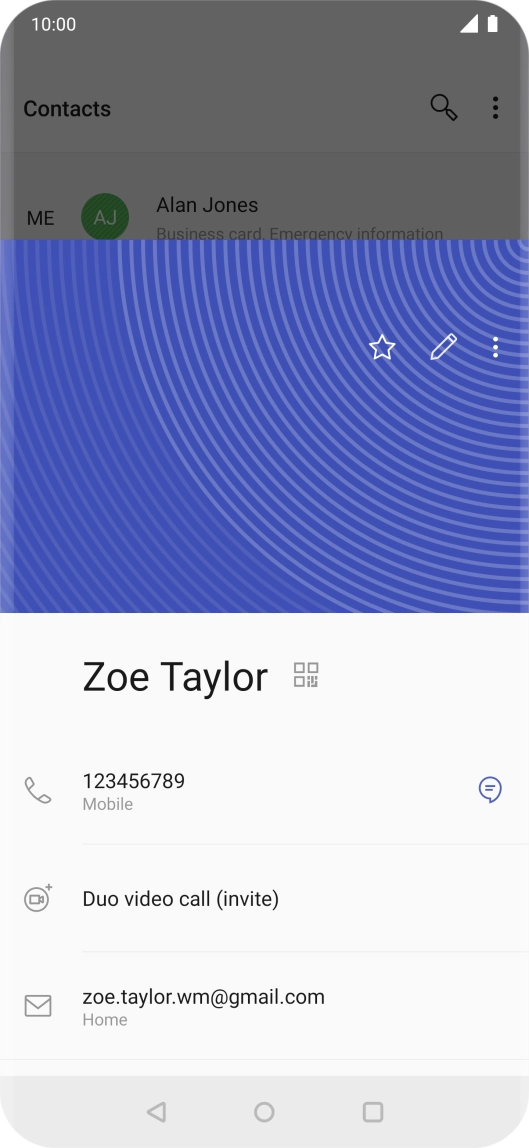
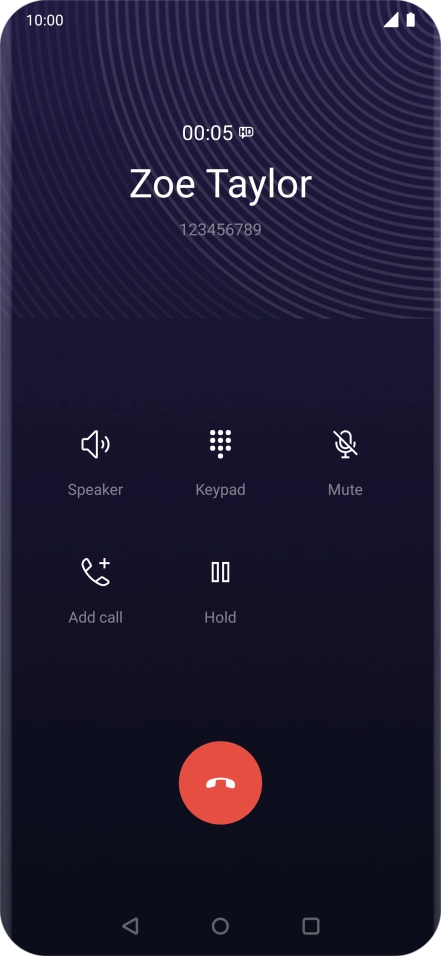
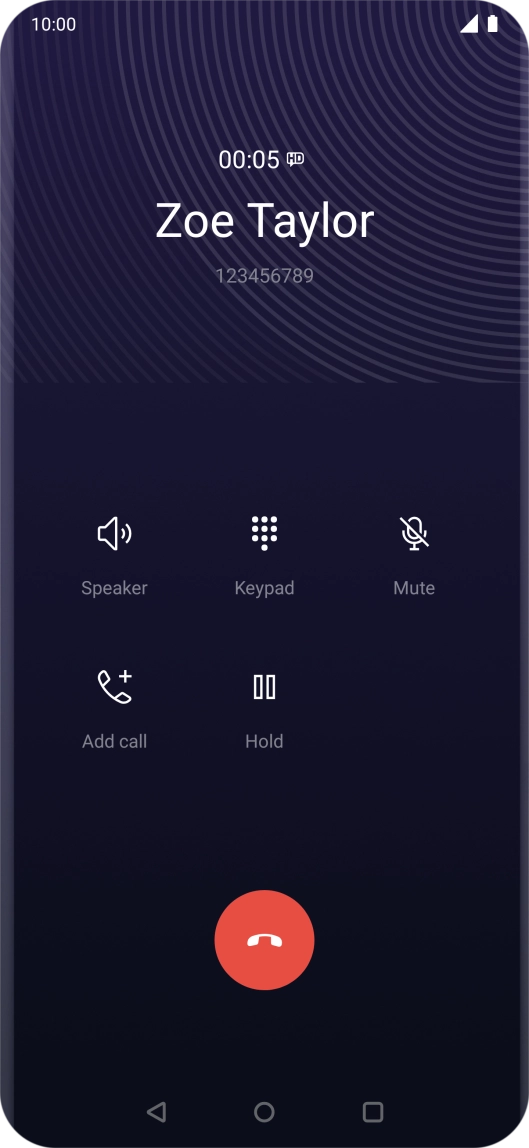
Press the call icon next to the required number.
Step 4 of 6

Press the call icon next to the required number.

Press the end call icon.
Step 5 of 6

Press the end call icon.

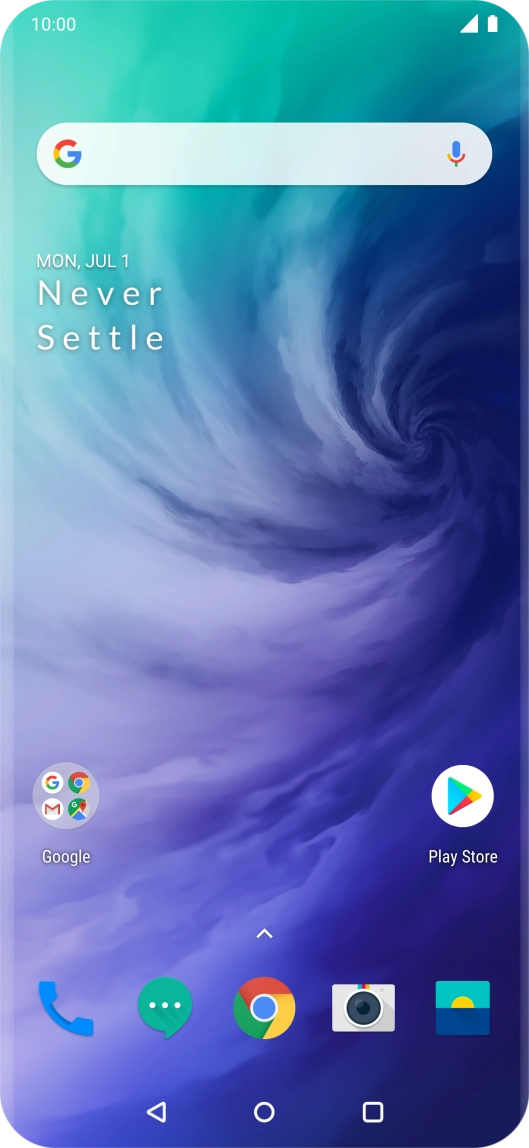
Press the Home key to return to the home screen.
Step 6 of 6

Press the Home key to return to the home screen.

Get information on...

Or choose...

Show more