OPPO A60








Turning call waiting on or off
When call waiting is turned on, you can answer a new call without ending your ongoing call.


Press the call icon.
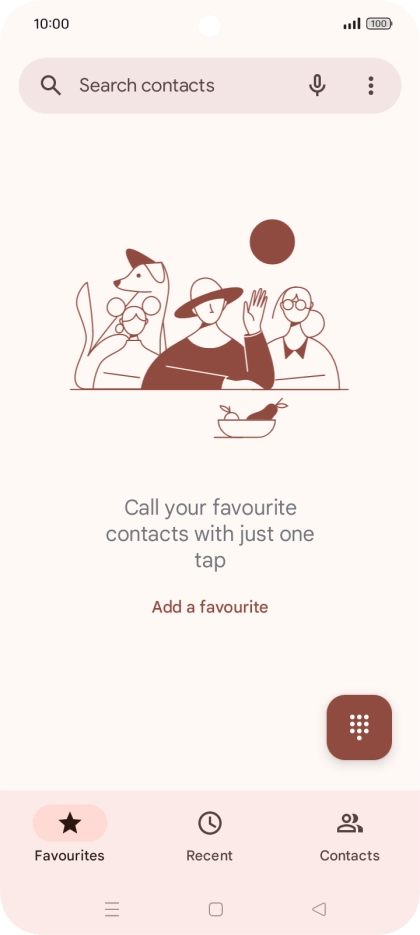
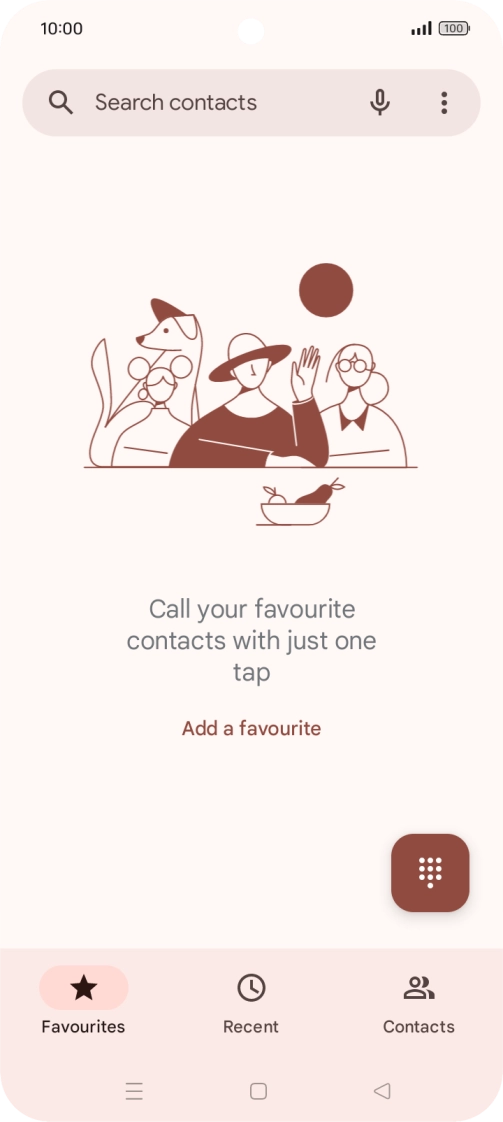
Press the menu icon.
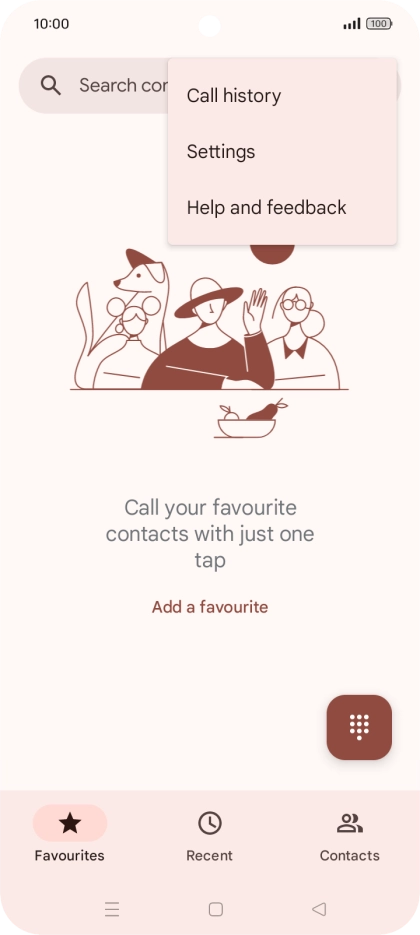
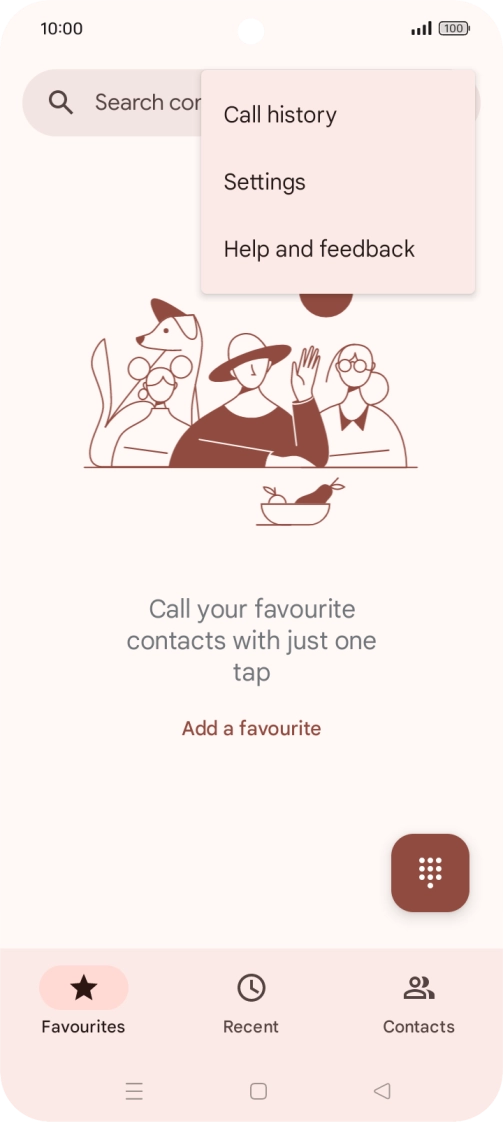
Press Settings.
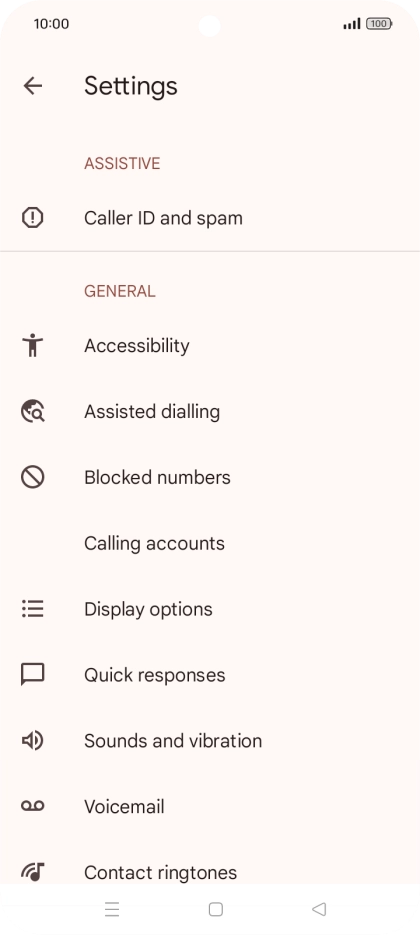
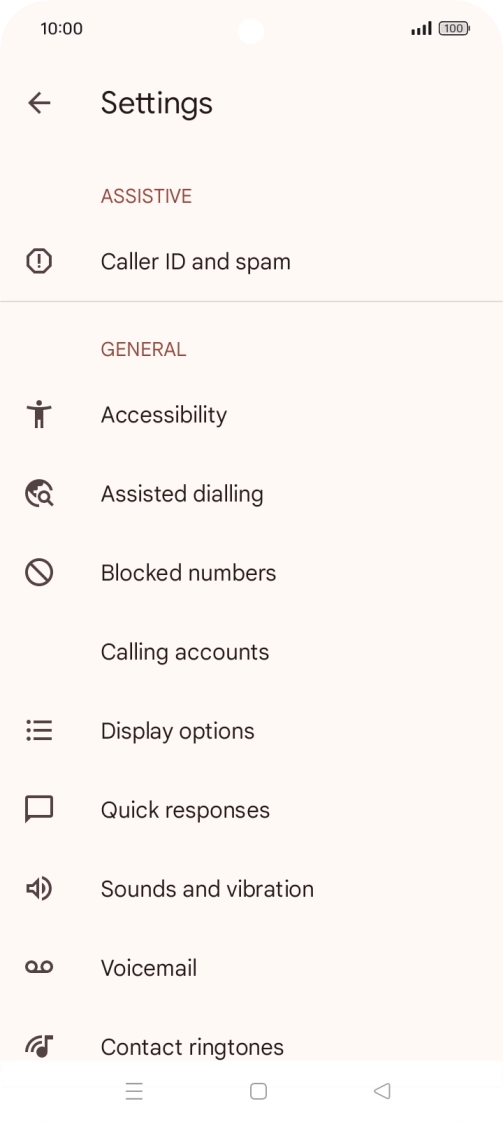
Press Calling accounts.
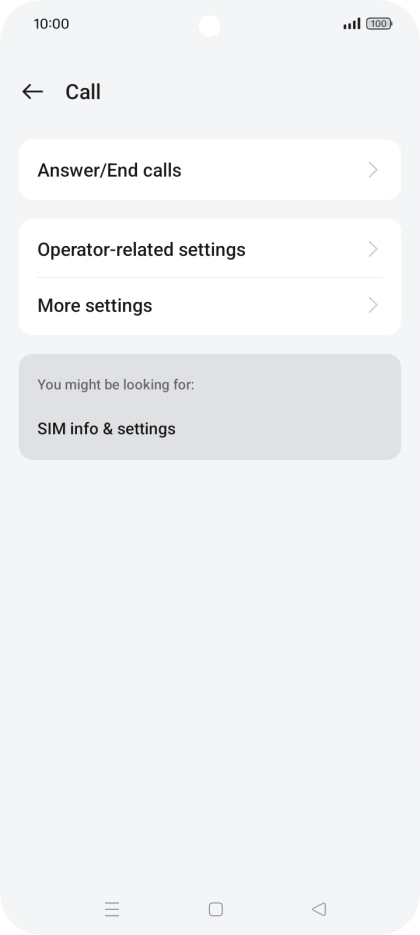
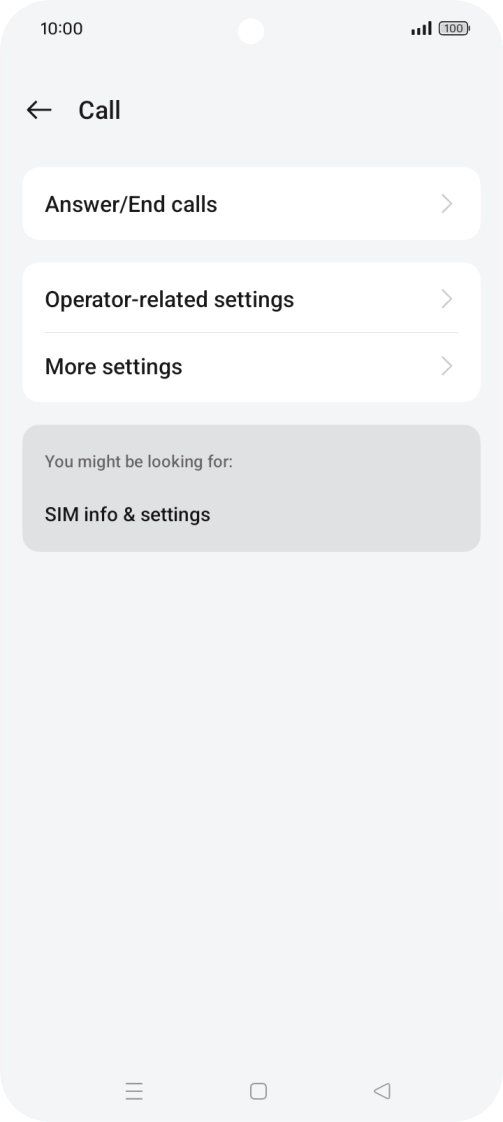
Press Operator-related settings.
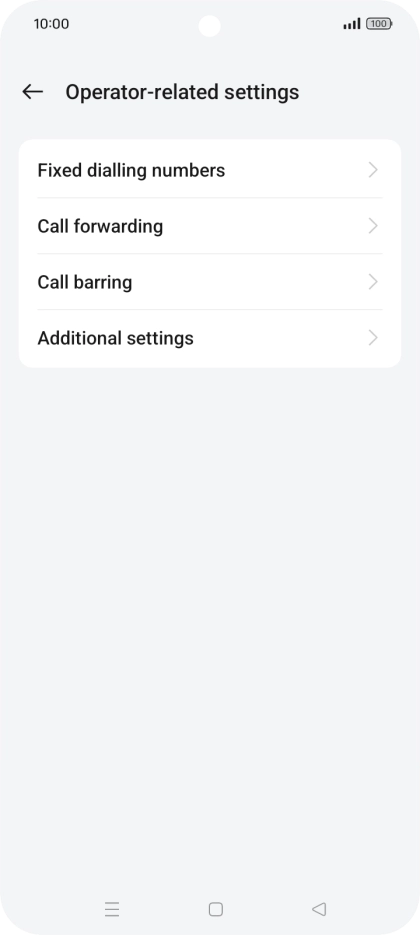
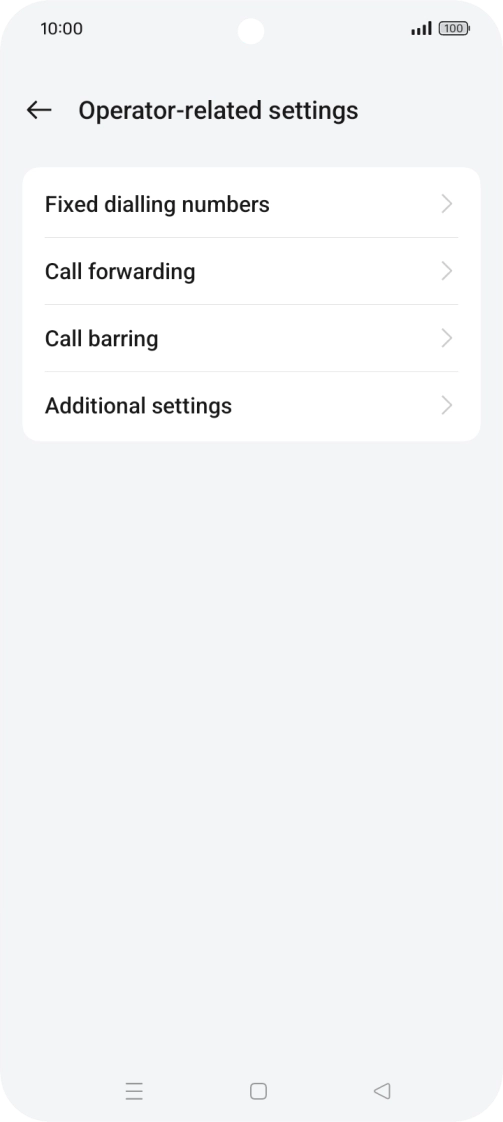
Press Additional settings.
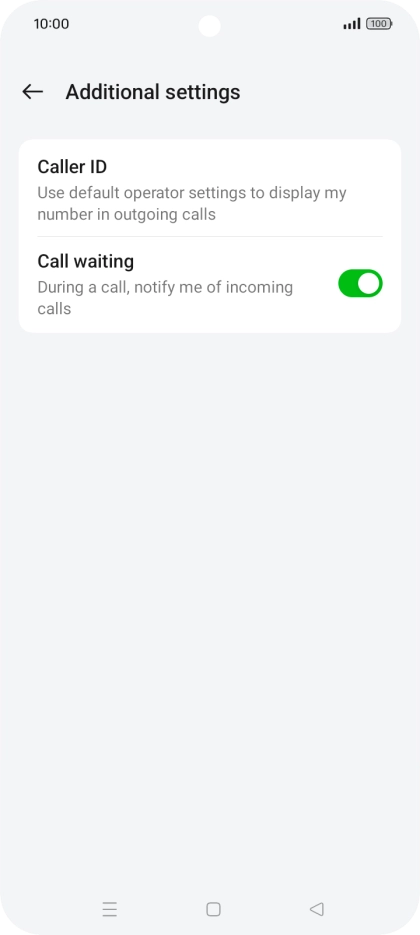
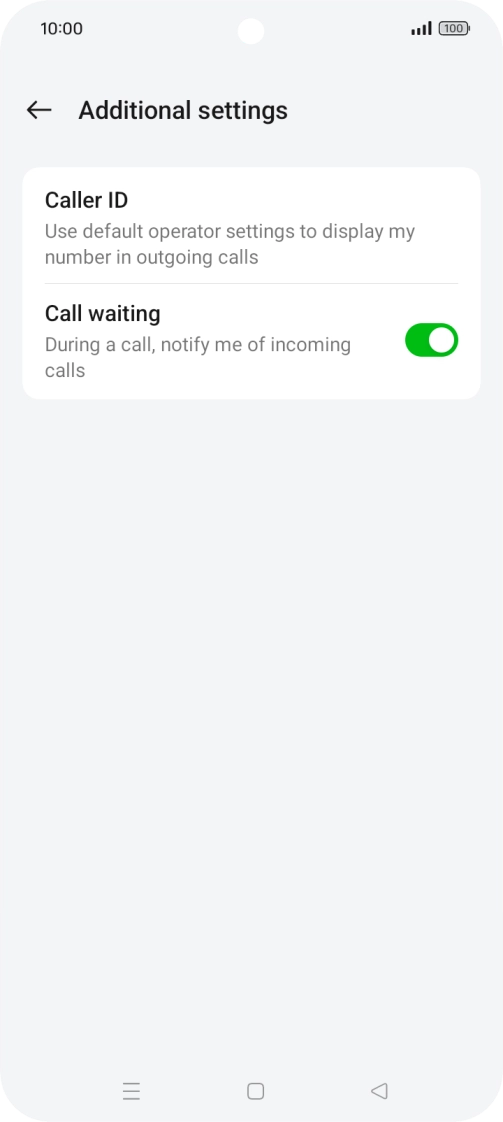
Press the indicator next to "Call waiting" to turn the function on or off.
Press the Home key to return to the home screen.