




Help
Device guides
OPPO
Find X2 Lite

OPPO Find X2 Lite

f-fe128992-30c7-48b8-878d-c986906c0dd8
f-25fa94eb-a4b1-4bd2-a943-acb61ce78fab
f-0b320f57-0f93-47f4-8643-1a01a8bc3a37
f-0c98b1b8-8677-41dd-921a-138693caf79a
f-ed85f807-391f-4f24-8128-c2db79f7ea0c
f-b29b30a9-622e-4ba9-8234-aeca2f2f1755
  • Device home
  • Getting started
  • Basic functions
  • Calls, contacts, messaging
  • Connectivity
  • Specifications
  • Device home
  • Getting started
  • Basic functions
  • Calls, contacts, messaging
  • Connectivity
  • Specifications

Calling a contact in your address book

You can make a voice call by finding the number in your phone's address book. To call a contact in your address book, you need to create a contact in the address book.

Slide your finger upwards on the screen.
Step 1 of 6

Slide your finger upwards on the screen.

Press Contacts.
Press Contacts.
Step 2 of 6

Press Contacts.

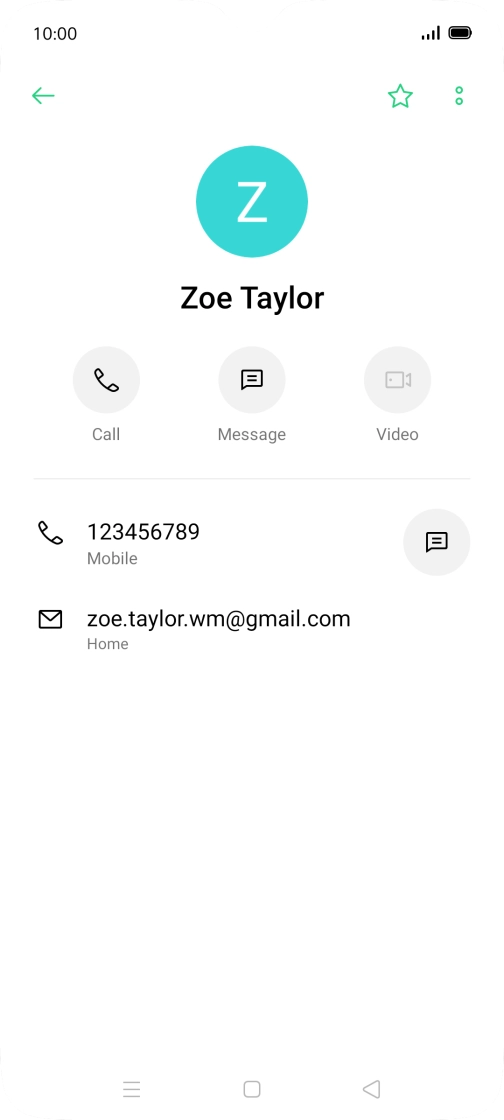
Press the required contact.
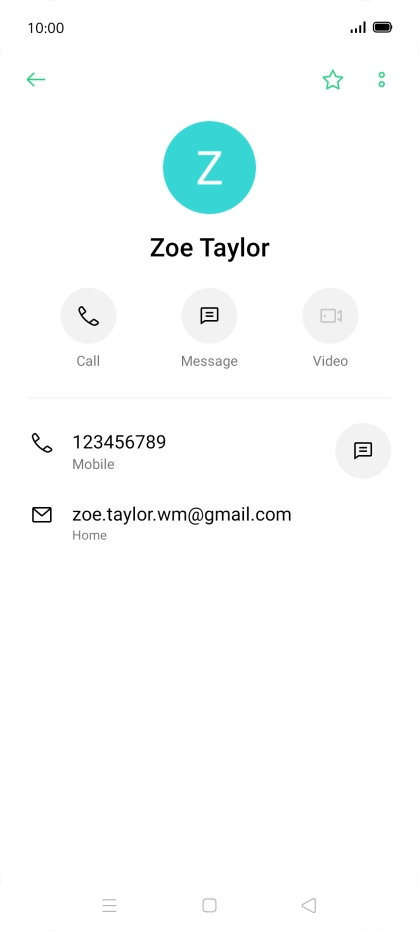
Step 3 of 6

Press the required contact.

Press the call icon next to the required number.
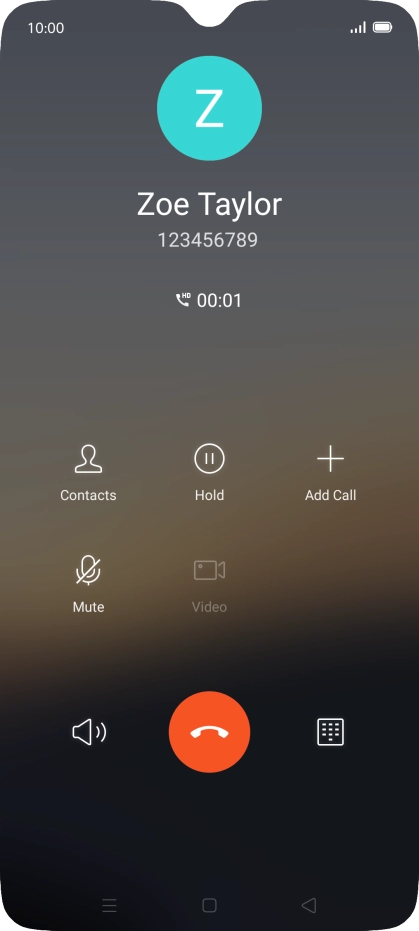
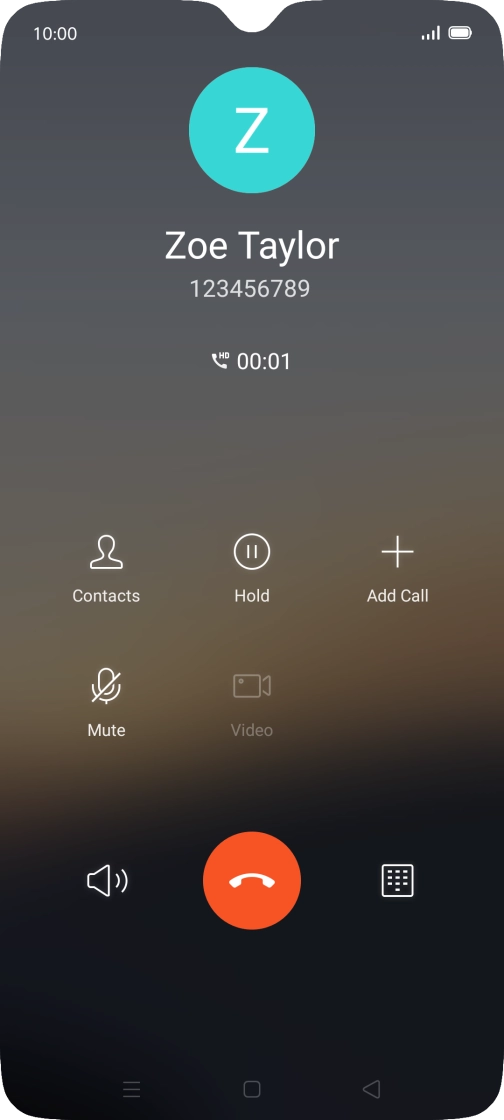
Step 4 of 6

Press the call icon next to the required number.

Press the end call icon.
Step 5 of 6

Press the end call icon.

Press the Home key to return to the home screen.
Step 6 of 6

Press the Home key to return to the home screen.

Get information on...

Or choose...

Show more