






Help
Device guides
OPPO
Reno13 FS 5G

OPPO Reno13 FS 5G

f-c474ecc4-daeb-4393-bf41-8f440217504d
f-f8e94149-42d1-4a52-9042-132aa6f41a20
f-cfb358fe-805e-47b2-b2a8-8d5427603f16
f-87e30f88-6d69-4205-9a2a-59d49b9b5777
f-2c9f3617-cd22-4171-9534-34c7c5e6fd4d
f-274bbd3d-5b30-464f-a196-a420f545bea4
f-6683bbbd-37d7-4fa8-ad16-0e5db233ebaf
f-40e7f626-a2ee-4b47-94d6-ccfad52868a5
  • Device home
  • Getting started
  • Basic functions
  • Calls, contacts, messaging
  • Connectivity
  • Specifications
  • Device home
  • Getting started
  • Basic functions
  • Calls, contacts, messaging
  • Connectivity
  • Specifications

Activating eSIM

In addition to your normal SIM, you can also use an eSIM in your phone. An eSIM is a digital SIM that enables you to activate a price plan without the use of a physical SIM. To activate your eSIM you need to set up your phone for internet or establish a connection to a Wi-Fi network.
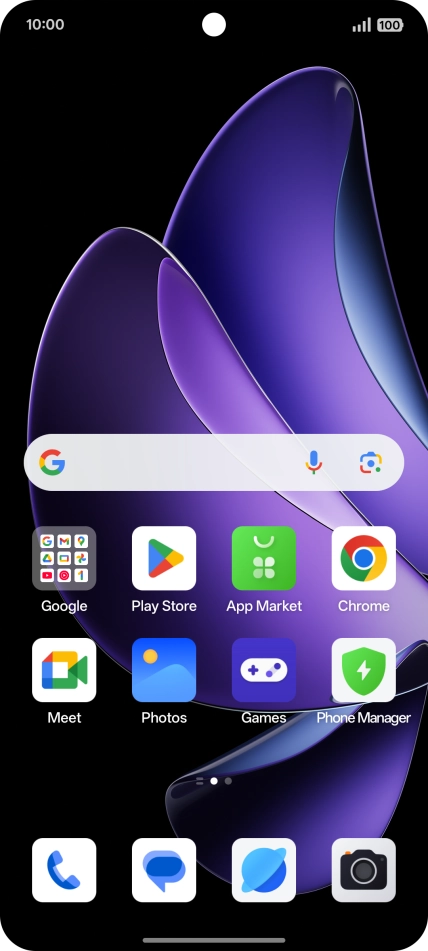
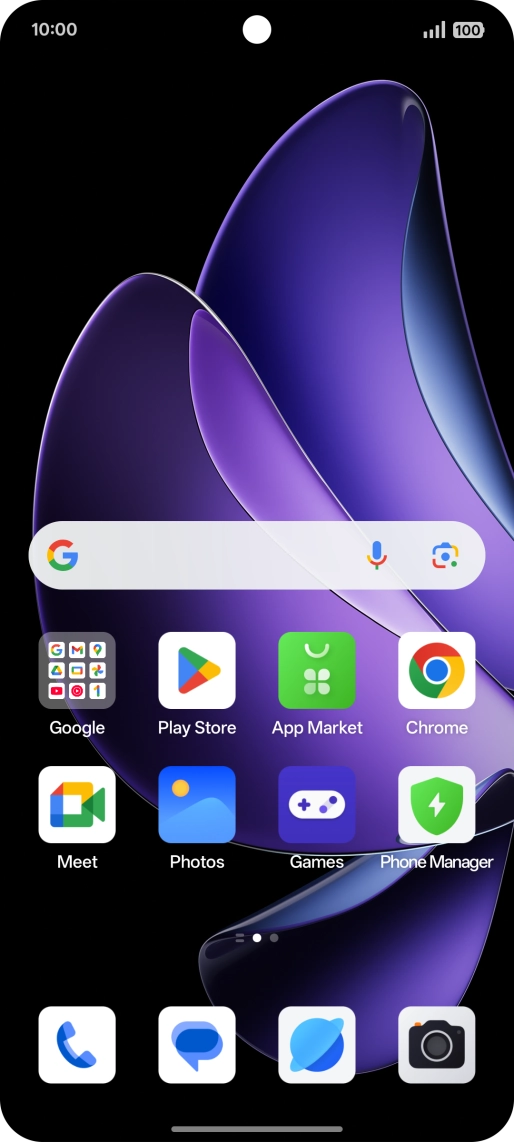
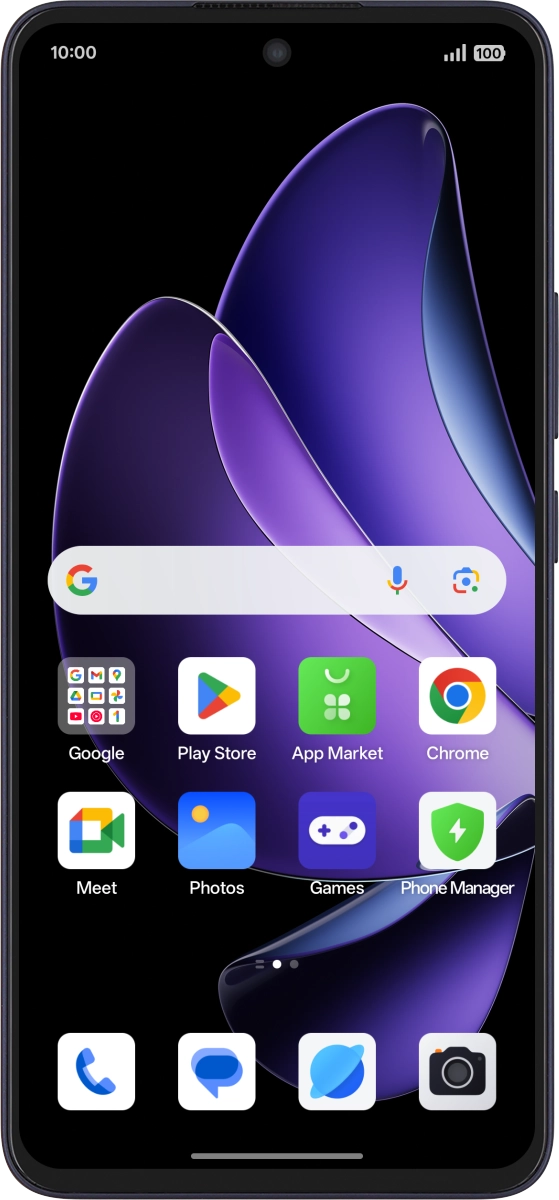
Slide two fingers downwards starting from the top of the screen.
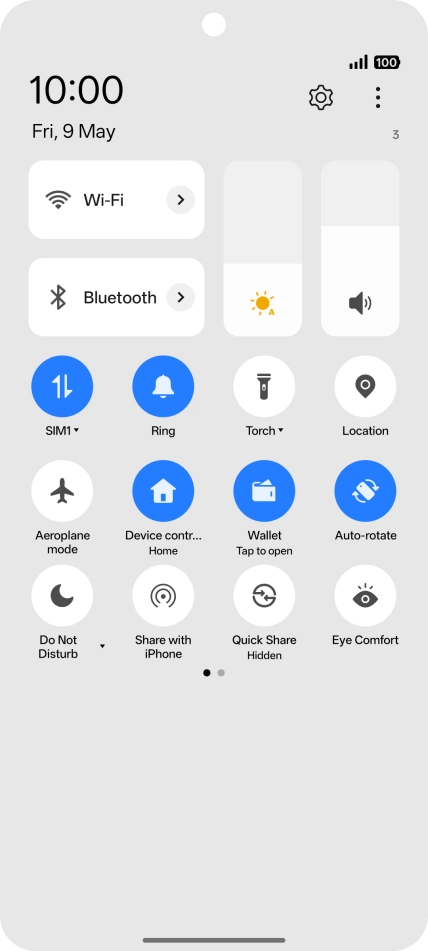
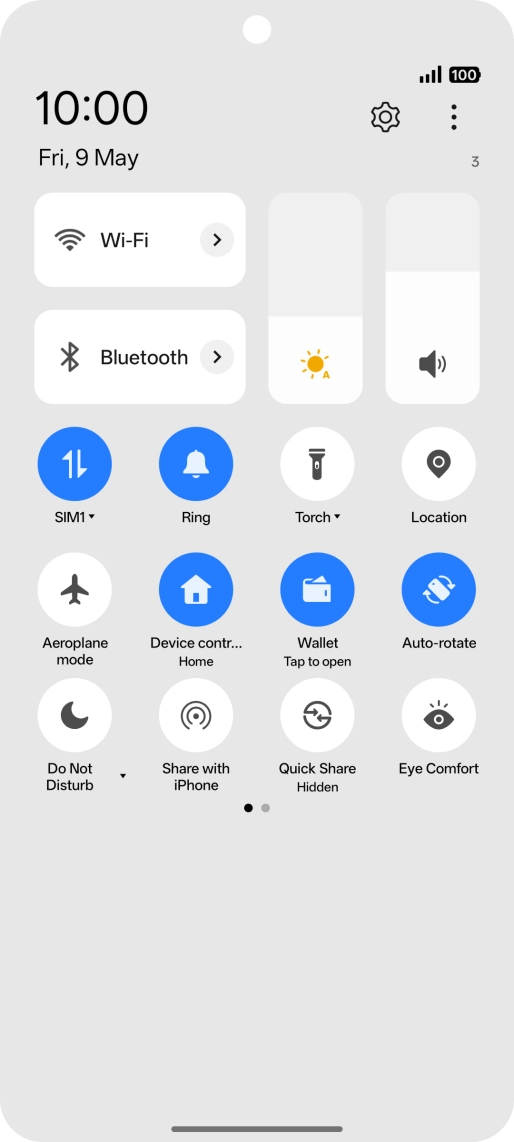
Step 1 of 10

Slide two fingers downwards starting from the top of the screen.

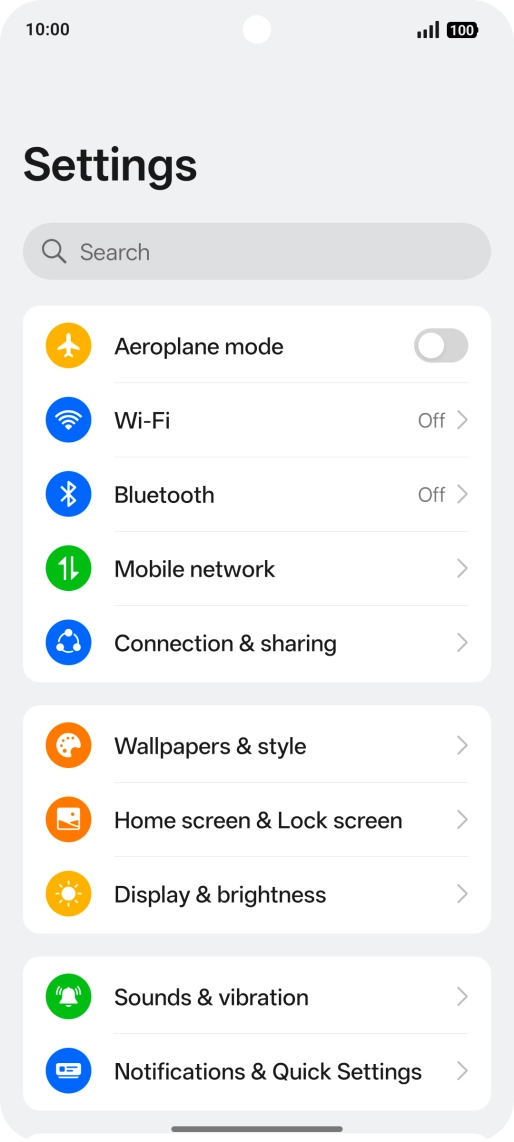
Press the settings icon.
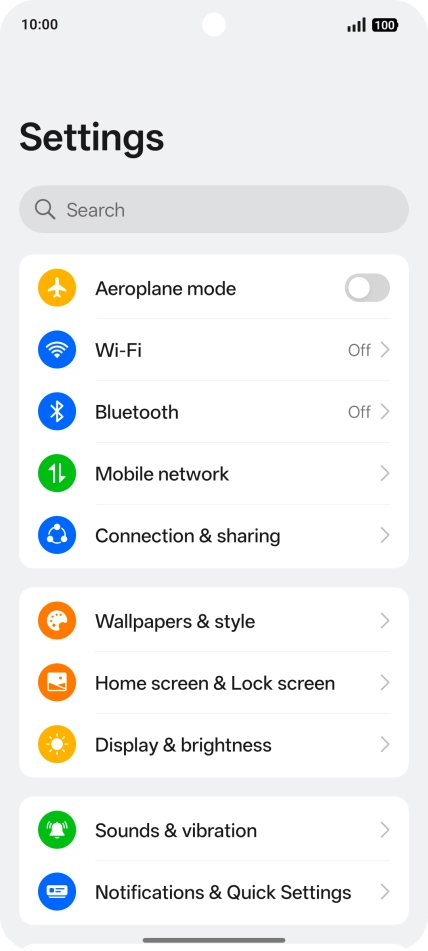
Step 2 of 10

Press the settings icon.

Press Mobile network.
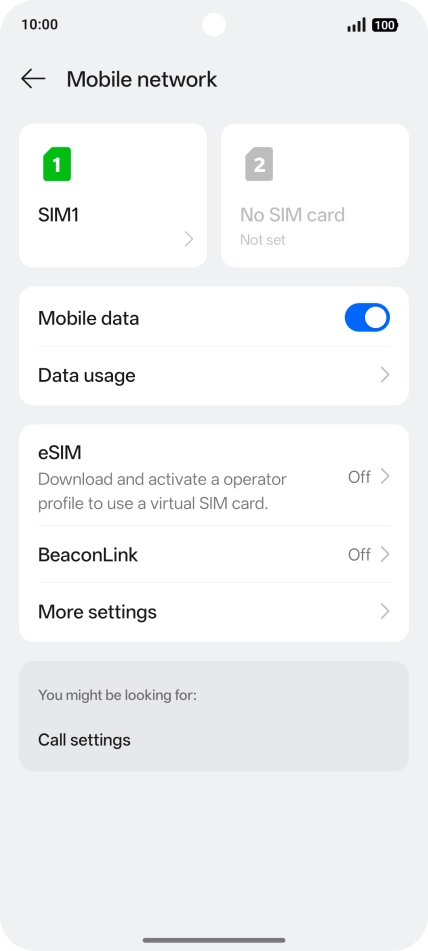
Step 3 of 10

Press Mobile network.

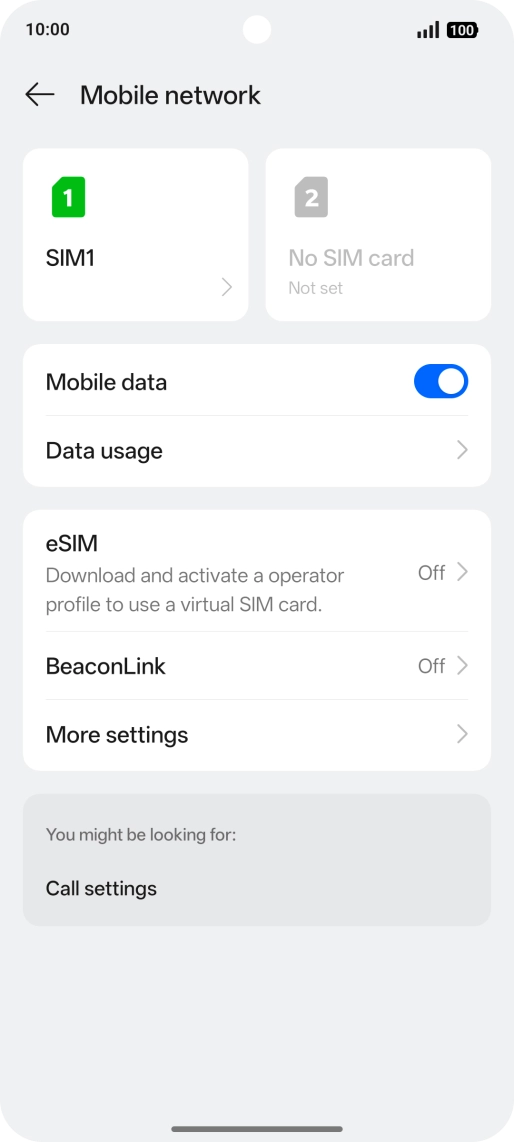
Press eSIM.
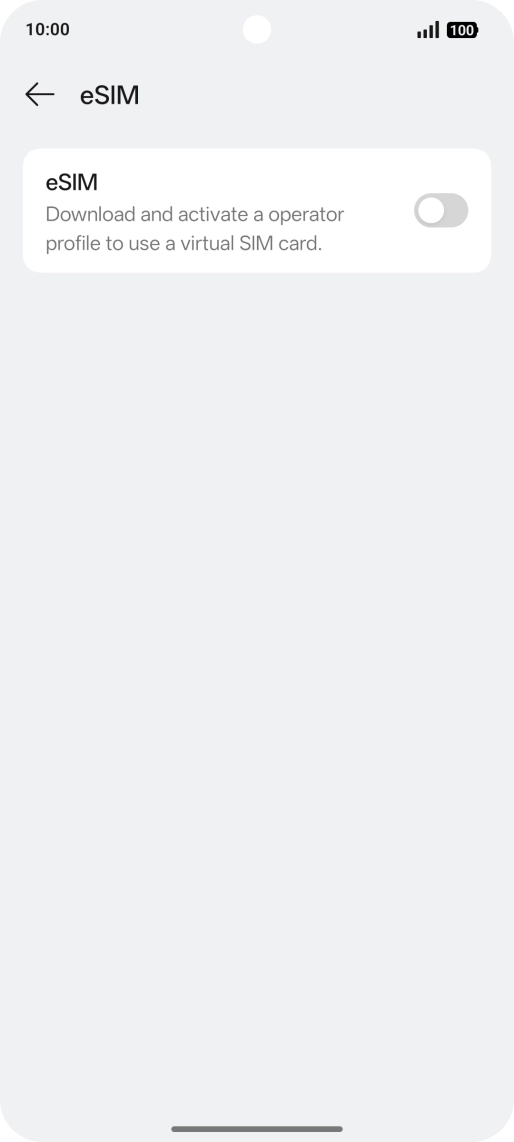
Press eSIM.
Step 4 of 10

Press eSIM.

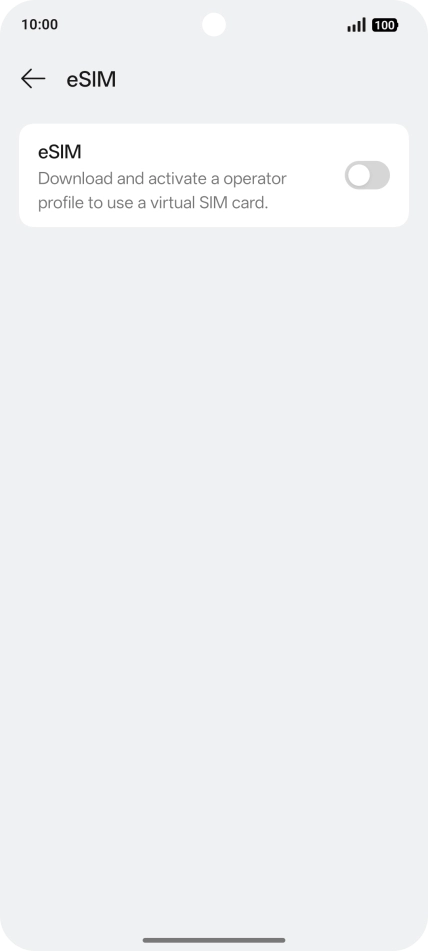
Press the indicator next to
Step 5 of 10

Press the indicator next to "eSIM".
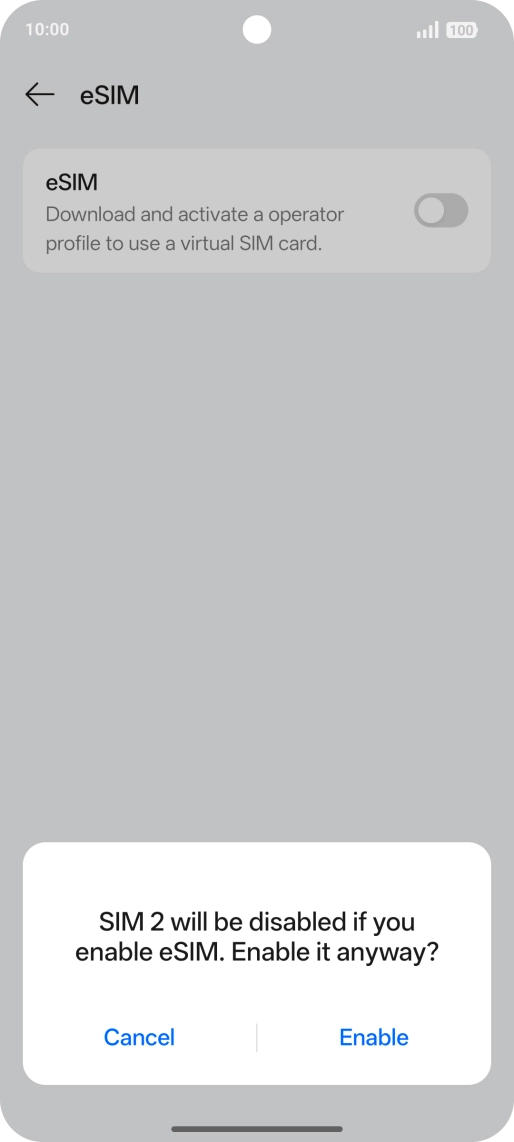
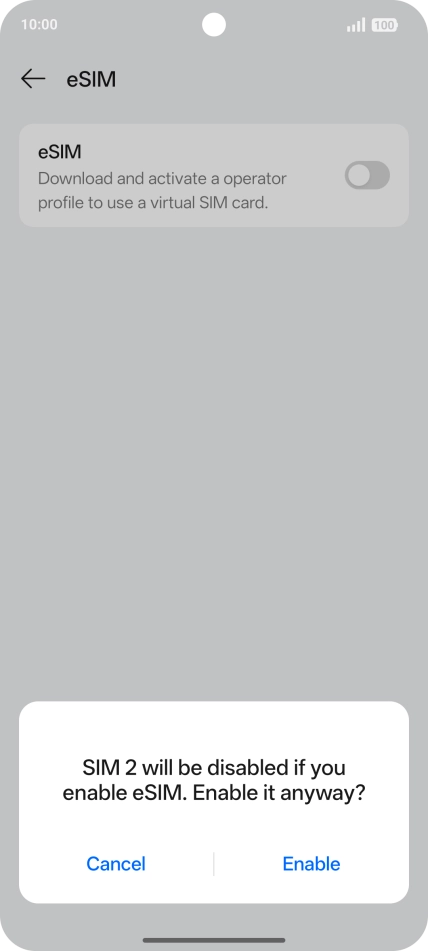
Press Enable.
Press Enable.
Step 6 of 10

Press Enable.

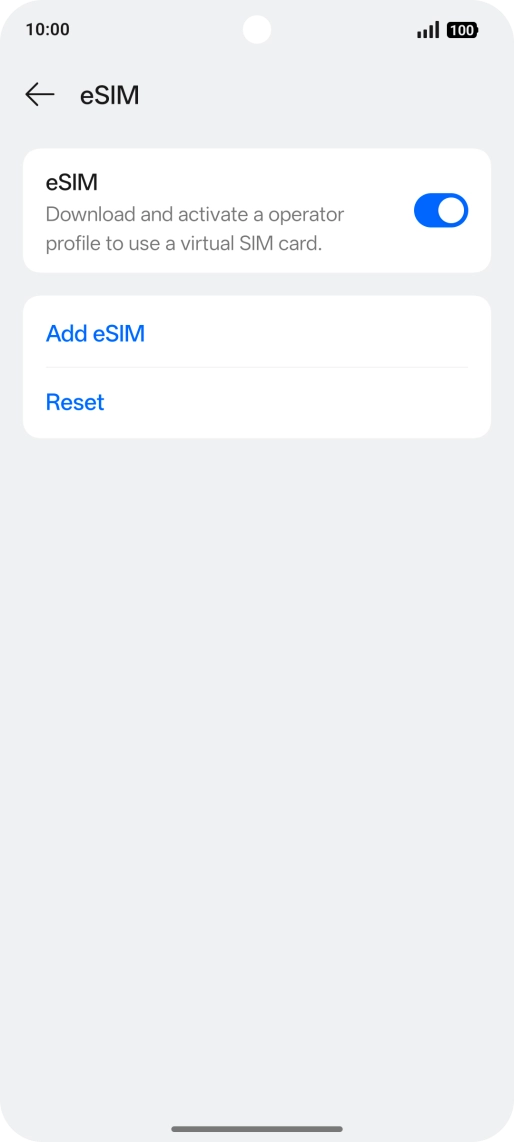
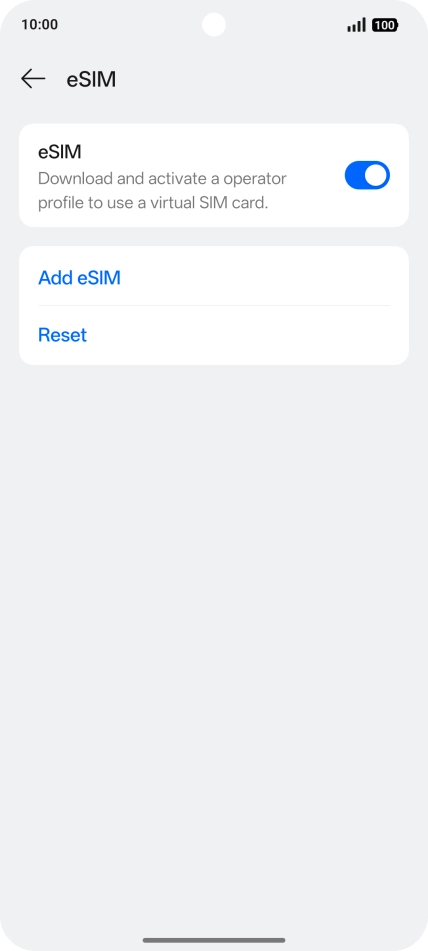
Press Add eSIM.
Press Add eSIM.
Step 7 of 10

Press Add eSIM.

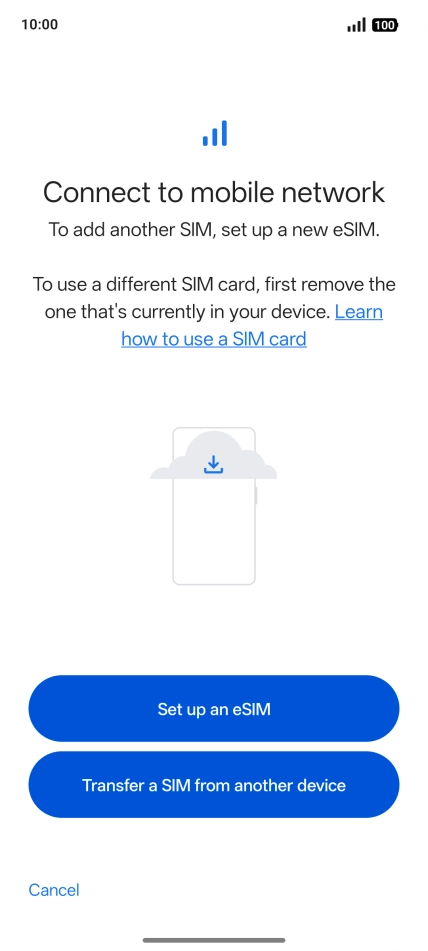
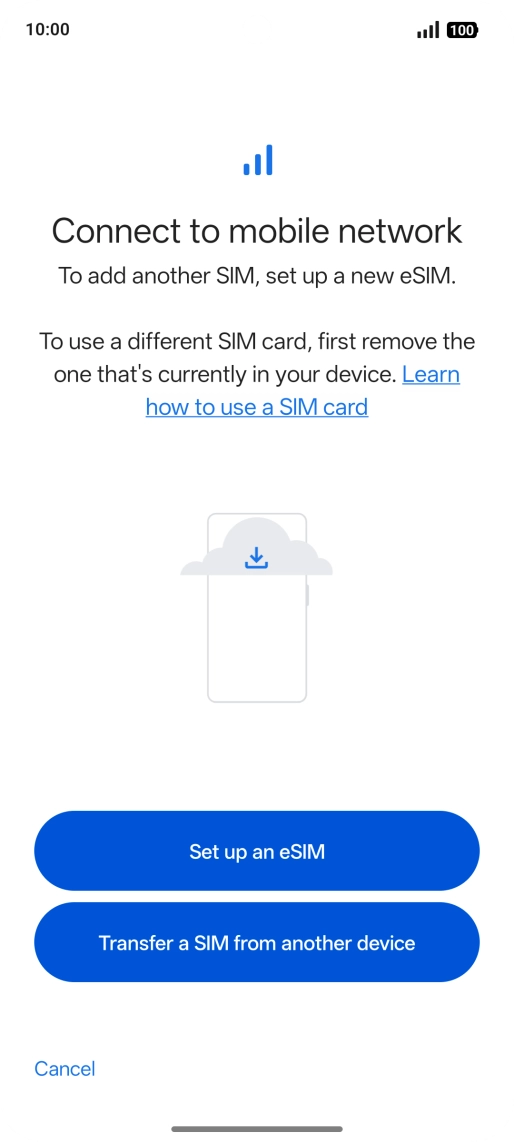
Press Set up an eSIM.
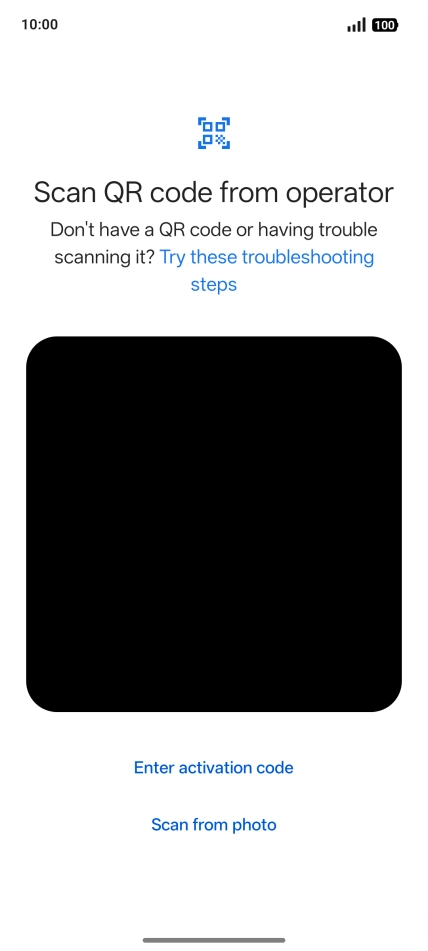
Step 8 of 10

Press Set up an eSIM.

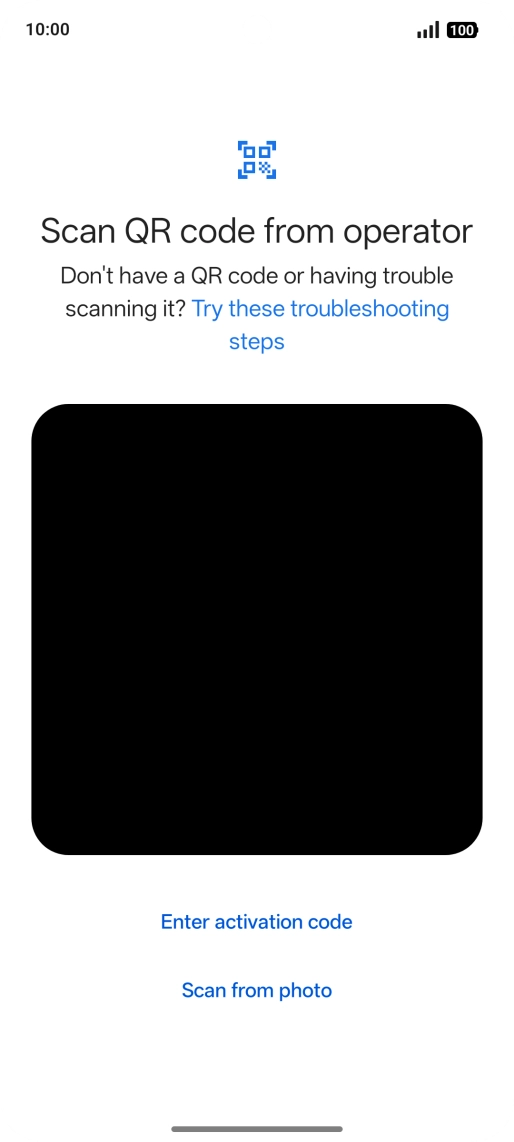
Place the QR code you've received inside the phone camera frame to scan the code.
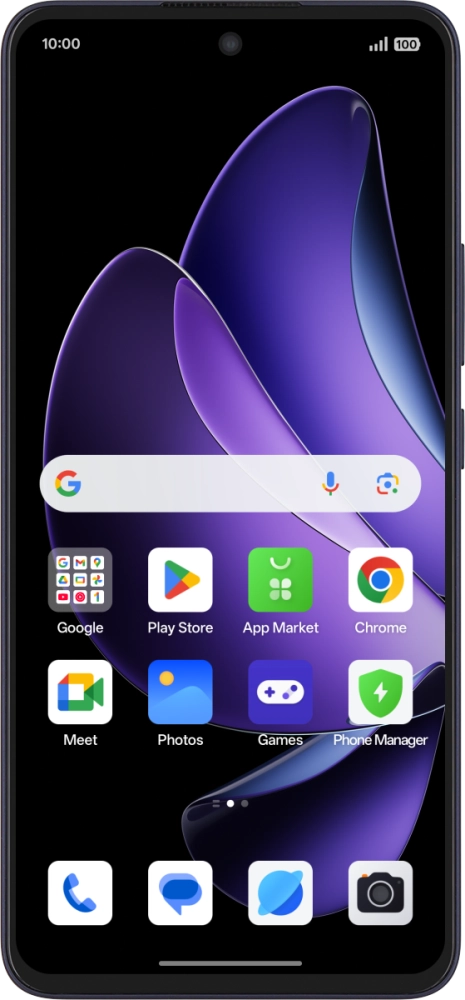
Step 9 of 10

Place the QR code you've received inside the phone camera frame to scan the code.

OPPO Reno13 FS 5G
OPPO Reno13 FS 5G
Step 10 of 10

Follow the instructions on the screen to complete the activation of your eSIM.

Get information on...

Or choose...

Show more