



Help
Device guides
Samsung
Galaxy A13

Samsung Galaxy A13

f-8664d37a-0ca3-44a3-af79-d819daef5a83
f-1074e5a4-01a0-4d71-a081-a49239377aa4
f-e075fc43-46d2-4dc4-a496-a6f3da6043f0
f-992f1660-2bd3-4a27-9373-328893a18633
f-1663caf3-4661-4284-a336-ba85527a400f
f-0d87f245-ec9c-44cc-9339-c17093a08f6b
  • Device home
  • Getting started
  • Basic functions
  • Calls, contacts, messaging
  • Connectivity
  • Specifications
  • Device home
  • Getting started
  • Basic functions
  • Calls, contacts, messaging
  • Connectivity
  • Specifications

Saving voicemail number

You can save your voicemail number making it easy to call and listen to your voice messages.
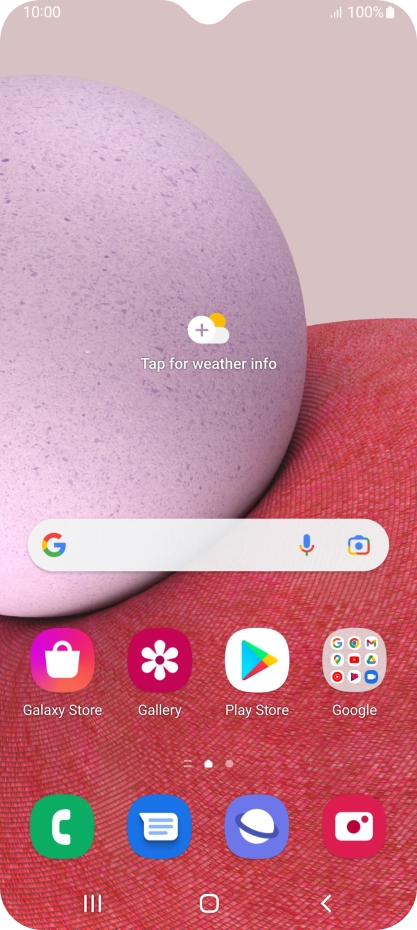
Press the phone icon.
Step 1 of 7

Press the phone icon.

Press the menu icon.
Step 2 of 7

Press the menu icon.

Press Settings.
Press Settings.
Step 3 of 7

Press Settings.

Press Voicemail.
Press Voicemail.
Step 4 of 7

Press Voicemail.

Press Voicemail number.
Step 5 of 7

Press Voicemail number.

Key in +447953222222 and press OK.
+447953222222
Key in +447953222222 and press OK.
+447953222222
Step 6 of 7

Key in +447953222222 and press OK.

Press the Home key to return to the home screen.
Step 7 of 7

Press the Home key to return to the home screen.

Get information on...

Or choose...

Show more