Help
Device guides
Samsung
Galaxy A15 5G

Samsung Galaxy A15 5G
f-51e7f5d4-819c-4cd1-8cd5-ea7528838911
f-b35a67de-818f-4c9d-a6a8-d138edec42d6
f-18971f31-7df2-4edf-bb3b-12c78cda2874
f-6cc37974-9b9a-439b-84d4-f63f4b9244af
f-07767e6d-806c-475b-bb4d-a28adaa4b613
f-ba46e8e6-0494-4ca0-b5b5-684d622c172e
f-68ea40cd-f738-408b-83d0-825ac401c9d9
f-7e3d06a2-74ee-4c38-a55f-5f0f66eef75a
  • Device home
  • Getting started
  • Basic functions
  • Calls, contacts, messaging
  • Connectivity
  • Specifications
  • Device home
  • Getting started
  • Basic functions
  • Calls, contacts, messaging
  • Connectivity
  • Specifications

Cancelling all diverts

If you no longer wish to divert your calls, you need to cancel the diverts.
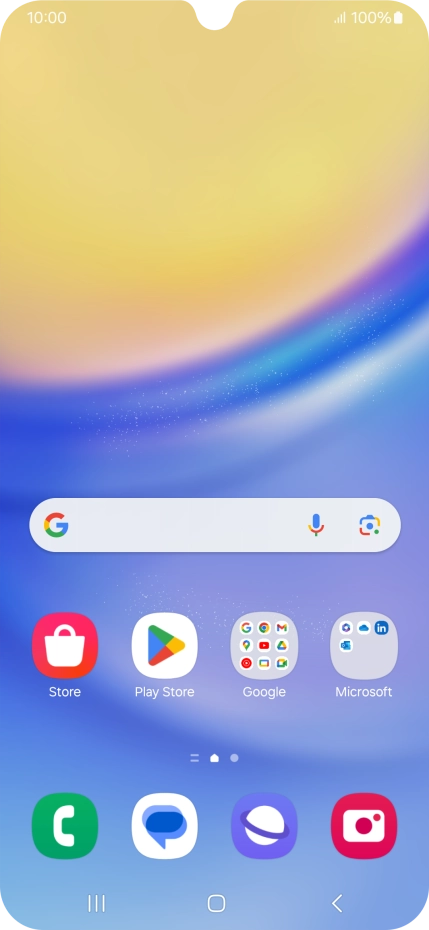
Press the call icon.
Step 1 of 8

Press the call icon.

Press the menu icon.
Step 2 of 8

Press the menu icon.

Press Settings.
Press Settings.
Step 3 of 8

Press Settings.

Press Supplementary services.
Step 4 of 8

Press Supplementary services.

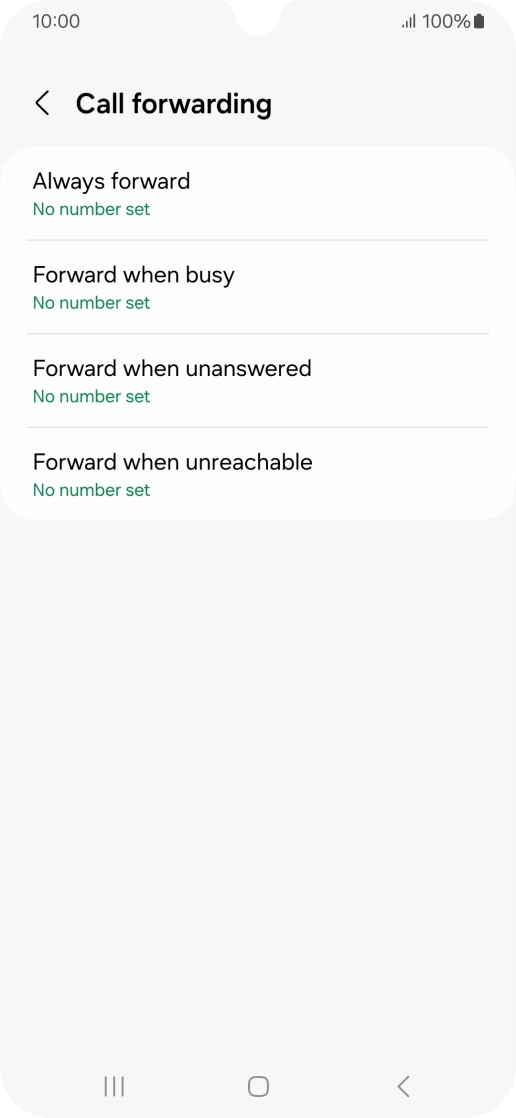
Press Call forwarding.
Step 5 of 8

Press Call forwarding.

Press the required divert type.
Step 6 of 8

Press the required divert type.

Press Disable.
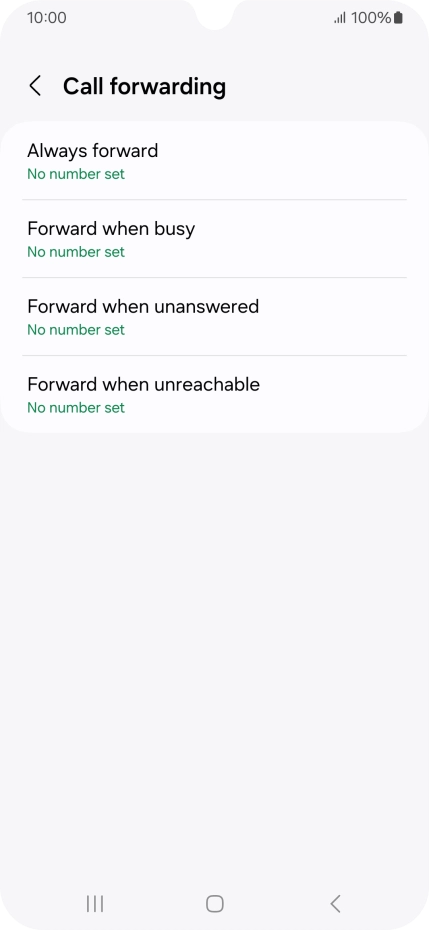
Press Disable.
Step 7 of 8

Press Disable.

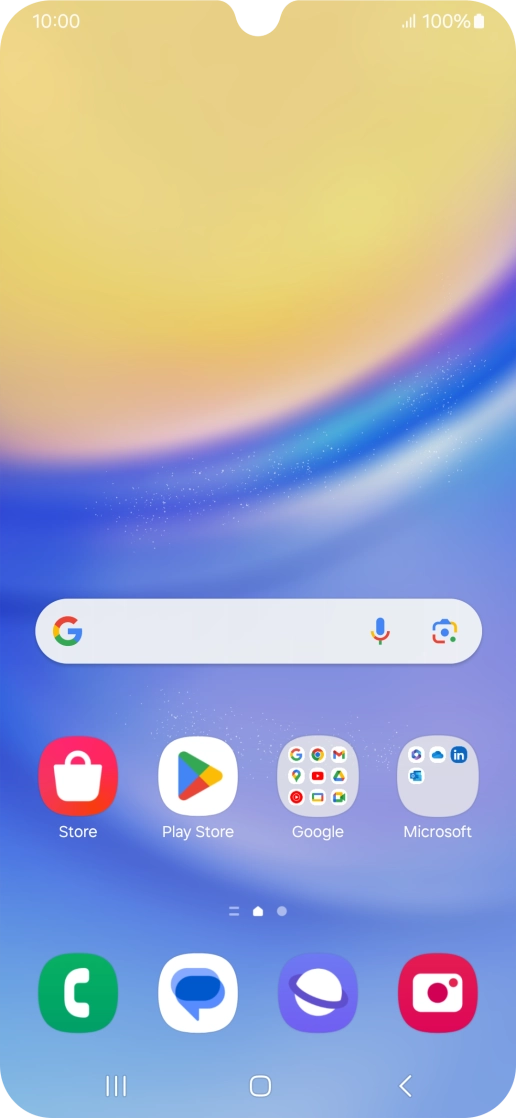
Press the Home key to return to the home screen.
Step 8 of 8

Press the Home key to return to the home screen.

Get information on...

Or choose...

Show more