Help
Device guides
Samsung
Galaxy A16 4G

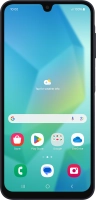
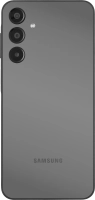
Samsung Galaxy A16 4G
f-5b532328-c0d4-403a-bae8-02fc38b3952d
f-13e4350f-7815-40df-836b-f6ecb52a65d1
f-686f2be1-f2a8-447b-b6e2-0661a36824ba
f-c349d311-fee0-4a84-9956-2ddde04e0f47
f-a0b45309-e9fb-41f0-8a4c-7ae5c0bad923
f-bc16b161-f9fc-4af2-9600-c31b76312f7a
f-a27ca1bd-81b2-4115-9cd4-71274a315f3f
f-dd02f5ec-f00a-4029-9917-4d10a2dabbc3
  • Device home
  • Getting started
  • Basic functions
  • Calls, contacts, messaging
  • Connectivity
  • Specifications
  • Device home
  • Getting started
  • Basic functions
  • Calls, contacts, messaging
  • Connectivity
  • Specifications

Cancelling all diverts

If you no longer wish to divert your calls, you need to cancel the diverts.
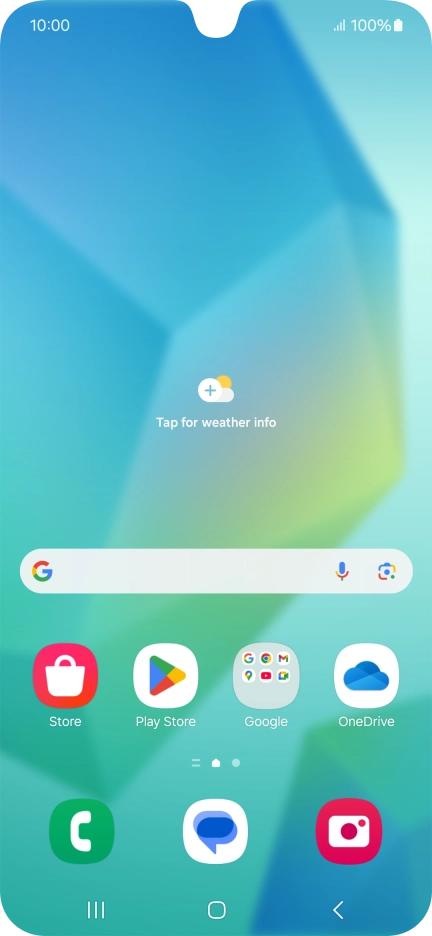
Press the call icon.
Step 1 of 8

Press the call icon.

Press the menu icon.
Step 2 of 8

Press the menu icon.

Press Settings.
Press Settings.
Step 3 of 8

Press Settings.

Press Supplementary services.
Step 4 of 8

Press Supplementary services.

Press Call forwarding.
Step 5 of 8

Press Call forwarding.

Press the required divert type.
Step 6 of 8

Press the required divert type.

Press Disable.
Press Disable.
Step 7 of 8

Press Disable.

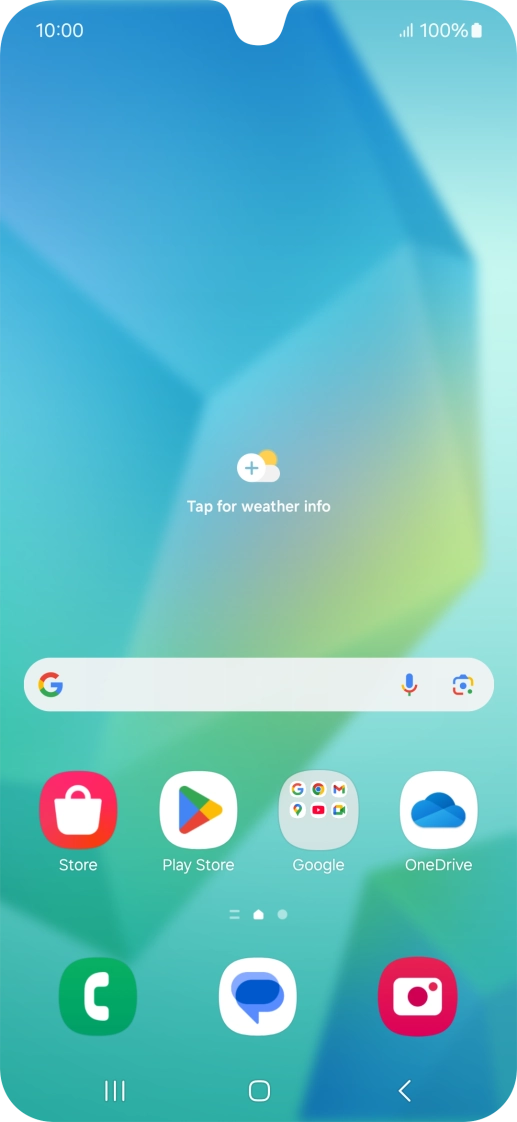
Press the Home key to return to the home screen.
Step 8 of 8

Press the Home key to return to the home screen.

Get information on...

Or choose...

Show more