Help
Device guides
Samsung
Galaxy A32 5G

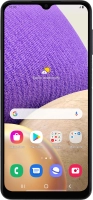
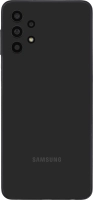
Samsung Galaxy A32 5G
f-e73f0d2c-81c2-4bef-909c-cb474d80b3c9
f-d9a22f9c-0a71-4f9d-b731-cc64320e34de
f-977678bc-7fb5-459c-b139-00347c06f41f
f-c51bd060-4c37-4052-8594-36b21ffaf0a5
f-42d78bd0-67ba-43bc-b0f1-aec5df4e9d03
f-4d97f6c6-603e-41e8-a033-0448247a2c64
  • Device home
  • Getting started
  • Basic functions
  • Calls, contacts, messaging
  • Connectivity
  • Specifications
  • Device home
  • Getting started
  • Basic functions
  • Calls, contacts, messaging
  • Connectivity
  • Specifications

It's not possible to make voice calls

Solution 10 of 11: Barring of outgoing calls is turned on

You can block certain types of calls such as incoming calls when you're abroad.
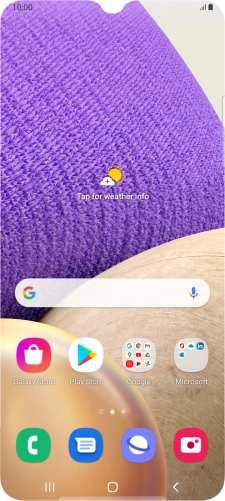
Press the phone icon.
Step 1 of 8

Press the phone icon.

Press the menu icon.
Step 2 of 8

Press the menu icon.

Press Settings.
Press Settings.
Step 3 of 8

Press Settings.

Press Supplementary services.
Step 4 of 8

Press Supplementary services.

Press Call barring.
Press Call barring.
Step 5 of 8

Press Call barring.

Press the required barring type to turn the function on or off.
Step 6 of 8

Press the required barring type to turn the function on or off.

Key in your barring password and press OK.
Step 7 of 8

Key in your barring password and press OK.

Press the Home key to return to the home screen.
Step 8 of 8

Press the Home key to return to the home screen.


Did this solve your problem?

Yes No

Get information on...

Or choose...

Show more