Help
Device guides
Samsung
Galaxy A52s 5G

Samsung Galaxy A52s 5G


f-0a1fd46a-cdde-4863-bdd2-fe517e74f136
f-7608ba8c-9348-49fc-8589-55fd3855999d
f-0e274c24-d65d-4dee-ba7d-b75daf76b535
f-c1dcfee0-e618-4f5c-9816-d2ebc317799c
f-253a777b-d3e3-4391-810a-ca506336ed51
f-fa5a9867-670a-41f4-ab92-3bffd09535ff
  • Device home
  • Getting started
  • Basic functions
  • Calls, contacts, messaging
  • Connectivity
  • Specifications
  • Device home
  • Getting started
  • Basic functions
  • Calls, contacts, messaging
  • Connectivity
  • Specifications

Saving voicemail number

You can save your voicemail number making it easy to call and listen to your voice messages.

Press the phone icon.
Step 1 of 7

Press the phone icon.

Press the menu icon.
Step 2 of 7

Press the menu icon.

Press Settings.
Press Settings.
Step 3 of 7

Press Settings.

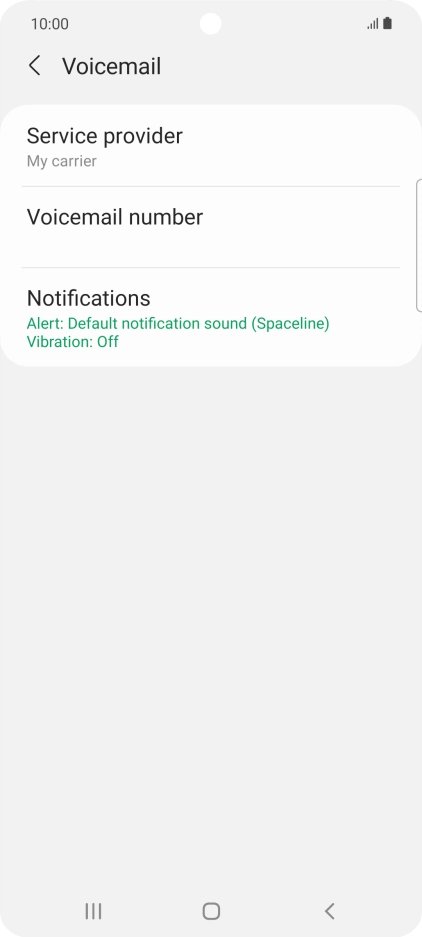
Press Voicemail.
Press Voicemail.
Step 4 of 7

Press Voicemail.

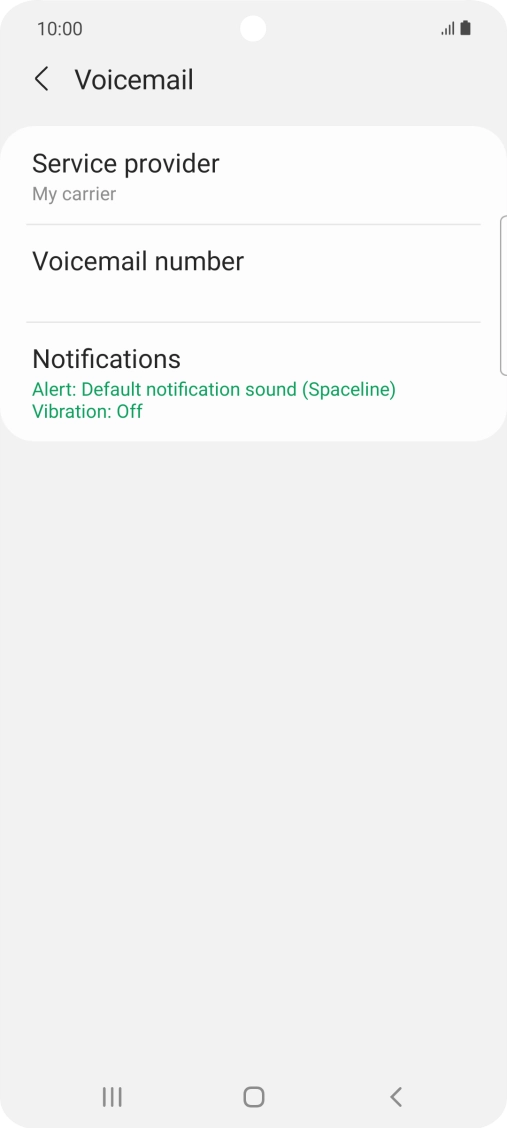
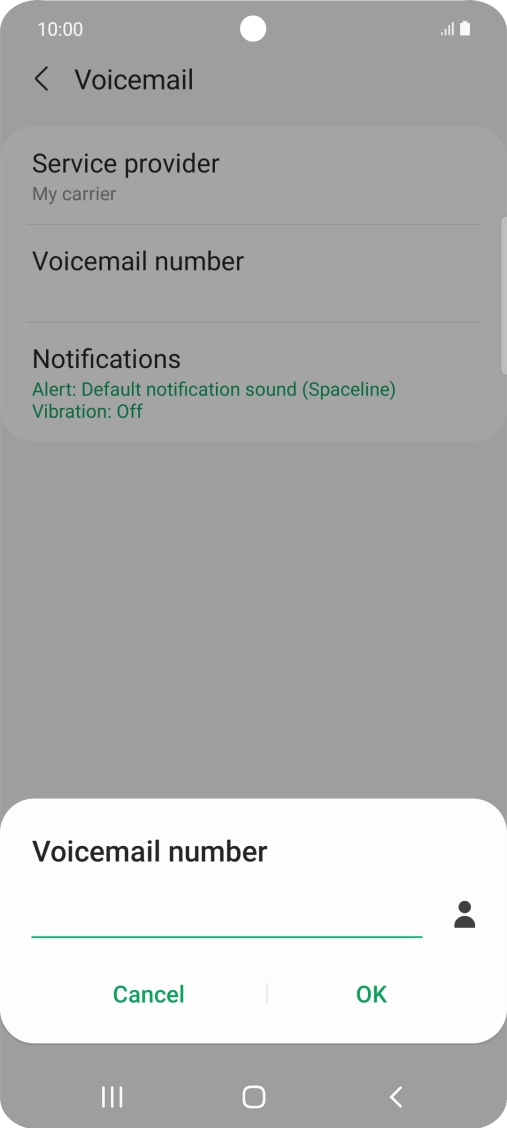
Press Voicemail number.
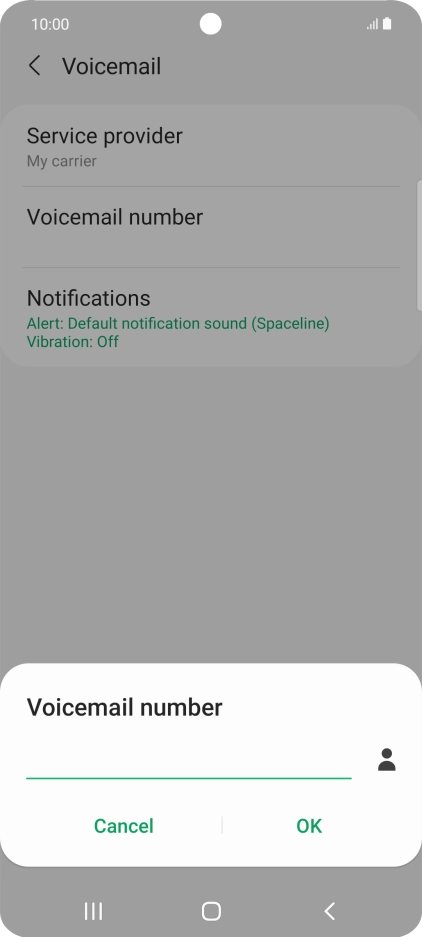
Step 5 of 7

Press Voicemail number.

Key in +447953222222 and press OK.
+447953222222
Key in +447953222222 and press OK.
+447953222222
Step 6 of 7

Key in +447953222222 and press OK.

Press the Home key to return to the home screen.
Step 7 of 7

Press the Home key to return to the home screen.

Get information on...

Or choose...

Show more