Help
Device guides
Samsung
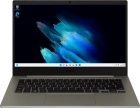
Galaxy Book Go

Samsung Galaxy Book Go
f-10c90ad6-6161-4d62-b031-ee49eed09e93
f-daea8811-f962-4012-b74d-909a3dc230fc
f-d8c51920-918f-4b4b-9f85-8ae96c06819d
  • Device home
  • Getting started
  • Basic functions
  • Connectivity
  • Specifications
  • Device home
  • Getting started
  • Basic functions
  • Connectivity
  • Specifications

My laptop's battery life is short

Solution 3 of 4: The screen brightness is set too high

You can adjust the screen brightness to your surroundings.
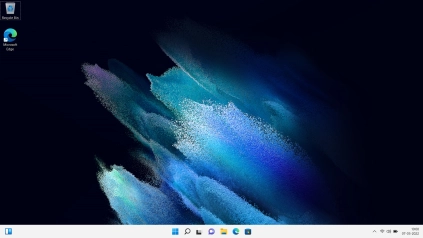
Click the network icon.
Step 1 of 2

Click the network icon.

Drag the brightness indicator right or left to set the required brightness level.
Step 2 of 2

Drag the brightness indicator right or left to set the required brightness level.


Did this solve your problem?

Yes No

Get information on...

Or choose...

Show more