Help
Device guides
Samsung
Galaxy Book

Samsung Galaxy Book

f-9aedb87b-739e-4bc4-bb3d-0d6252a0525e
f-3fabe695-4c0b-4aff-8af9-5767dc6f037b
f-d4bb129d-285a-4cfd-afae-9f35bcadc49c
  • Device home
  • Getting started
  • Basic functions
  • Connectivity
  • Specifications
  • Device home
  • Getting started
  • Basic functions
  • Connectivity
  • Specifications

Updating laptop software

It's recommended that you update your laptop with the newest software, as the manufacturer continuously corrects errors. It's a good idea to back up the memory first.
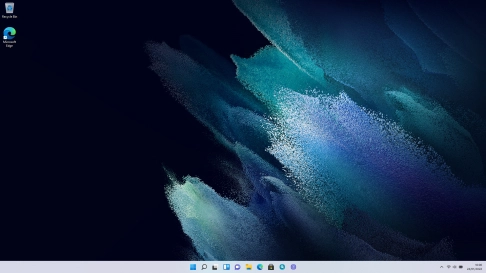
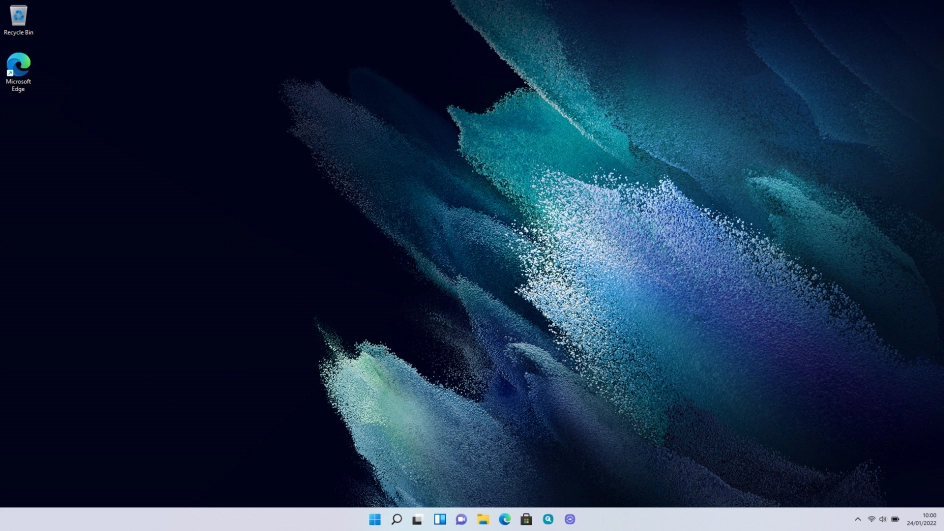
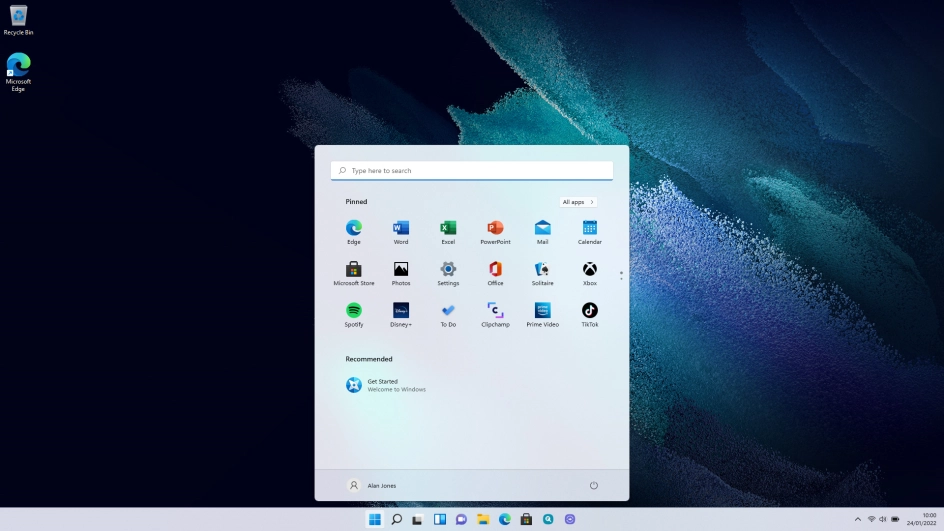
Click the Windows icon.
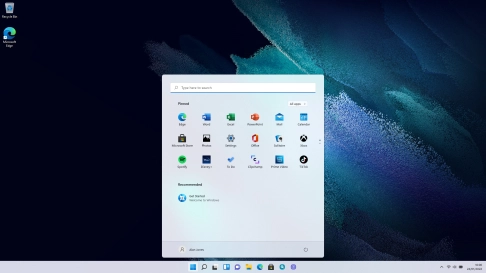
Step 1 of 5

Click the Windows icon.

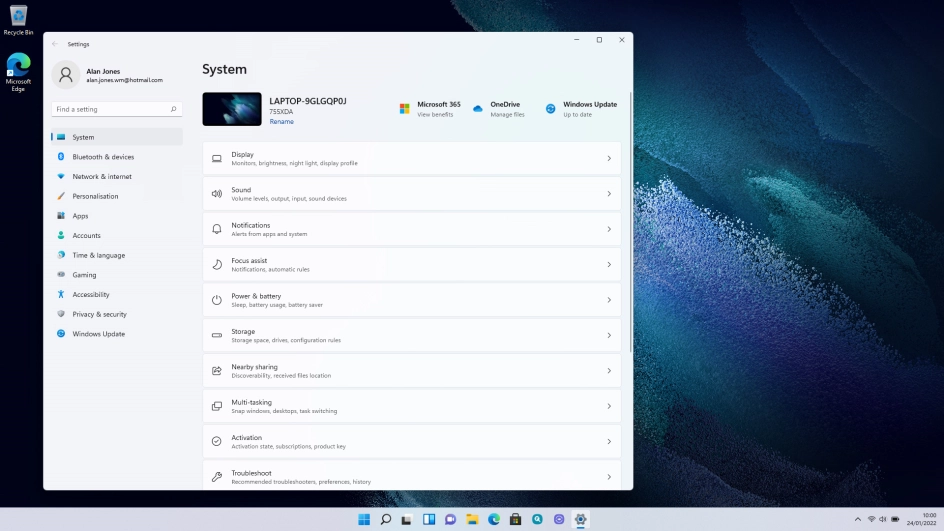
Click Settings.
Click Settings.
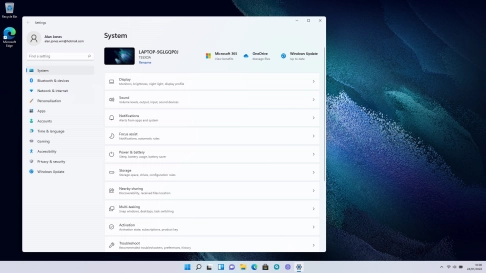
Step 2 of 5

Click Settings.

Click Settings.
Click Settings.
Step 3 of 5

Click Settings.

Click Windows Update.
Step 4 of 5

Click Windows Update.

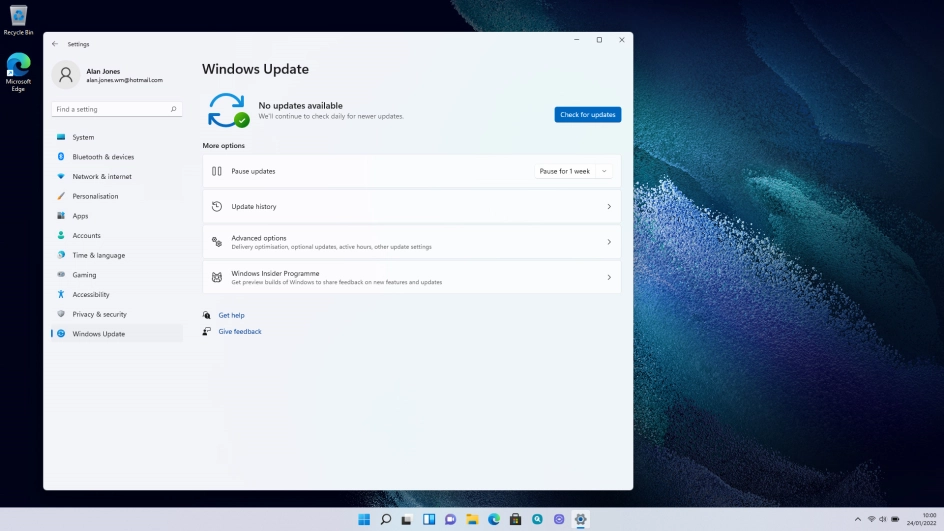
Click Check for updates. If a new software version is available, it's displayed. Follow the instructions on the screen to update the laptop software.
Step 5 of 5

Click Check for updates. If a new software version is available, it's displayed. Follow the instructions on the screen to update the laptop software.

Get information on...

Or choose...

Show more