Help
Device guides
Samsung
Galaxy Book2 Go 5G

Samsung Galaxy Book2 Go 5G
f-aaf44c8b-6254-4a60-bd85-bda34a97793e
f-5662114d-bbb7-40b1-9a5c-5dfbbcb76d7f
f-2af27aff-39cf-47d5-87b5-cd71ed162056
  • Device home
  • Getting started
  • Basic functions
  • Connectivity
  • Specifications
  • Device home
  • Getting started
  • Basic functions
  • Connectivity
  • Specifications

Using focus mode

You can set your laptop to a specific focus mode helping you filter notifications if you don't want to be disturbed.
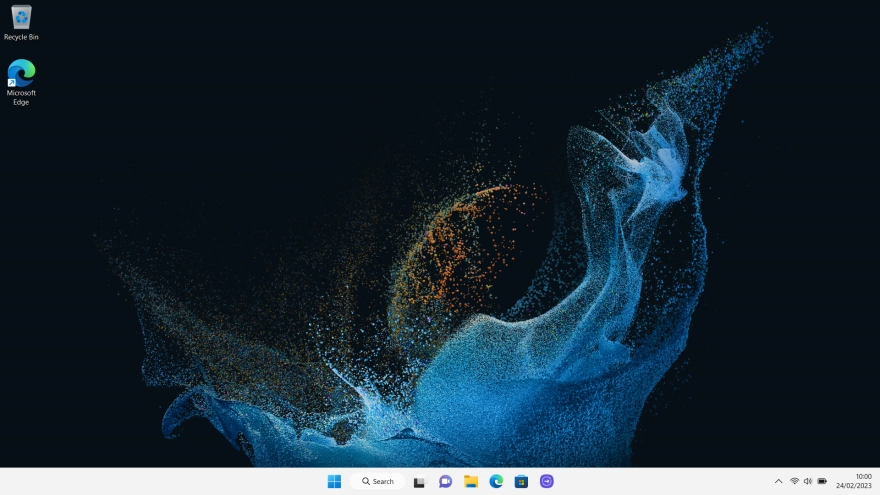
Click the Windows icon.
Step 1 of 6

Click the Windows icon.

Click Settings.
Click Settings.
Step 2 of 6

Click Settings.

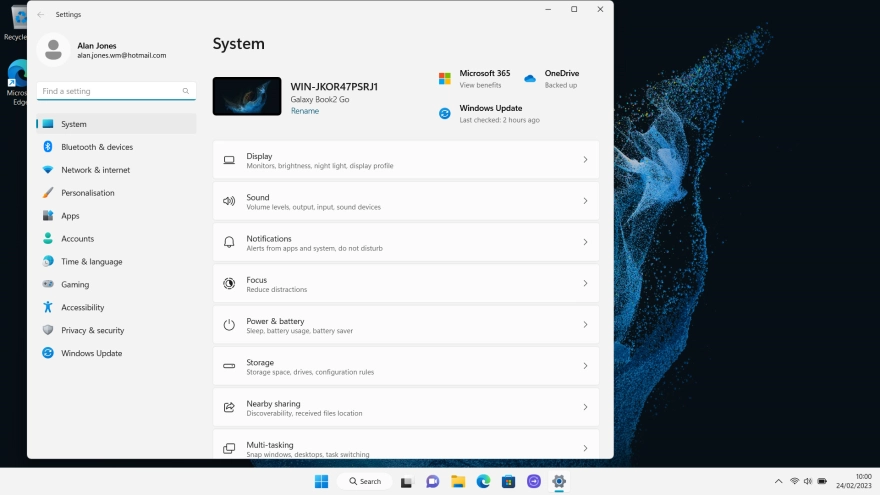
Click Focus.
Click Focus.
Step 3 of 6

Click Focus.

Follow the instructions on the screen to select the required focus mode settings.
Step 4 of 6

Follow the instructions on the screen to select the required focus mode settings.

Click Start focus session.
Step 5 of 6

Click Start focus session.

Click the close icon to return to the home screen.
Step 6 of 6

Click the close icon to return to the home screen.

Get information on...

Or choose...

Show more