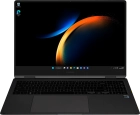
Samsung Galaxy Book3 Pro 360 5G

Updating laptop apps
You can update your apps to the latest version automatically or manually.
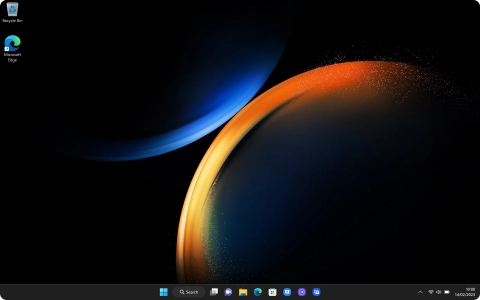

Click the Microsoft Store icon.


Click Library.


Click Get updates and wait while your apps are updated.
Click the close icon.
Click the Microsoft Store icon.
Click the profile icon.


Click Settings.


Click the indicator below "Update apps automatically when I'm on WiFi" to turn the function on or off.
Click the close icon to return to the home screen.