Help
Device guides
Samsung
Galaxy Chromebook Go

Samsung Galaxy Chromebook Go
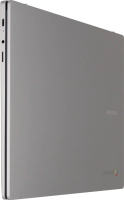
f-a0982606-bb3b-47ee-83ae-4e3f6fa42846
f-88d9349b-98fa-4047-94a1-2e30db4f6985
f-18983dad-a854-4f7a-b794-d373957f26b9
  • Device home
  • Getting started
  • Basic functions
  • Connectivity
  • Specifications
  • Device home
  • Getting started
  • Basic functions
  • Connectivity
  • Specifications

Viewing software version

You can see which software version is installed on your laptop. If you don't have the latest software version, it's recommended that you update the laptop software.
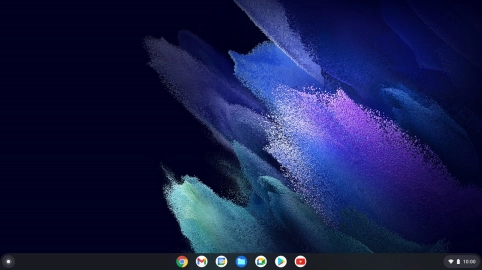
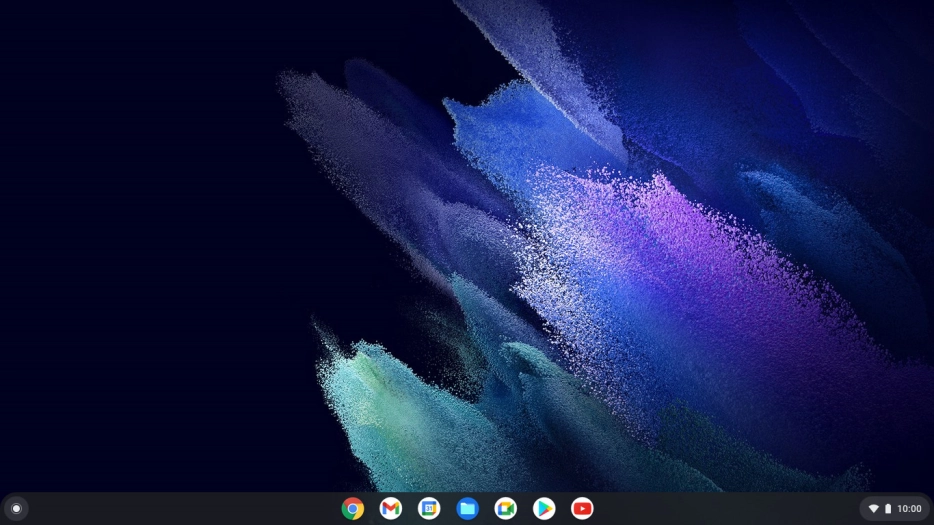
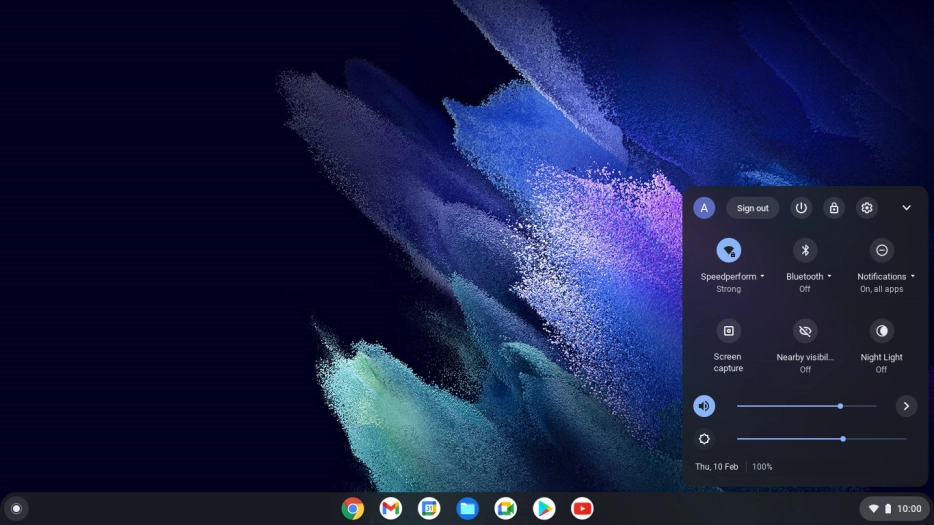
Click the menu field.
Step 1 of 5

Click the menu field.

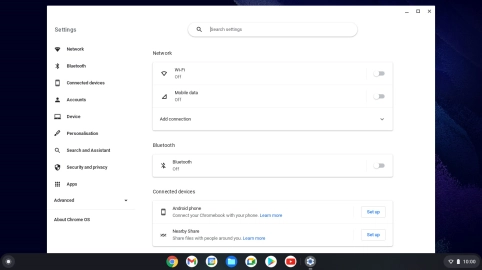
Click the settings icon.
Step 2 of 5

Click the settings icon.

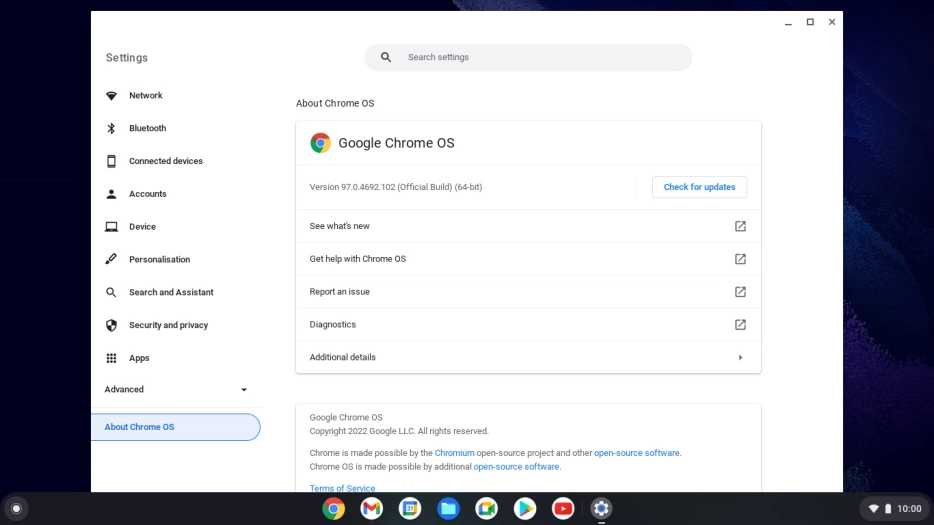
Click About Chrome OS.
Step 3 of 5

Click About Chrome OS.

Your laptop's software version is displayed below Google Chrome OS.
Step 4 of 5

Your laptop's software version is displayed below Google Chrome OS.

Click the close icon to return to the home screen.
Step 5 of 5

Click the close icon to return to the home screen.

Get information on...

Or choose...

Show more