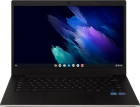
Samsung Galaxy Chromebook Go
Selecting network
You can set your laptop to select a network automatically or you can select a network manually. If you select a network manually, your laptop will lose network connection when the selected network is out of reach.
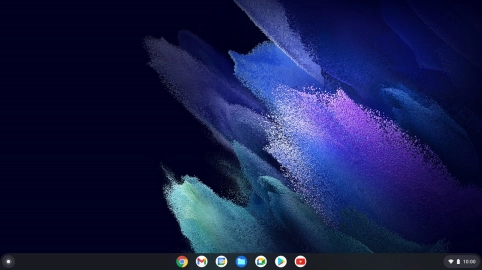
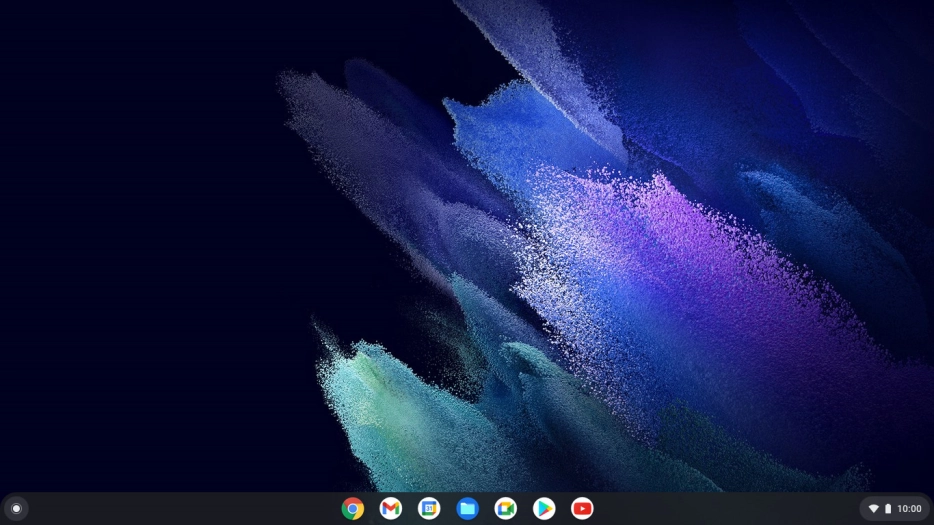
Click the menu field.

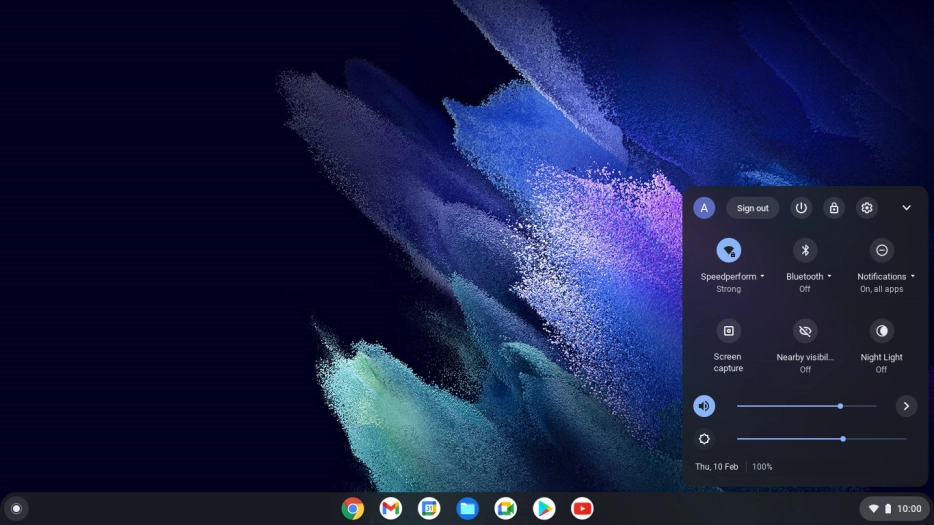
Click the settings icon.
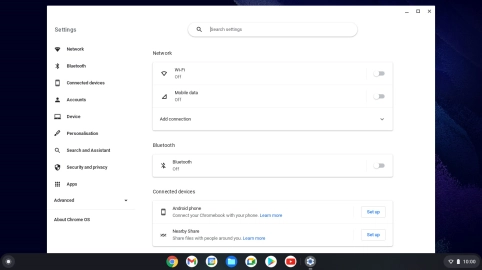

Click the indicator next to "Mobile data" to turn the function on or off.

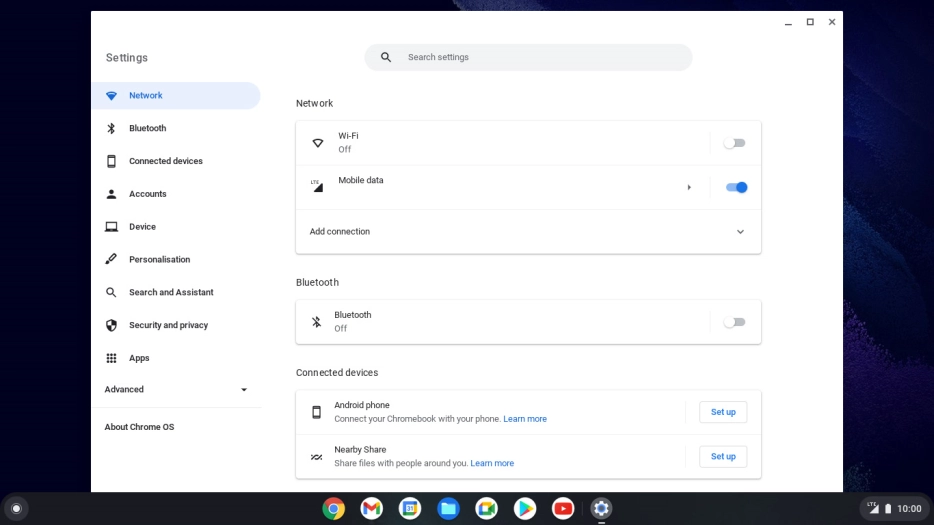
Click arrow right.

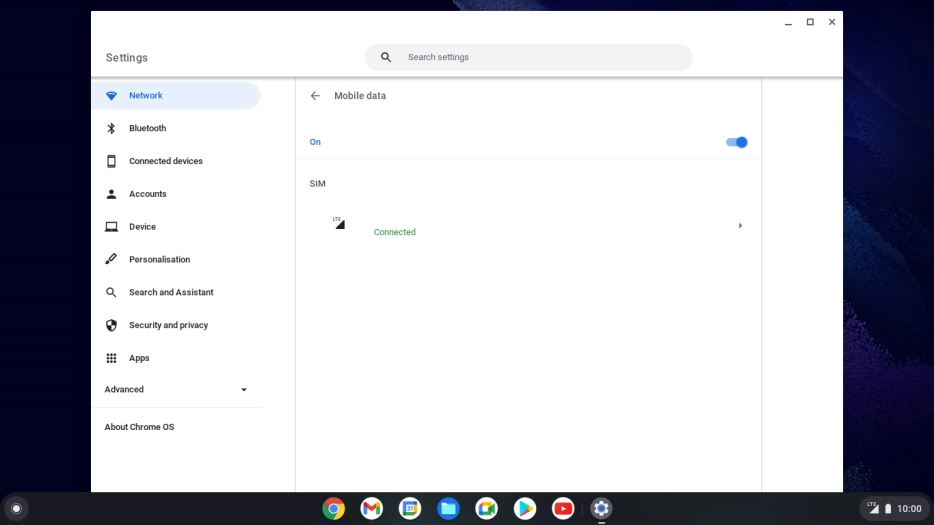
Click arrow right.

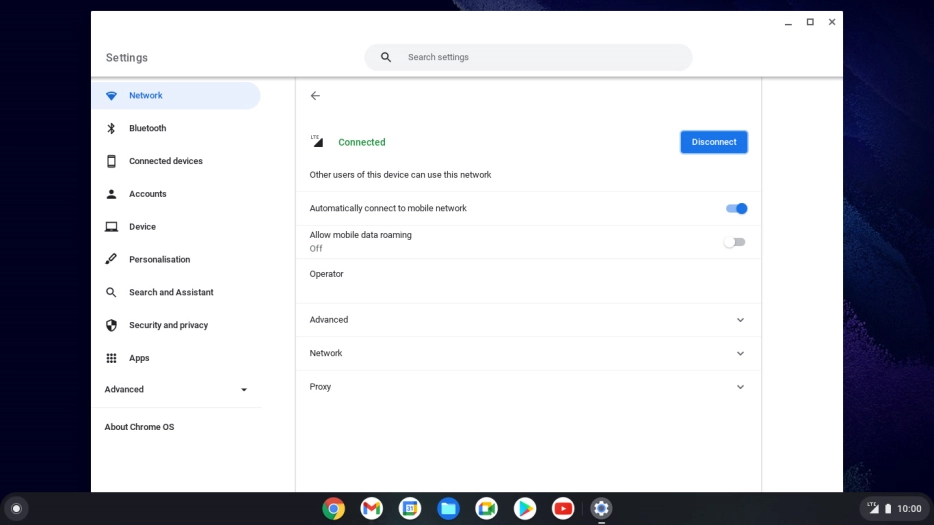
Click Disconnect.

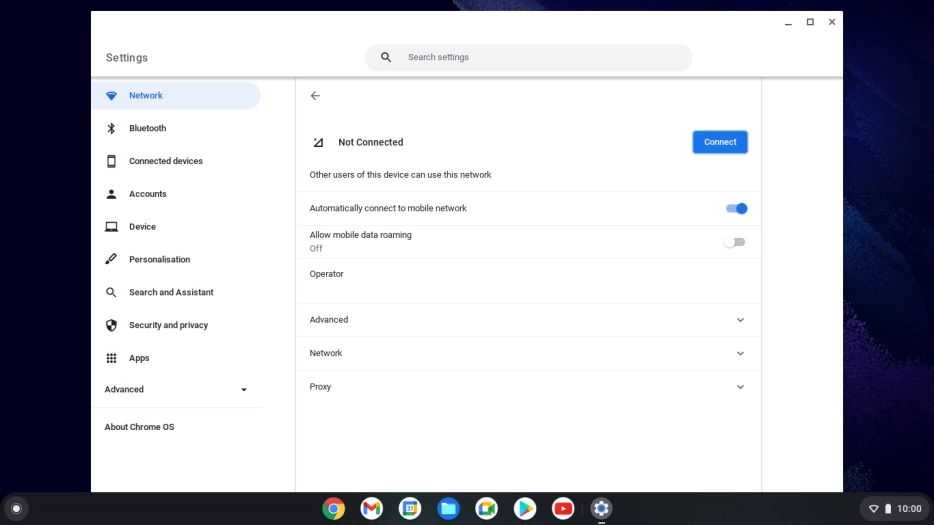
Click Network.

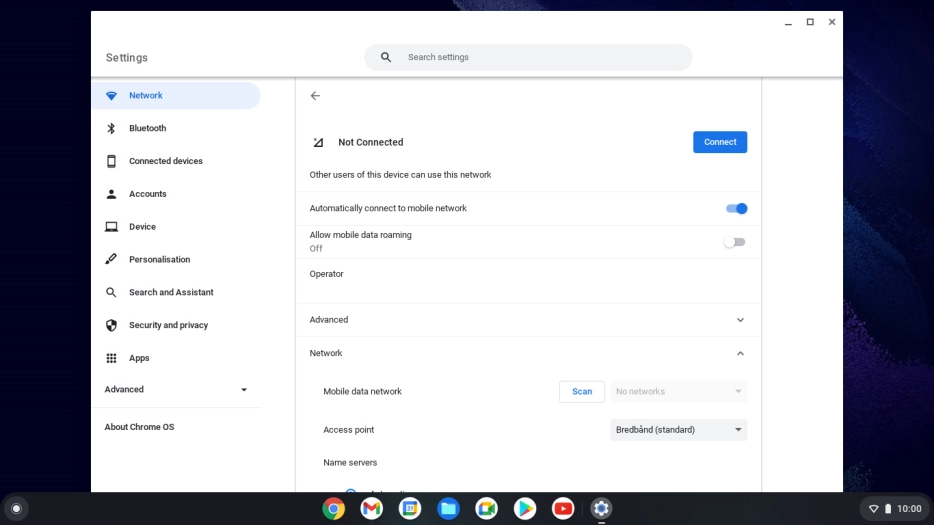
Click Scan.

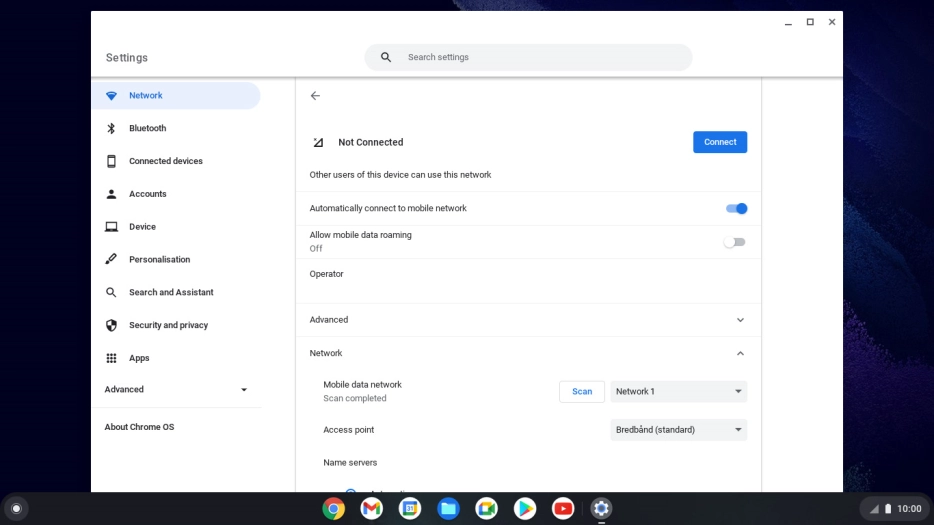
Click the drop down list.

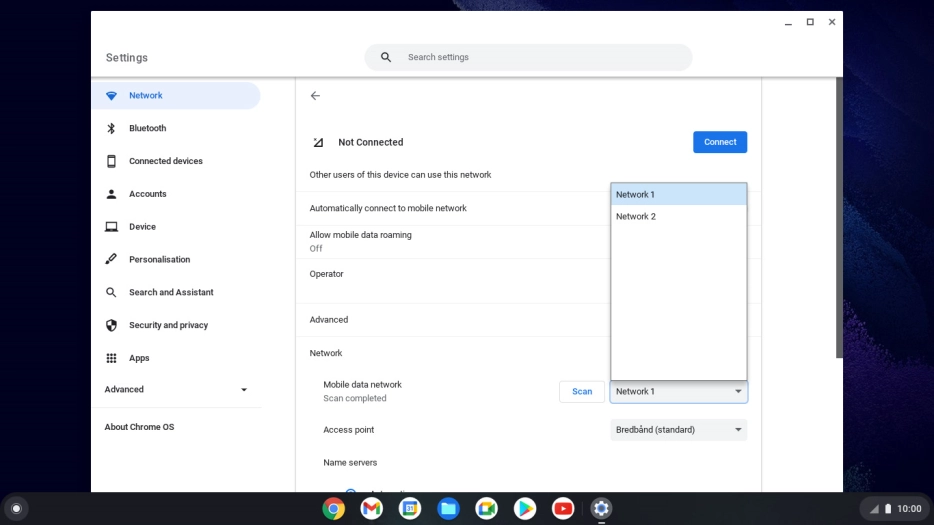
Click the required network.
Click Connect.

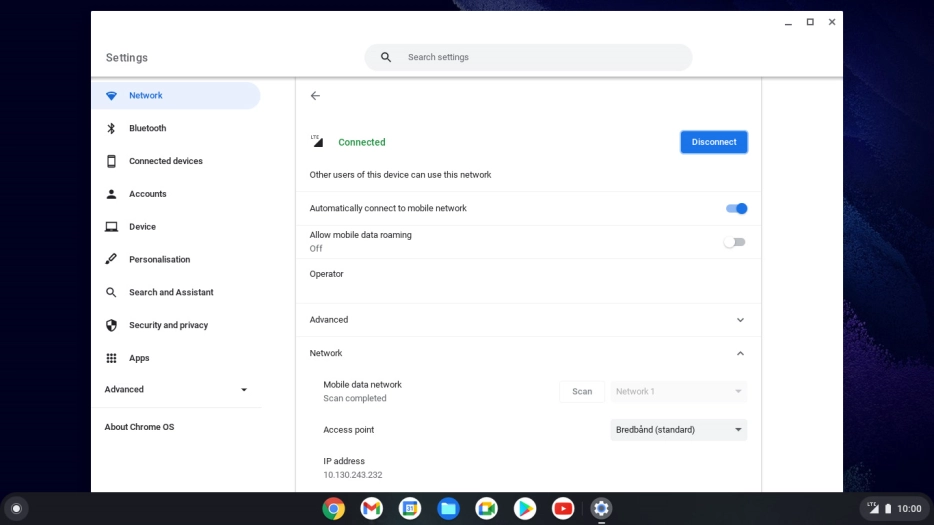
Click the close icon to return to the home screen.