



Help
Device guides
Samsung
Galaxy S22

Samsung Galaxy S22

f-f52ed4a8-6973-40ed-ac96-6a905eb531ac
f-29561bd4-ba7b-4a79-9fdc-8fcd31a0cd3f
f-2fad90b2-fd13-4d94-a054-55b46d334fec
f-fdd8196d-835e-418f-ab54-b9b2802beba9
f-0c9d7f83-e071-4178-9c86-60398c5ef359
f-ff06fa90-aa65-4b5e-87b5-1b3d54bf8f98
  • Device home
  • Getting started
  • Basic functions
  • Calls, contacts, messaging
  • Connectivity
  • Specifications
  • Device home
  • Getting started
  • Basic functions
  • Calls, contacts, messaging
  • Connectivity
  • Specifications

Diverting calls to voicemail

To receive voice messages, you need to divert your calls to your voicemail.
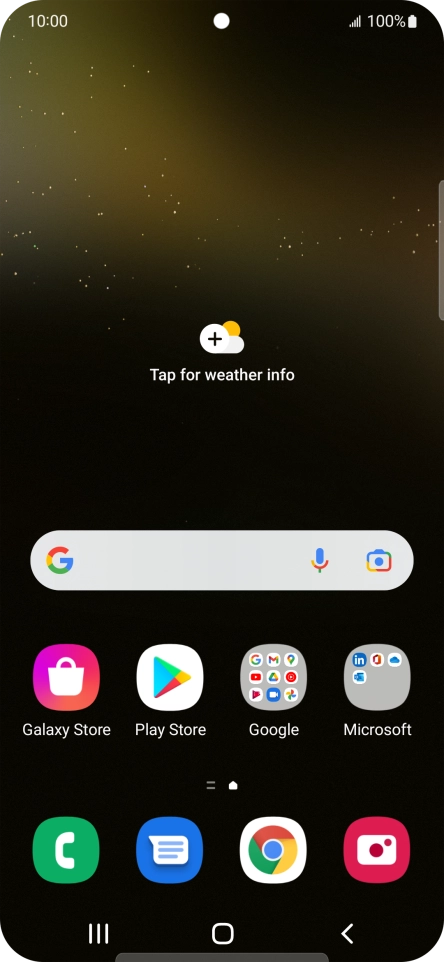
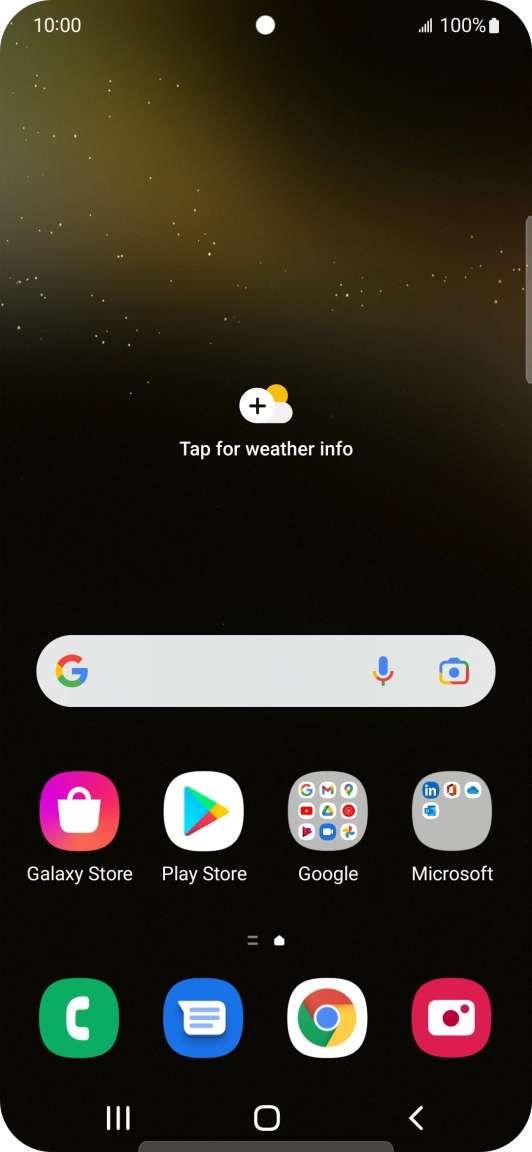
Press the phone icon.
Step 1 of 8

Press the phone icon.

Press the menu icon.
Step 2 of 8

Press the menu icon.

Press Settings.
Press Settings.
Step 3 of 8

Press Settings.

Press Supplementary services.
Step 4 of 8

Press Supplementary services.

Press Call forwarding.
Step 5 of 8

Press Call forwarding.

Press the required divert type.
Step 6 of 8

Press the required divert type.

Key in +447953222222 and press Enable.
+447953222222
Key in +447953222222 and press Enable.
+447953222222
Step 7 of 8

Key in +447953222222 and press Enable.

Press the Home key to return to the home screen.
Step 8 of 8

Press the Home key to return to the home screen.

Get information on...

Or choose...

Show more