Samsung Galaxy S7
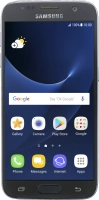
It's not possible to receive messages on my voicemail
Solution 3 of 3: Incoming calls aren't diverted to your voicemail
To receive voice messages, you need to divert your calls to your voicemail.
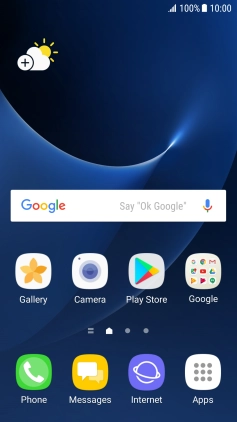

Press Phone.


Press the menu icon.


Press Settings.


Press More settings.


Press Call forwarding.


Press Voice call.


Press the required divert type.


Key in +447953222222 and press ENABLE.


Press the Home key to return to the home screen.