Samsung Galaxy Tab S10 FE 5G
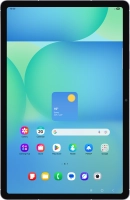
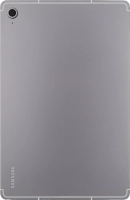
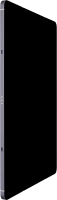



Turning your tablet on and off
See how to turn your tablet on and off. To use mobile network services on your tablet, you need to insert your SIM into your tablet.

Press and hold the Side key until your tablet is turned on.


If an incorrect PIN is entered three times in a row, your SIM will be blocked. To unblock your SIM, you'll need to key in your PUK. The PUK can be obtained by contacting customer services. Please note: If you key in the wrong PUK ten times in a row, your SIM will be blocked permanently. In this case, you need a new SIM from EE. If an incorrect PIN is entered three times in a row, your SIM will be blocked. To unblock your SIM, you'll need to key in your PUK. The PUK can be obtained by contacting customer services. Please note: If you key in the wrong PUK ten times in a row, your SIM will be blocked permanently. In this case, you need a new SIM from EE.
If you're asked to key in your PIN, do so and press OK. The default PIN is 1111.
Simultaneously, press and hold the Side key and the lower part of the Volume key.


Press Power off.


Press Power off.