Help
Device guides
Samsung
Galaxy Tab S9

Samsung Galaxy Tab S9
f-8fb242a1-f18b-4adb-9420-4816e96e2792
f-e6bf2afd-64f3-4ef6-ac04-f1da7957c6fa
f-c34d5696-9047-4c73-8670-5a44acb1cc66
f-26bfb619-2ba3-42f8-8802-f71dec1186d8
f-cb9c4683-152d-4566-bd54-27432d1b3195
f-a8edfb3b-ab34-4730-b56e-ec967a40ddd4
  • Device home
  • Getting started
  • Basic functions
  • Calls, contacts, messaging
  • Connectivity
  • Specifications
  • Device home
  • Getting started
  • Basic functions
  • Calls, contacts, messaging
  • Connectivity
  • Specifications

Saving voicemail number

You can save your voicemail number making it easy to call and listen to your voice messages.
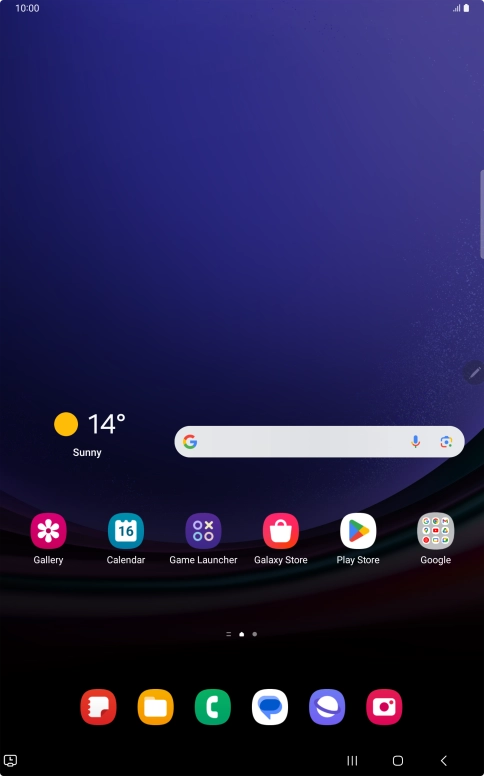
Press the call icon.
Step 1 of 7

Press the call icon.

Press the menu icon.
Step 2 of 7

Press the menu icon.

Press Settings.
Press Settings.
Step 3 of 7

Press Settings.

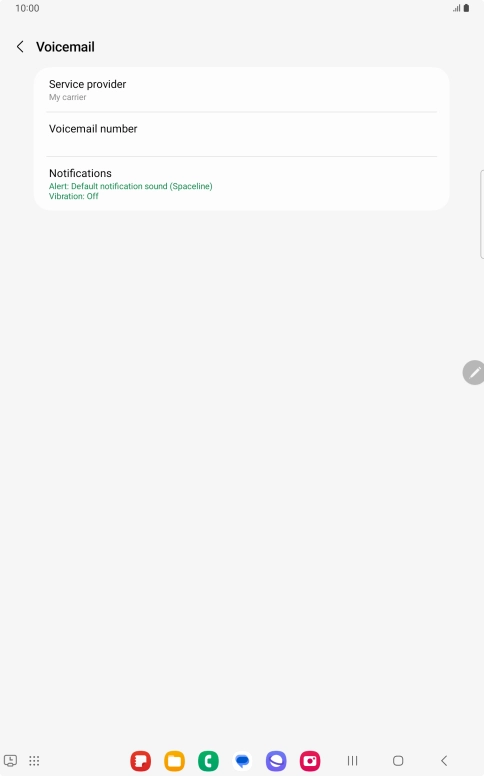
Press Voicemail.
Press Voicemail.
Step 4 of 7

Press Voicemail.

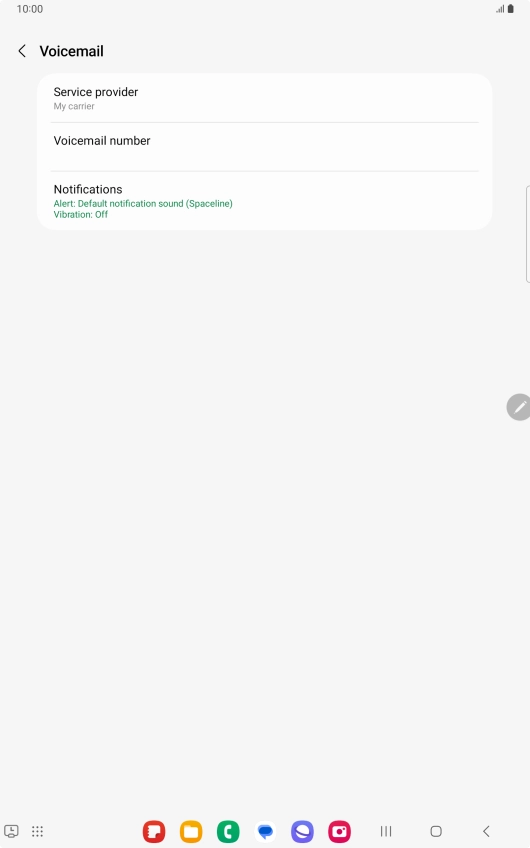
Press Voicemail number.
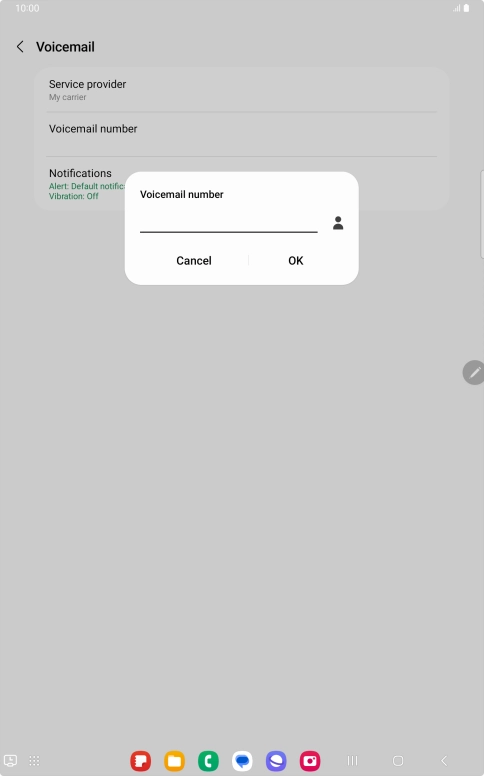
Step 5 of 7

Press Voicemail number.

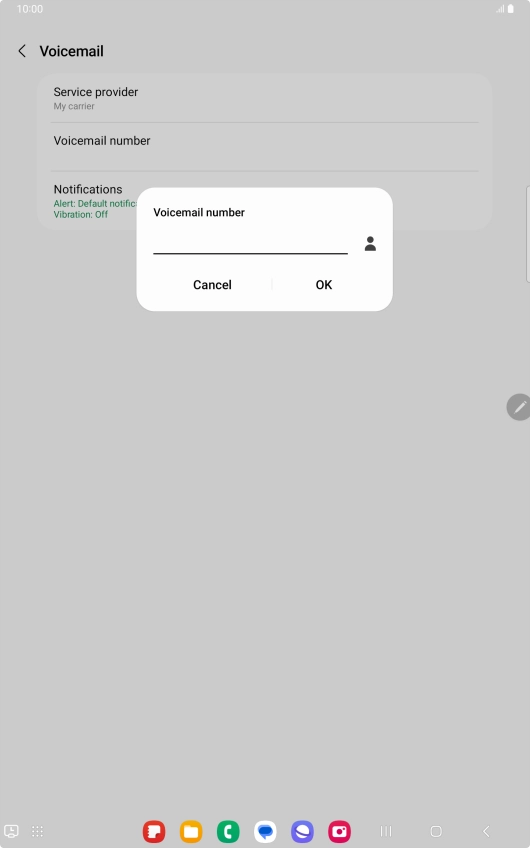
Key in +447953222222 and press OK.
+447953222222
Key in +447953222222 and press OK.
+447953222222
Step 6 of 7

Key in +447953222222 and press OK.

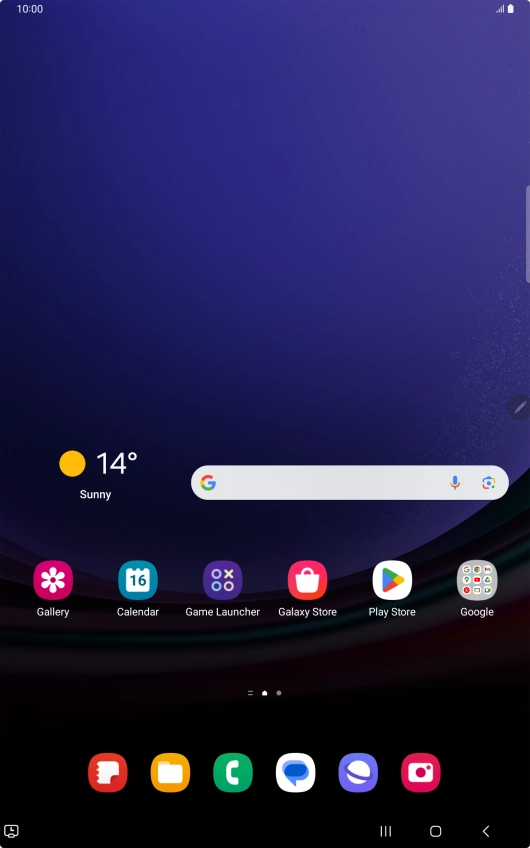
Press the Home key to return to the home screen.
Step 7 of 7

Press the Home key to return to the home screen.

Get information on...

Or choose...

Show more