Help
Device guides
Samsung
Galaxy Watch 6

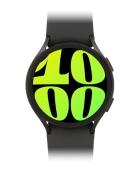
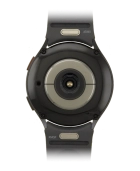
Samsung Galaxy Watch 6
f-bcc348b2-a3f3-441c-a54c-103d76dad382
f-110247e6-1df7-4cca-9dc1-89d11a37b80f
f-c9015b48-725b-4e13-bf8e-59782cd35b4c
f-b7efd754-1bd4-474d-b173-2f59b09e2b9b
f-b30eba3f-97d5-4469-95de-415519eaac38
  • Device home
  • Getting started
  • Basic functions
  • Calls, contacts, messaging
  • Connectivity
  • Specifications
  • Device home
  • Getting started
  • Basic functions
  • Calls, contacts, messaging
  • Connectivity
  • Specifications

Using voice control

You can control many of the smartwatch functions with your voice. You can make calls, dictate messages and more.

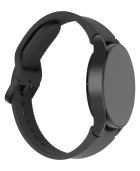
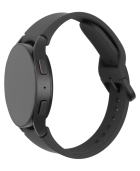
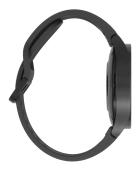
Press and hold the Home key to turn on voice control.
Step 1 of 4

Press and hold the Home key to turn on voice control.

If you've turned on automatic activation, you can activate voice control by saying "Hi Bixby" when the screen on your smartwatch is turned on.
Samsung Galaxy Watch 6
Step 2 of 4

Say, in your own words, what you would like your smartwatch to do.

Samsung Galaxy Watch 6
Step 3 of 4

E.g.: CALL [contact], PLAY MUSIC, SET ALARM FOR [time], SEARCH THE WEB FOR [information].

Press the Home key to return to the home screen.
Step 4 of 4

Press the Home key to return to the home screen.

Get information on...

Or choose...

Show more