Samsung Galaxy Watch Ultra2
Using Samsung Health
You can use your smartwatch to register your training and monitor your health. The information is sent to your phone and is automatically synchronised with Samsung Heath.
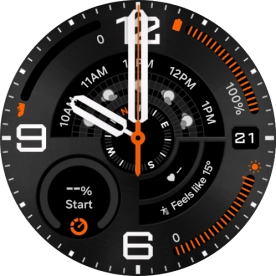
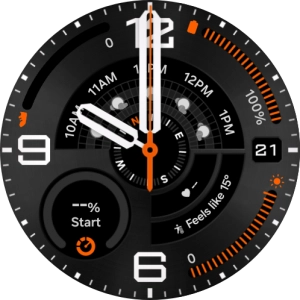
Slide your finger upwards starting from the bottom of the screen.
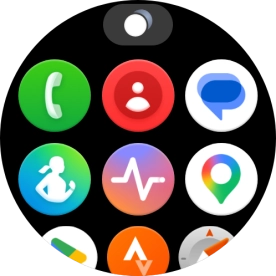
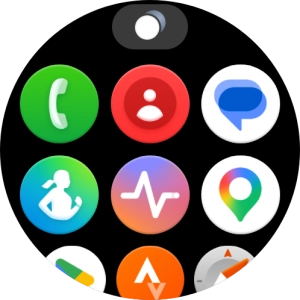
Press the Samsung Health icon.
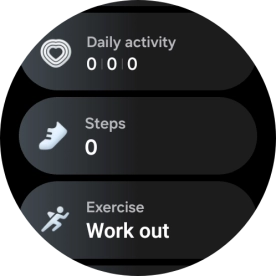
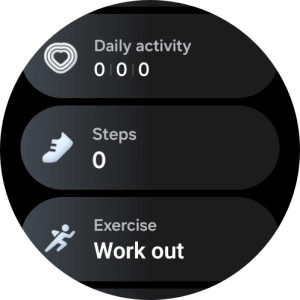
The number of steps for the day is displayed below Steps.
Press Steps.
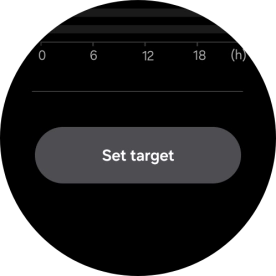
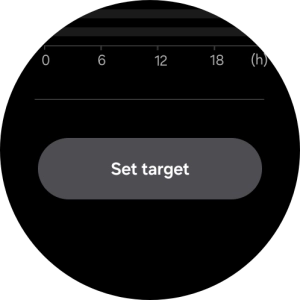
Press Set target.
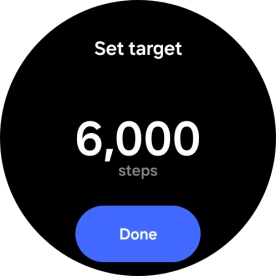
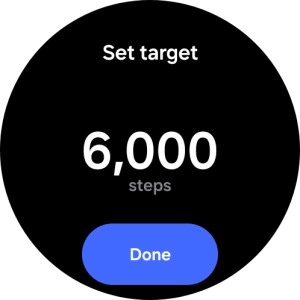
Slide your finger up or down on the screen to select the required goal.
Press Done.
Press the Return key.
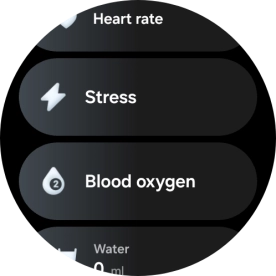
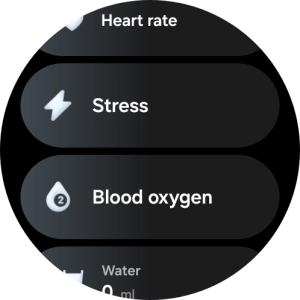
Press Blood oxygen.
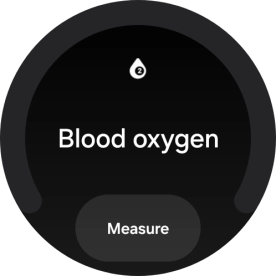
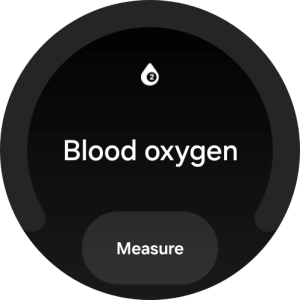
Press Measure.
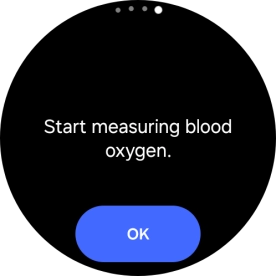
Press OK and wait while your smartwatch measures your blood oxygen level.
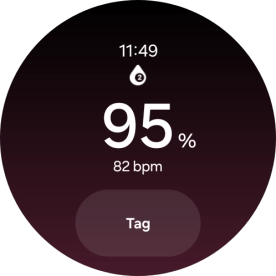
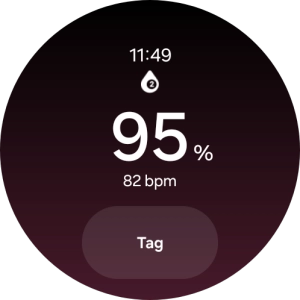
Press Tag.
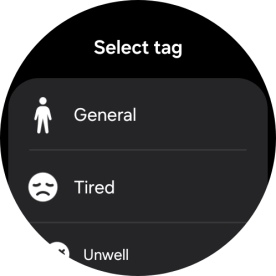
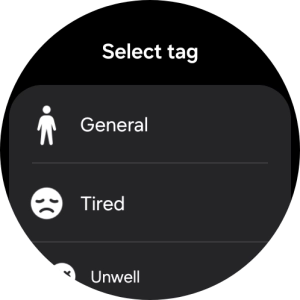
Press the required setting.
Press the Return key.
Press Stress.
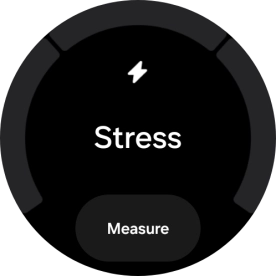
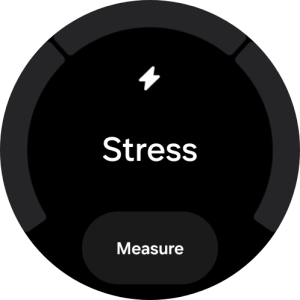
Press Measure.
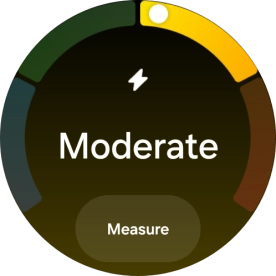
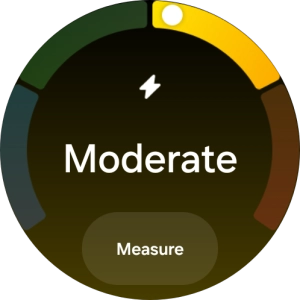
Press the Home key to return to the home screen.
Slide your finger upwards starting from the bottom of the screen.
Press the Samsung Health Monitor icon.
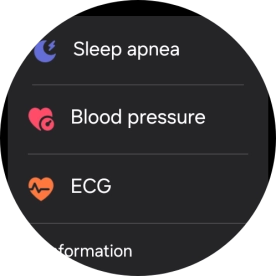
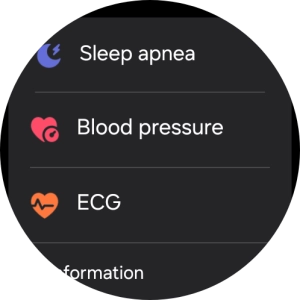
Press Blood pressure and follow the instructions on the screen to measure your blood pressure.
Press ECG and follow the instructions on the screen to use the ECG function.
Press the Home key to return to the home screen.
Slide your finger left on the screen.
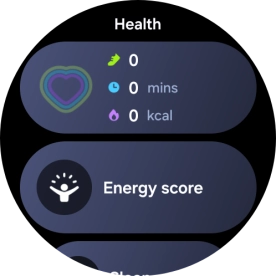
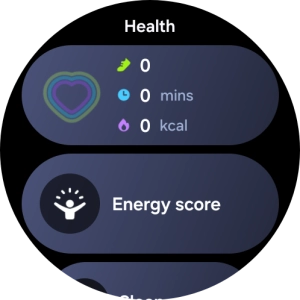
Press the Daily Activity icon.
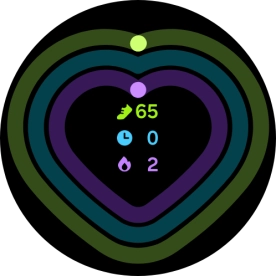
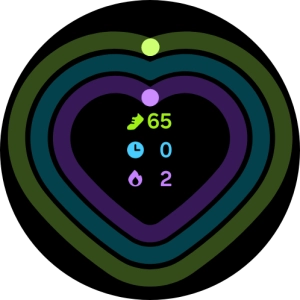
In the Daily Activity app, you can see how far you are from completing your daily activity goals.
Press the Home key to return to the home screen.
Slide your finger left on the screen.
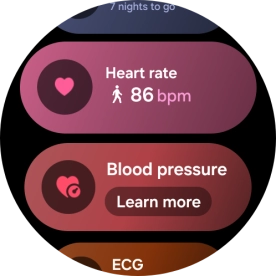
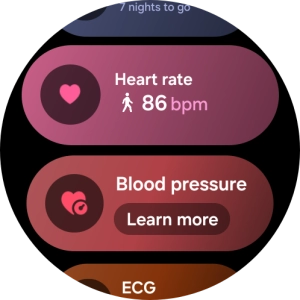
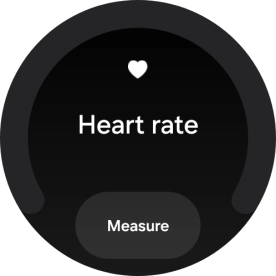
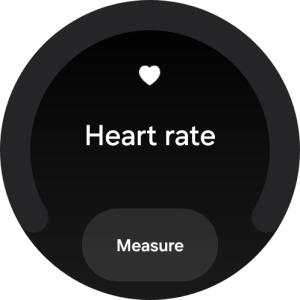
Press Heart rate.
Press Measure and wait while the smartwatch measures your heart rate.
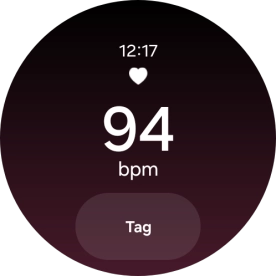
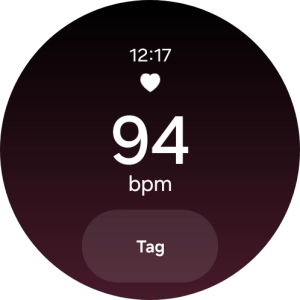
Press Tag.
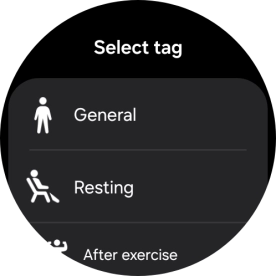
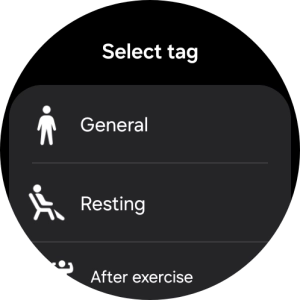
Press the required setting.
Press the Home key to return to the home screen.
Slide your finger left on the screen twice.
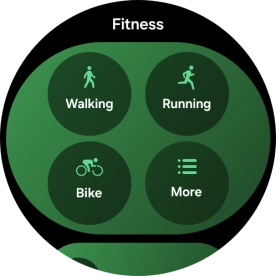
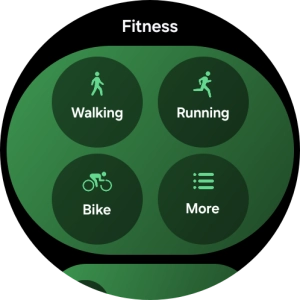
Press More.
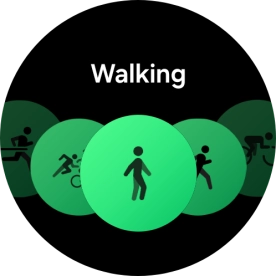
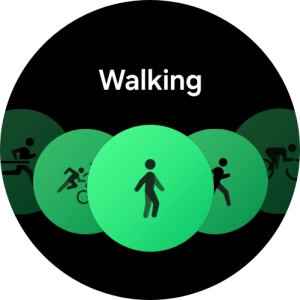
Slide your finger right or left to select the required activity.
Press the required activity.
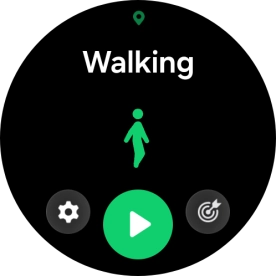
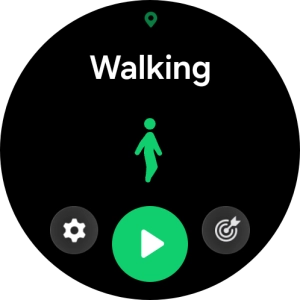
Press the goal icon.
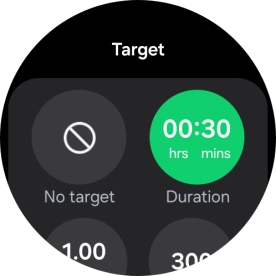
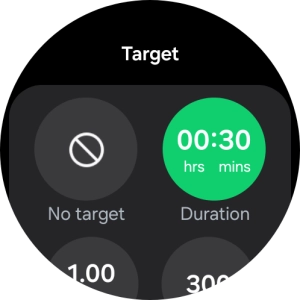
Follow the instructions on the screen to set the required goals.
Press the Return key.
Press the start icon to start the activity.
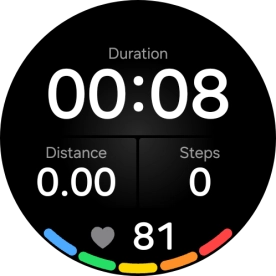
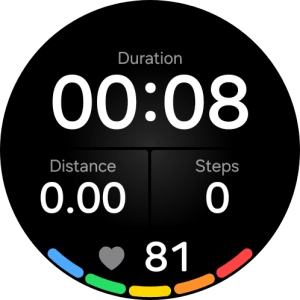
Press the Return key to pause an activity.
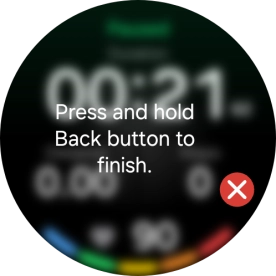
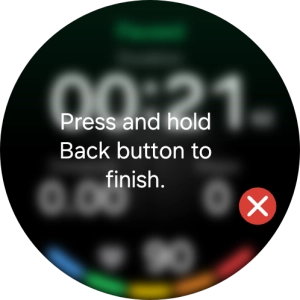
Press and hold the Return key to end an activity.
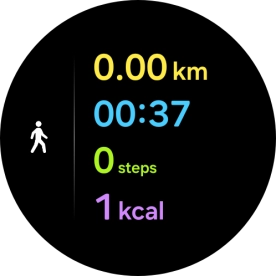
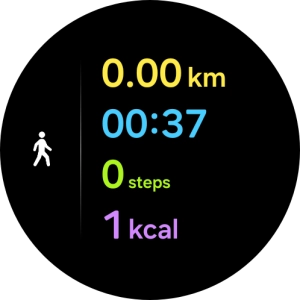
Press the Home key to return to the home screen.