Help
Device guides
Samsung
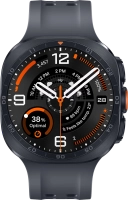
Galaxy Watch Ultra2

Samsung Galaxy Watch Ultra2
f-1c46df4f-4ba6-4978-8978-ad6c28f3a161
f-3f046cc9-1ab3-4f59-9f34-d02f877648b8
f-40e668aa-88e6-4a97-ab8c-486da68c7244
f-bc4ad4f2-a2ce-4840-b1ed-53ac95f7d187
f-092fcb82-311a-4848-b25f-1288e4302356
f-1c6890b3-719f-40af-bea2-35c66d0d93b0
f-571e6a84-38ae-4770-b7e9-ae2232818a99
  • Device home
  • Getting started
  • Basic functions
  • Calls, contacts, messaging
  • Connectivity
  • Specifications
  • Device home
  • Getting started
  • Basic functions
  • Calls, contacts, messaging
  • Connectivity
  • Specifications

Reading text message

See how to read a text message on your smartwatch.
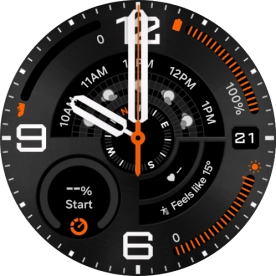
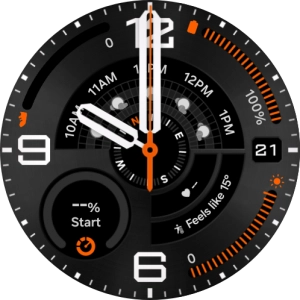
Slide your finger upwards starting from the bottom of the screen.
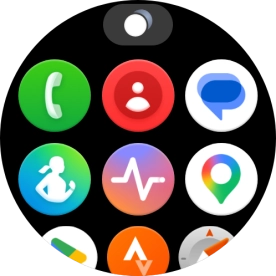
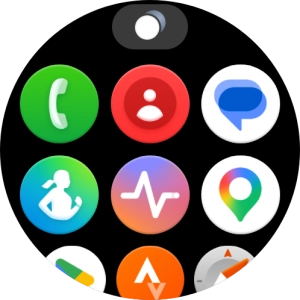
Step 1 of 12

Slide your finger upwards starting from the bottom of the screen.

Press the message icon.
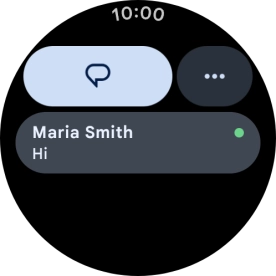
Step 2 of 12

Press the message icon.

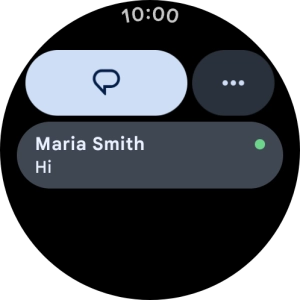
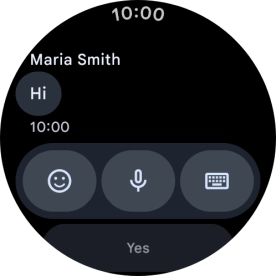
Press the required text message to read it.
Step 3 of 12

Press the required text message to read it.

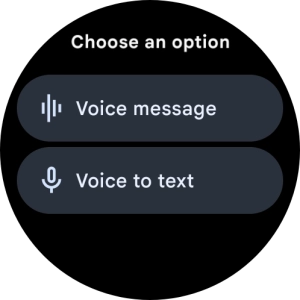
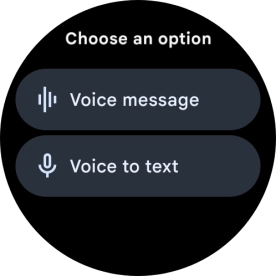
Press the microphone icon.
Step 4 of 12

Press the microphone icon.

Press the required setting and follow the instructions on the screen to record and send the required reply.
Step 5 of 12

Press the required setting and follow the instructions on the screen to record and send the required reply.

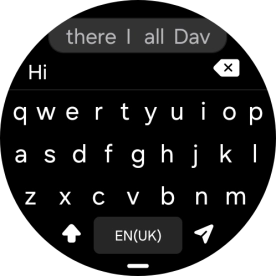
Press the keypad icon and key in the required text.
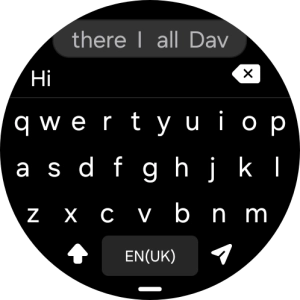
Step 6 of 12

Press the keypad icon and key in the required text.

Press the send icon.
Step 7 of 12

Press the send icon.

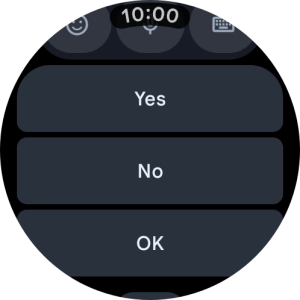
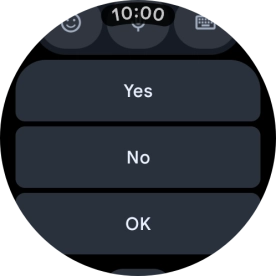
Press the required reply.
Step 8 of 12

Press the required reply.

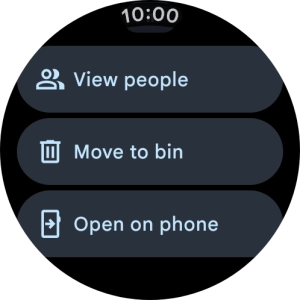
Slide your finger upwards on the screen.
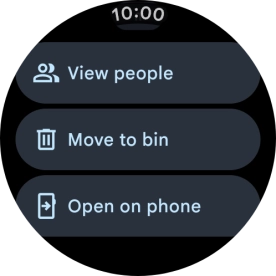
Step 9 of 12

Slide your finger upwards on the screen.

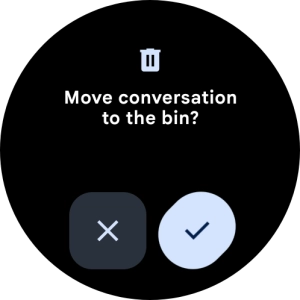
Press Move to bin.
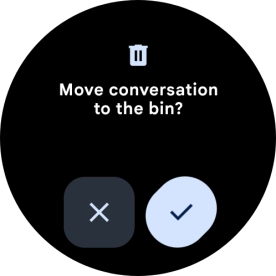
Press Move to bin.
Step 10 of 12

Press Move to bin.

Press the confirm icon.
Step 11 of 12

Press the confirm icon.

Press the Home key to return to the home screen.
Step 12 of 12

Press the Home key to return to the home screen.

Get information on...

Or choose...

Show more