Samsung Galaxy Watch Ultra2
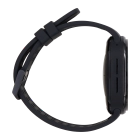
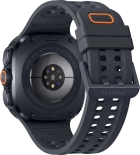

Selecting accessibility settings
You can select various help function settings for screen, sound and interaction making it easier to use the smartwatch functions.
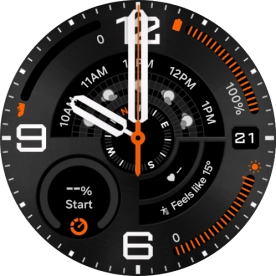
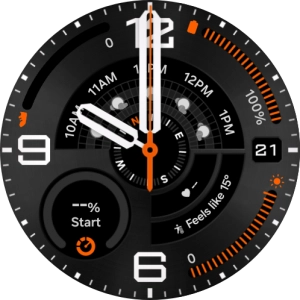
Slide your finger upwards starting from the bottom of the screen.
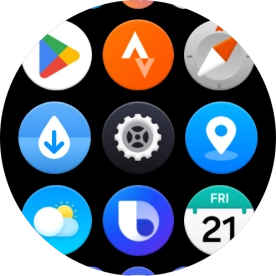
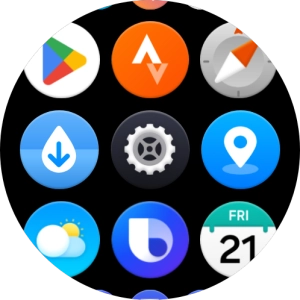
Press the settings icon.
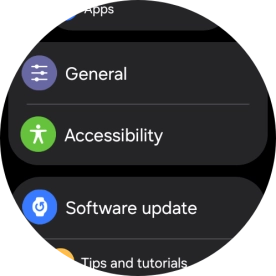
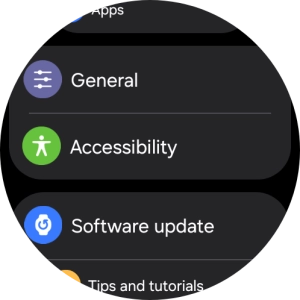
Press Accessibility.
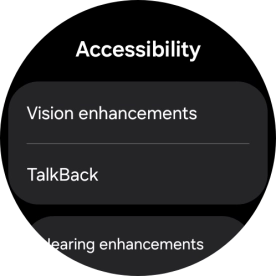
Press Vision enhancements and follow the instructions on the screen to select the required settings.
Press TalkBack and follow the instructions on the screen to turn the function on or off.
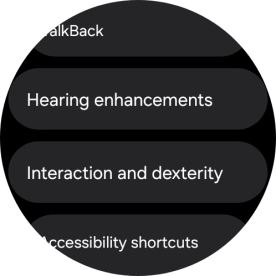
Press Hearing enhancements and follow the instructions on the screen to select the required settings.
Press Interaction and dexterity and follow the instructions on the screen to select the required settings.
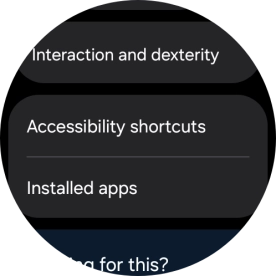
Press Accessibility shortcuts and follow the instructions on the screen to select the required settings.
Press Installed apps and follow the instructions on the screen to select the required settings.
Press the Home key to return to the home screen.