Help
Device guides
Samsung
Galaxy Z Flip7 FE

Samsung Galaxy Z Flip7 FE

f-d0956f4f-c453-42bf-8bc7-49431b6d1052
f-12226dc9-ac9f-4454-9791-75acc499dabd
f-5c9305be-c85d-44c5-b56b-efc9f6a9cb00
f-d3417c21-b69c-406b-b6f0-4515f239882e
f-bf6ad10e-fc9c-4dad-869f-0cb37069d5d4
f-25a90496-feed-4dd2-9a06-8b83b924a717
  • Device home
  • Getting started
  • Basic functions
  • Calls, contacts, messaging
  • Connectivity
  • Specifications
  • Device home
  • Getting started
  • Basic functions
  • Calls, contacts, messaging
  • Connectivity
  • Specifications

Diverting calls to voicemail

To receive voice messages, you need to divert your calls to your voicemail.

Press the call icon.
Step 1 of 8

Press the call icon.

Press the menu icon.
Step 2 of 8

Press the menu icon.

Press Settings.
Press Settings.
Step 3 of 8

Press Settings.

Press Supplementary services.
Step 4 of 8

Press Supplementary services.

Press Call forwarding.
Step 5 of 8

Press Call forwarding.

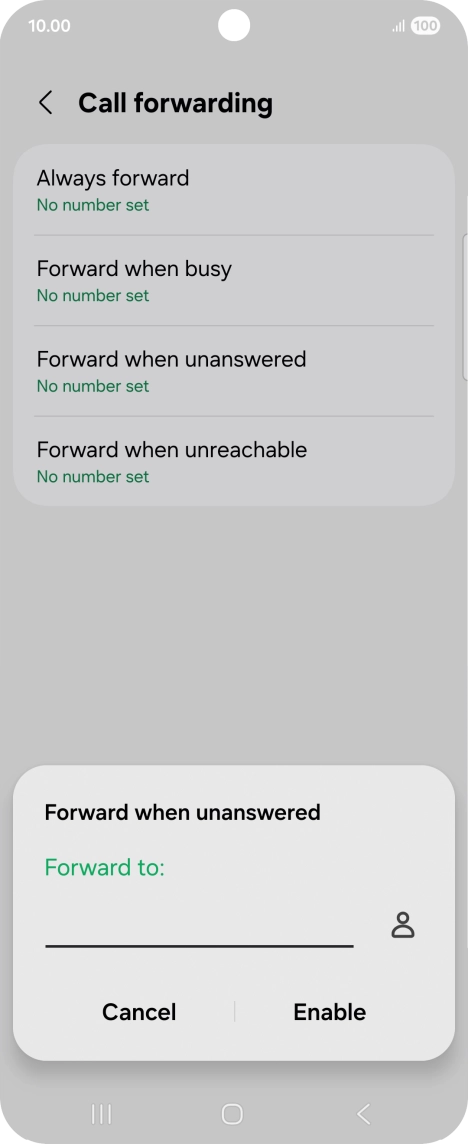
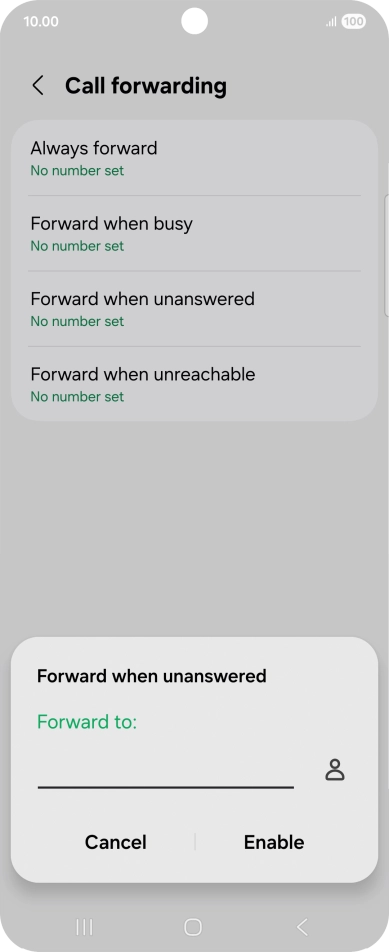
Press the required divert type.
Step 6 of 8

Press the required divert type.

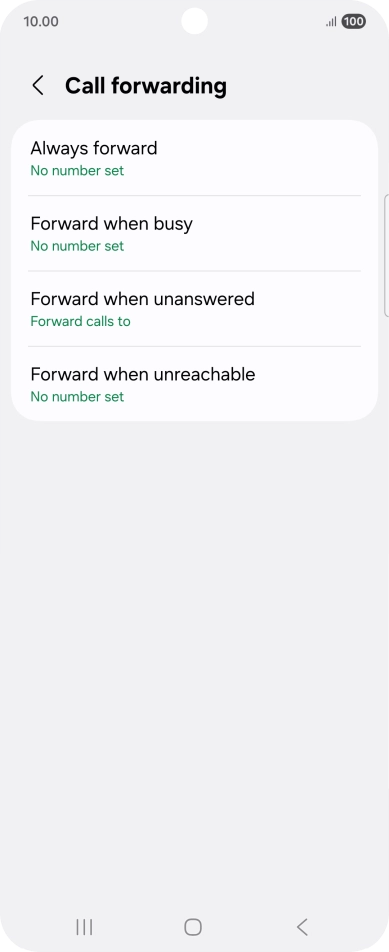
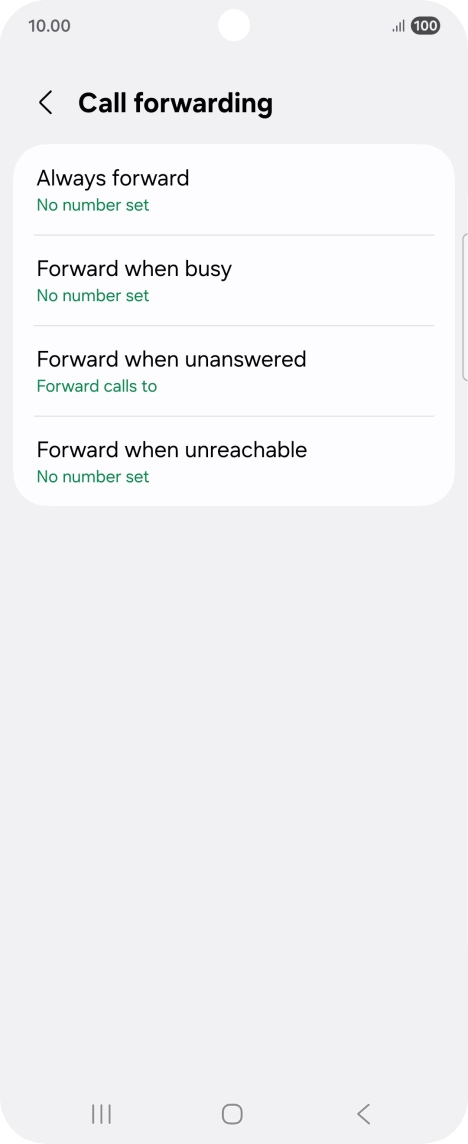
Key in +447953222222 and press Enable.
+447953222222
Key in +447953222222 and press Enable.
+447953222222
Step 7 of 8

Key in +447953222222 and press Enable.

Press the Home key to return to the home screen.
Step 8 of 8

Press the Home key to return to the home screen.

Get information on...

Or choose...

Show more